A comfortable workstation is a relationship among the person, desk, screen, inputs and chair rather than a single purchase. To build a South African workstation with a mesh chair, map the fixed equipment first and then tune support around real tasks. The R7,399 E3 Air adds a high-density mesh seat and broad adjustment options to that process.
Quick Answer
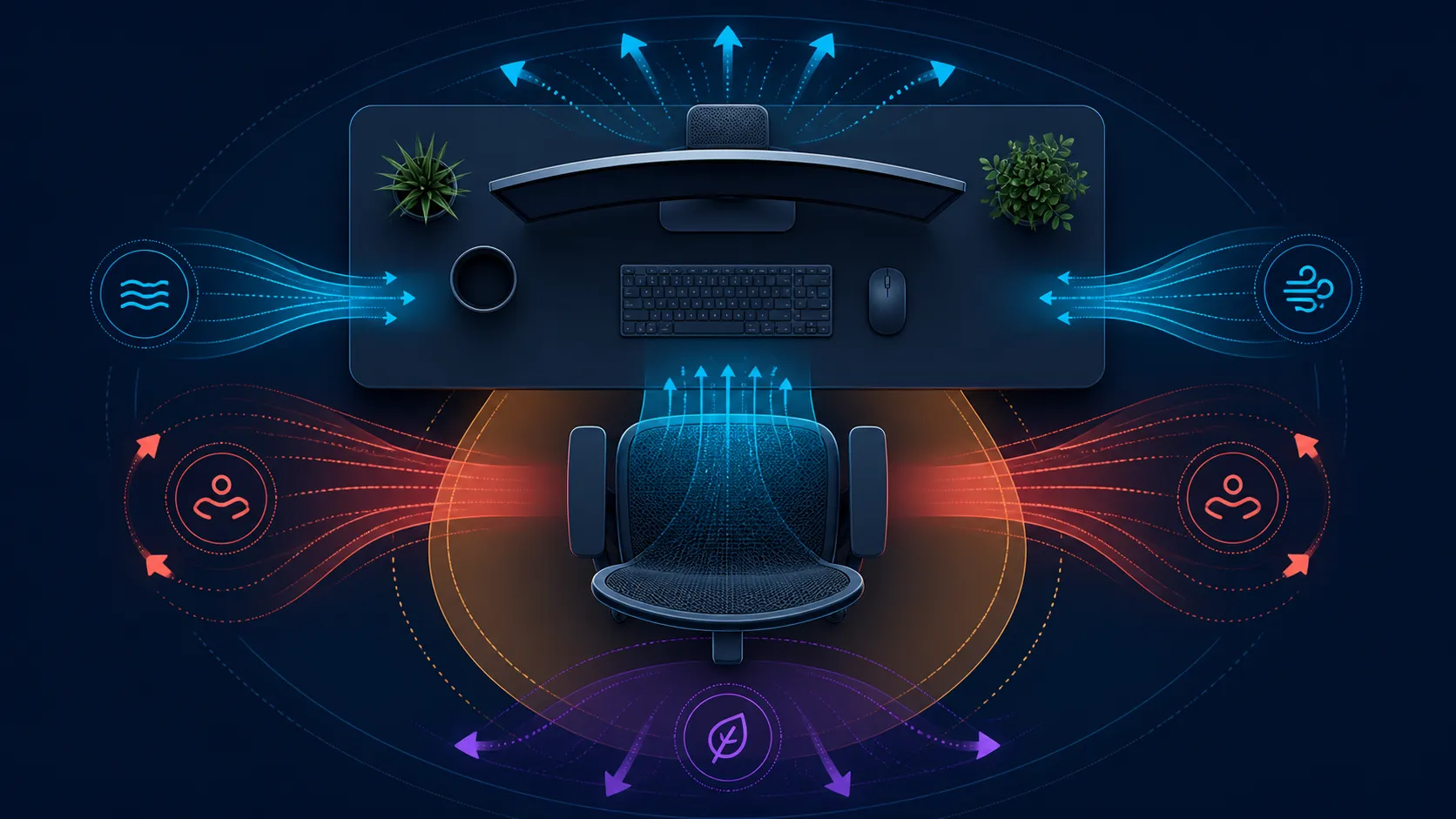
A comfortable South African workstation can use the E3 Air's four-way elastic CloudMesh, six-level Auto-Wrap lumbar, XYZ arms and ranged headrest around the desk.
Position the screen, keyboard and mouse for the user, bring the chair into that work zone and evaluate its seat plus lower-back contact before changing upper supports. The R7,399 E3 Air offers mesh seating, three-zone auto-wrap lumbar and a 150kg maximum. Comfort remains individual and should be checked over time.
🗺️ Draw the workstation footprint
Measure the desk opening, main viewing distance, input area and free space behind the chair. Include the route used to enter and leave the seat. Measure the exact E3 Air dimensions rather than estimating them from an image or recline figure.
Place the screen and devices before the chair settings. From a good baseline, the work remains within reach while the user stays against support and keeps the shoulders settled. Mark the preferred chair-to-desk relationship if the setup moves often.
Browse Evetech's HBADA office-chair category once the floor plan and user requirements are ready.
🧵 Evaluate the mesh foundation
The E3 Air seat combines high-density mesh construction with a cloud-like design. Those details cannot guarantee softness, airflow or sustained comfort. Use a normal task, recording the experience near the beginning and again toward the end of the work period.
Above the seat, lumbar contact is divided into three zones across an 80-degree wrap. Assess centre and side contact once the body settles. User weight is limited to 150kg, a capacity boundary that cannot replace dimensional fit.
🎯 Align support with each tool
Set the headrest's 40mm height, 70mm depth and dual rotations around the established screen view. Then use the arms' XYZ alignment, full swivel and synchro-tilt around each forearm task. Typing and mouse work can need different arrangements.
The backrest reaches 140 degrees, which creates an optional changed-angle mode when the room allows. Learn the controls and define the break activity before reclining. The steel five-star base still needs clear floor space throughout the movement.
Repeat the room, time and task checks throughout Evetech's wider office-chair selection. A workable South African setup is one the owner can restore each day, not a collection of randomly adjusted features.
Test the workstation at the beginning and end of a normal work block, including the route used to sit down and leave. Cables, storage and nearby furniture should remain clear without a daily obstacle course. Photograph or sketch the final equipment positions as a reset aid, not a permanent prescription. The reference becomes useful after cleaning, shared use or a temporary desk change because it lets the owner recover the proven relationship before refining smaller adjustments.
Update the reference only when a permanent device moves, not after every ordinary posture change.
Start with screen and input position, then set lumbar depth within 30mm, align arms and adjust head contact. The 150kg maximum and SGS Class-4 safety establish boundaries, while three recline bands support work and breaks.
Keep one recline band associated with a clear break activity so deeper angles do not drift into normal typing.
Frequently Asked Questions
What should anchor the layout?
Begin with the intended user, screen view, desk opening and input positions. Those fixed relationships tell the chair what job it needs to perform.
Which seating surface supports daily use?
On this chair, the mesh seat has a high-density design and cloud-like description. Test it through the routine because the wording cannot guarantee comfort.
How does lumbar support enter the workstation?
Once the chair is aligned, assess its three-zone 80-degree auto-wrap contact during normal work. Keep other adjustments still for that pass.
What head and arm adjustments are included?
The dual-axis headrest provides 4D positioning around the display. Mechanical arm supports add 360-degree omni-motion around the input tools.
Can the back angle change?
Yes, the chair reaches a 140-degree maximum recline. Check controls and room clearance without assuming intermediate lock positions.
Which capacity applies to the workstation user?
No user should exceed 150kg in this chair. Staying inside that ceiling is essential, while seat measurements and personal fit remain independent.
Does setup guarantee a comfortable outcome?
No. Comfort differs among people and tasks, and ongoing symptoms need appropriate professional assessment rather than a chair-feature promise.
Ready to make every workstation element answer the same routine?
Explore Evetech office chairs with the floor plan, input positions and intended work period already mapped.