



550W PSU Planning for RTX 5080 Super Builds in SA
550W for RTX 5080 Super needs a full-build check, not a simple yes. Review GPU guidance, CPU draw, transient load, connectors, PSU quality, and upgrade plans before deciding.
Read moreCustomise an arcade fightstick by designing artwork for its faceplate while keeping every control area clear. The R1,799 GameSir C2 has a customisable artwork faceplate, letting its visual design change without claiming broader part compatibility.
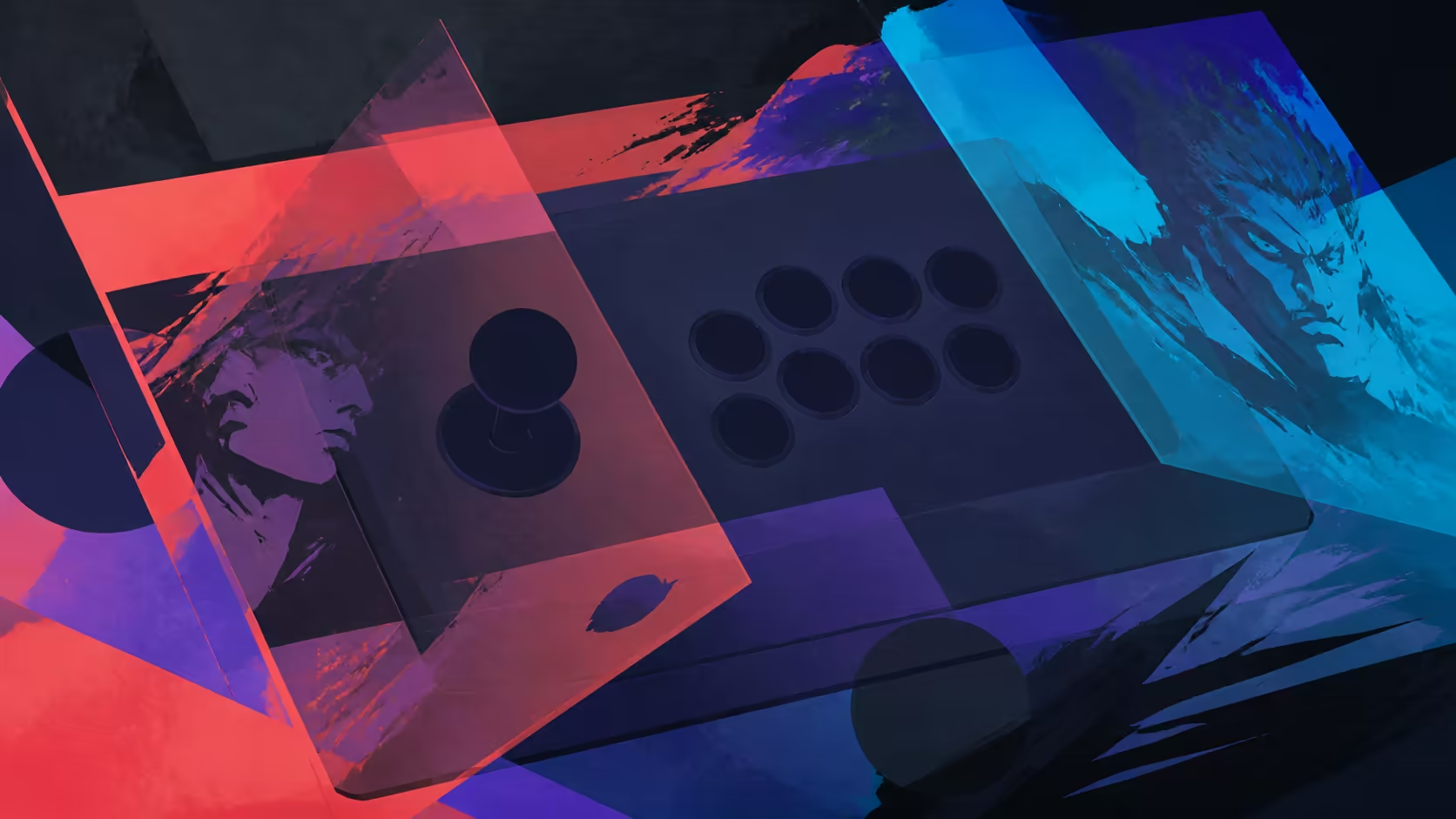
Personal artwork can make a shared control layout unmistakably yours, but a good design must still respect every functional area. The custom arcade fightstick faceplate on the GameSir C2 provides the visual surface; careful preparation keeps the controls readable and unobstructed.
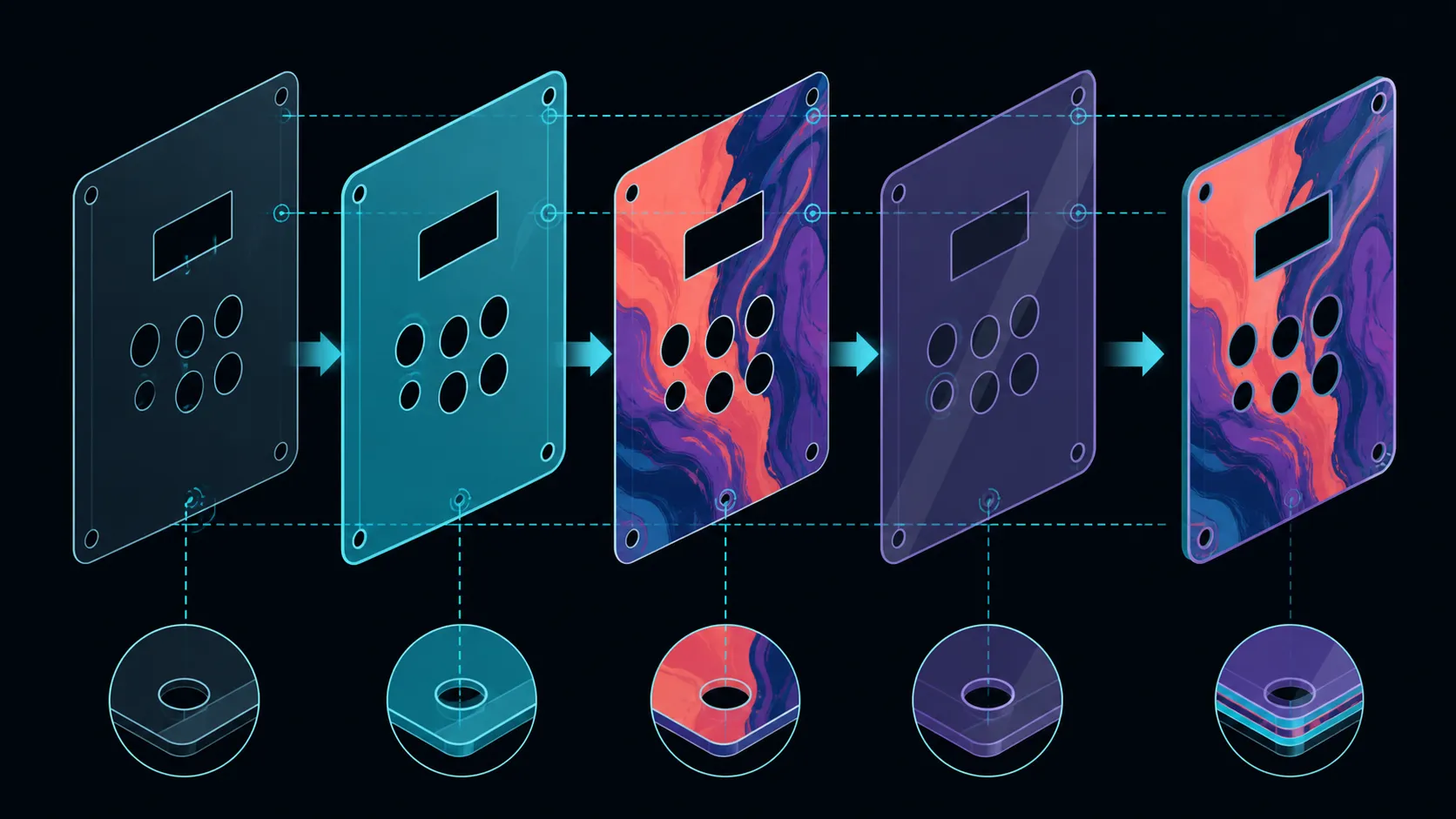
The C2 accepts printed artwork beneath a liftable clear acrylic panel, protecting the design while allowing later replacement.
Create artwork for the C2 faceplate by planning around the lever, buttons and any visible labels, then verify the model-specific fit before producing the final piece. The faceplate supports artwork customisation and the fightstick costs R1,799. That feature alone does not prove how the panel attaches or which hardware modifications fit beneath it.
Start with the functional zones rather than the illustration. Mark the lever area, action-button positions and any other section that must remain readable. A strong graphic can cross the visual field, but important faces, lettering or focal details should not disappear beneath controls.
Use a rough paper or digital mock-up to judge balance. Work at a comfortable preview scale, then obtain and confirm the exact model dimensions or pattern through a reliable C2-specific reference before final output. The faceplate supports artwork, but no universal template size should be assumed.
For comparisons with other controller shapes, browse the gaming-controller collection and pay attention to how each layout changes the usable art area.
Artwork design and faceplate removal are different tasks. Finish the image file first: check orientation, edge treatment, colour contrast and whether all required openings remain clear. Do not infer an attachment method, replacement procedure or material merely because the surface accepts personal artwork.
Before any physical work, consult instructions specific to the GameSir C2. If a step is not documented clearly, pause rather than forcing a panel or borrowing a method from another fightstick. Similar arcade layouts can still use different fasteners, layers and tolerances.
First inspect the artwork as a flat composition. Confirm that the main image reads properly and that any intentional blank areas feel balanced. Then simulate the installed view by overlaying the visible control positions. This second pass exposes details that looked fine on a canvas but collide with the arcade layout.
The C2 uses Sanwa Denshi parts, yet the maker identity does not reveal a specific lever model, button dimensions or replacement compatibility. Base the cut and clearance plan on confirmed C2 measurements rather than a brand-shaped guess.
If the project needs display stands, protective storage or other surrounding items, use Evetech's gaming-accessory range to compare practical additions after the artwork plan is settled.
After fitting artwork by the documented method, inspect every control boundary visually before reconnecting the fightstick. Nothing should obscure a label, crowd a moving control or make the key lock and directional selector difficult to identify.
Run a normal input check on PS4, Xbox One or PC, all supported by the C2. New graphics should change appearance, not the tested platform behaviour. If an input differs, stop and inspect the work instead of compensating through unrelated settings.
Its full panel measures within a 400 x 250mm footprint, but the artwork must be cut around the Sanwa lever, buttons and any control labels. Print a paper proof first, align every opening, then lift the rigid acrylic only by the documented handling method.
Keep a spare uncut print as a reference for colours, openings and later revisions.
Its faceplate is designed for custom artwork. That supports a visual change while leaving claims about internal modifications or third-party panels to separate checks.
Only use a pattern after confirming that it matches the exact GameSir C2. A template for another arcade controller may place openings or edges differently.
Overlay the control positions during the proof stage and move focal elements into clear zones. Treat the working controls as fixed boundaries for the composition.
No such conclusion follows. Visual faceplate customisation does not establish a button-change method, switch standard or compatible replacement list.
No. The C2 remains compatible with Switch, PC, the PS4/PS5 pair and Microsoft's Xbox One or Series X/S hardware; the artwork concerns its exterior appearance rather than platform support.
The GameSir C2 costs R1,799. Include any separately sourced production materials in the project plan before deciding the full customisation budget.
Ready to plan an arcade controller with a personal look? Compare Evetech's controllers and accessories while keeping confirmed fit details at the centre of the artwork project.
Its faceplate is designed for custom artwork. That supports a visual change while leaving claims about internal modifications or third-party panels to separate checks.
Only use a pattern after confirming that it matches the exact GameSir C2. A template for another arcade controller may place openings or edges differently.
Overlay the control positions during the proof stage and move focal elements into clear zones. Treat the working controls as fixed boundaries for the composition.
No such conclusion follows. Visual faceplate customisation does not establish a button-change method, switch standard or compatible replacement list.
No. The C2 remains compatible with Switch, PC, the PS4/PS5 pair and Microsoft's Xbox One or Series X/S hardware; the artwork concerns its exterior appearance rather than platform support.
The GameSir C2 costs R1,799. Include any separately sourced production materials in the project plan before deciding the full customisation budget.
550W for RTX 5080 Super needs a full-build check, not a simple yes. Review GPU guidance, CPU draw, transient load, connectors, PSU quality, and upgrade plans before deciding.
Read more
8000Hz polling is overrated for most SA gamers because gains can be tiny next to battery drain and monitor limits. Mbombela players should weigh mouse feel, game support, and system stability before chasing the number.
Read more
Magnetic switches are taking over SA gaming keyboards because actuation can be tuned. For Sandton gamers, rapid trigger, reset control, and profile depth can help, but layout, key feel, and software quality still matter.
Read more
Polokwane oled monitor value questions need cautious SA context because pricing can move with availability, exchange rates, specs, and warranty support. Treat the trend as a planning signal, not a fixed price promise.
Read more
Arc B580 budget builds for Midrand gamers can shift with exchange rates, supply, specs, and model tier. Treat the title as a buying prompt, then compare SA warranty, timing, and build priorities.
Read more
ROG Ally X may beat the LCD Steam Deck for SA gamers who value stronger handheld performance, more memory, and Windows flexibility. Compare battery life, controls, game libraries, and Polokwane support needs before deciding.
Read more
Minisforum's M2 Pro pairs Core Ultra X7, Arc B390 graphics and 32GB onboard memory in 1.8 litres. SA buyers should weigh its fixed memory and $1,439 launch offer against local mini PCs.

Lenovo says Legion Go failures linked to BIOS N3CN42WW are not user error. Affected SA owners should stop retrying the update, preserve proof and open a support case.

Smart monitors can add apps and convenience, but they also add privacy settings and unwanted-software risk. SA buyers should audit the operating system before paying for extras.

A fake 113GB GTA VI ISO reportedly used empty padding around a small malware payload. SA gamers should delete unofficial builds, keep Windows security active and wait for official channels.

ASUS calls the ROG GT-BN98 the first Wi-Fi 8 gaming router. SA buyers should fix coverage and client limits before paying for a future wireless standard.

Apple's M6 Mac mini adds faster AI, graphics and networking in the same compact format. SA buyers should wait for a rand listing before comparing value.

The Vulcan II XP adds hot-swappable switches, sound damping and gaming controls to a full-size wired board. SA buyers should compare feel before features.

Microsoft says Windows on Arm now has over 7,000 verified apps and games. SA buyers should still check each driver, game and work tool before switching.

Xbox Insiders can test disc-to-digital from 31 August 2026. Supported Xbox One and Series X discs gain a digital entitlement, but older discs, regions and title coverage still need exact checks.

ViewSonic's XG2738 pairs QHD QD-OLED with 240Hz and automatic panel care. SA buyers should compare warranty, brightness, ports and burn-in protection against today's R9,999-plus OLED shelf.

NVIDIA's final Windows 10 Game Ready driver is due in October 2026. SA gamers can keep using their GPU, but new game optimisations move on while critical security fixes continue quarterly.

JBL's new Quantum 520, 520X and 120 headsets cover wireless, Xbox-certified and wired use. SA buyers should compare connection, comfort and microphone needs before paying for a new badge.