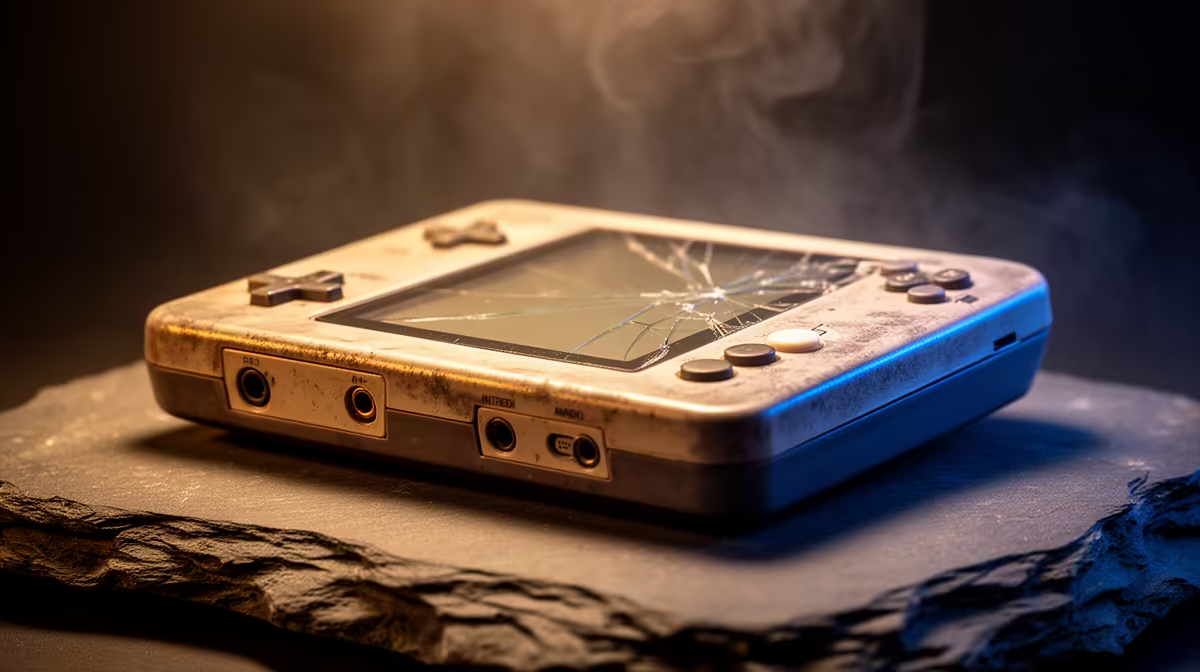
A dark screen and an unresponsive power button on a retro handheld sets off panic that is usually misplaced. A retro handheld that won't turn on or charge is far more often the victim of a tired cable, a flat battery or a corrupted boot card than a dead device. Most of these machines run their entire system from a removable microSD card, which means the fix is frequently a five-minute check rather than a repair.
Quick Answer
Start with the cable and charger. Swap in a short, known-good USB-C cable and a 5V/2A charging head, then leave the handheld plugged in for 30 to 60 minutes before trying a long-press start. A completely flat battery, a worn cable or a corrupted system microSD card are the three most common causes, and all three are easy to test at home.
Rule out the cable and charger first
The single most common culprit is the cheapest part in the kit. Long, thin or worn USB-C cables cause silent charging failures where the device draws no power and gives no sign of life. Use a short cable you know works, ideally one that has charged something else recently, paired with a proper 5V/2A charger rather than a weak laptop port.
Plug in and watch closely for any LED change, a flicker on the screen or gentle warmth near the charge port. Any of those signs means power is reaching the board, which already narrows the problem considerably.
Revive a fully drained battery
If the battery has gone completely flat, the handheld often will not boot the instant you connect it. The charging circuit needs time to bring the cell back to a usable level first. Leave the device plugged into a known-good charger for at least 30 to 60 minutes without touching it, then attempt a long press on the power button.
This step alone resolves a large share of dead handhelds. People assume the device is broken because nothing happens immediately, when in truth it simply needs patience to recover from a deep discharge.
Try a hard reset, then check the boot card
If power is clearly reaching the device but it still will not start, force a hard reset. Disconnect the charger, hold the power button for around 20 seconds, wait about 10 seconds for the power rails to drain, then press power once for a normal boot attempt. This clears a stuck state that can freeze the machine before the screen ever lights.
Should it still refuse to boot, suspect the microSD card. Because budget handhelds run the operating system from that card, a corrupted system card produces exactly this dead-on-arrival behaviour. Confirm the original system card is seated correctly, and if you have a way to reflash it, a fresh image often brings a seemingly bricked device straight back to life.
When it is time to stop
Some signs mean you should put safety first. If the handheld grows hot while charging, the shell looks swollen, or you see corrosion or signs of liquid damage near the battery, stop charging immediately and seek a replacement or professional repair. A swelling battery is not worth risking, and when a device is genuinely beyond saving, browsing the most popular gaming systems is a quick way to weigh a like-for-like replacement.
Frequently Asked Questions
Why does my handheld not turn on the moment I plug it in?
A deeply drained battery needs time to recharge before the device can boot. Leave it on a good 5V/2A charger for 30 to 60 minutes, then try a long press. Many handhelds that seem dead simply need that recovery window.
Could the microSD card really stop the device booting?
Yes. Most budget retro handhelds boot their operating system from the microSD card, so a corrupted card produces a black screen that looks like total failure. Reseating or reflashing the system card frequently fixes it.
What charger should I use for a retro handheld?
A 5V/2A charging head with a short, good-quality USB-C cable is ideal. Weak ports and long, worn cables cause silent charging failures, so matching the right charger and a fresh cable is the first thing to confirm.
When should I stop trying to revive it myself?
Stop the moment you notice the device getting hot while charging, the casing swelling, or any corrosion near the battery. Those point to a damaged cell, which is a safety risk, so seek a replacement or professional repair instead.
Most dead handhelds come back with a fresh cable, a patient charge and a quick boot-card check. If yours is truly past saving, browse the handheld gaming consoles at Evetech to find a reliable replacement.