Unlocking 144Hz in Baldur's Gate 3 with the RTX 4090 ⚡
South African gamers craving ultra-smooth action in Baldur’s Gate 3 know that hitting 144Hz refresh rate can transform gameplay. Yet, getting 144Hz on this demanding RPG with an RTX 4090 takes more than just plugging in a beastly GPU. If your display lags or refreshes flicker, you’re not alone. Let’s dive into how to unlock silky fluid frames on your RTX 4090 for Baldur's Gate 3 — keeping your gameplay sharp and your eyes happy.
Why 144Hz Matters for Baldur’s Gate 3 and RTX 4090 Power
Baldur’s Gate 3’s lush world and complex spells demand both raw power and smooth visuals. The RTX 4090 packs unparalleled horsepower, easily handling max settings. But to truly leverage that for 144Hz, your hardware and settings must sync perfectly.
A key point: a 144Hz refresh rate means your monitor redraws 144 times per second — a fast pace that sharpens animations and cuts motion blur. When paired with the RTX 4090’s output, you’ll feast on crisp frame transitions that expose every detail of Larian’s masterpiece.
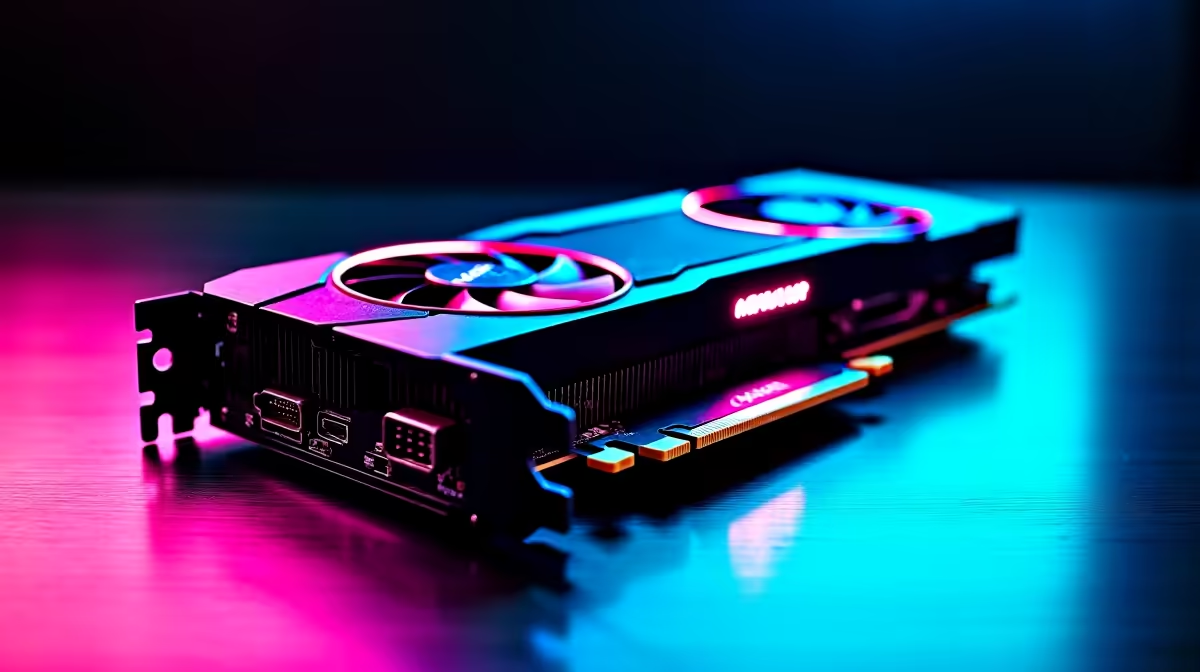
Many South Africans hunt for cost-effective ways to boost frame rates beyond basic specs. Finding the right graphics card for your rig is pivotal — check out the broad selection of graphics cards at Evetech to complement your setup without compromise.
How to Configure Your Setup to Get 144Hz in Baldur’s Gate 3
Step 1: Set Your Monitor to 144Hz
First, ensure Windows and your monitor settings are set to 144Hz:
- Right-click the desktop > Display Settings > Advanced Display Settings
- Check and select 144Hz under “Refresh rate”
- Use a DisplayPort cable where possible; HDMI may limit high refresh rates depending on version
Step 2: Tweak Nvidia Control Panel
The RTX 4090 benefits from direct Nvidia tweaks:
- Open Nvidia Control Panel > Manage 3D Settings > Program Settings
- Find Baldur’s Gate 3 and set “Max Frame Rate” to 144 or above
- Enable “G-SYNC” if your monitor supports it for tear-free visuals
Step 3: In-Game Settings Optimisation
Baldur’s Gate 3 offers control over graphics details:
- Adjust Shadow Quality or Effects to medium for stable high FPS
- Disable V-Sync in-game to prevent frame limiting; system-level options like G-SYNC handle tear control
- Use the latest game patches as Larian Studios often optimize performance
Looking for a high-spec gaming PC to effortlessly run Baldur’s Gate 3 at 144Hz with RTX 4090 power? Explore top gaming PC deals from Evetech designed with enthusiasts in mind.
Quick Fix for Frame Drops
If you experience sudden frame drops, check for background tasks draining resources. Close unneeded apps and update GPU drivers through the Nvidia GeForce Experience utility.
Building the Ideal Environment — Pre-Builts & Laptops for South African Gamers 🚀
Not everyone wants a DIY build. That’s where Evetech’s pre-built PC deals come into play — specifically crafted to extract max performance from GPUs like the RTX 4090. Pre-built rigs simplify getting 144Hz setups without trial and error.
If portability is key, don’t ignore South African laptop options offering RTX 4090-class graphics. Many models now pack displays with 144Hz panels, delivering top Baldur’s Gate 3 visuals on the go.
Finally, keep up with Evetech’s latest specials for timely deals that ensure your rig upgrades stay within budget.
Final Thoughts on Maximising 144Hz with the RTX 4090 for Baldur’s Gate 3
Championing 144Hz gameplay in Baldur’s Gate 3 on an RTX 4090 is about blending hardware quality with fine-tuned settings. From ensuring your monitor runs at the right refresh rate to optimising Nvidia options and in-game settings, you can harness this Nvidia powerhouse fully.
With Evetech’s wide selection and savvy buying options, South African gamers can hit that 144Hz sweet spot fast and efficiently. Your next step is just a click away...⚙️
Ready to Upgrade Your Gaming Setup?
Unleash 144Hz performance in Baldur’s Gate 3 with a rig designed around the RTX 4090. Shop now at Evetech for performance that leaves lag in the dust.