



How to Fix FPS Drops on an RTX 5090 Build
FPS drops on an RTX 5090 build often have a fixable cause. Check settings, drivers, thermals, background tasks, network conditions, and bottlenecks before assuming a part must be replaced.
Read moreGet 144Hz in Elden Ring on RTX 4090. Step-by-step instructions with SA-specific tips, common pitfalls to avoid & expert recommendations.
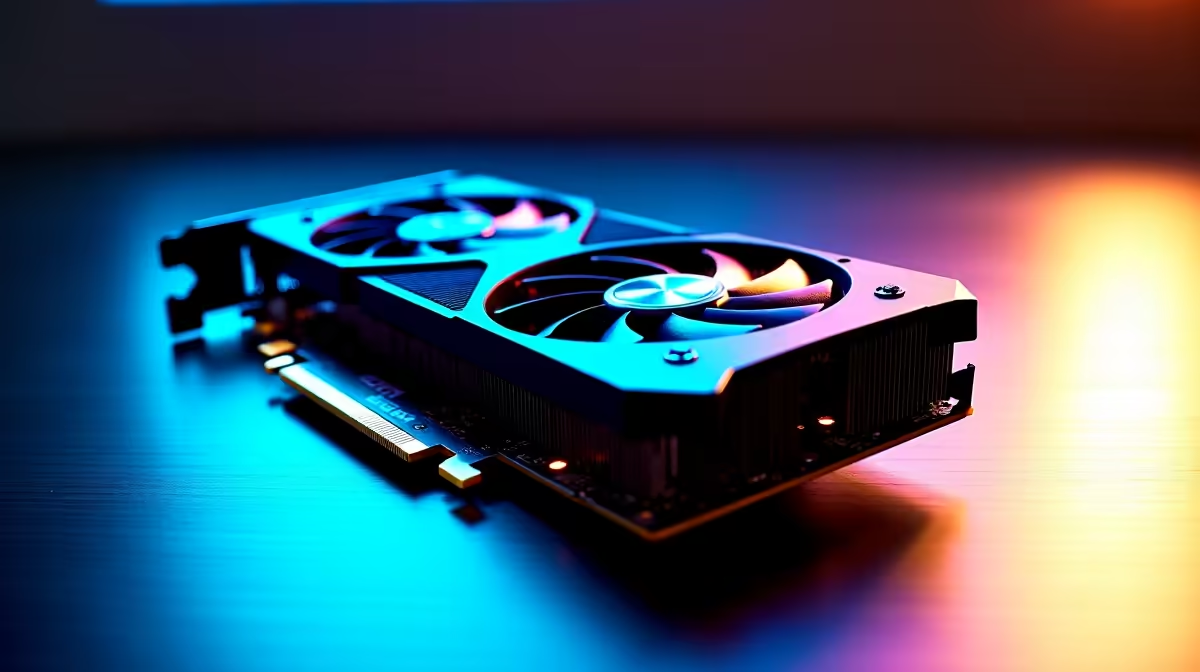
If you're chasing silky-smooth combat in Elden Ring, hitting 144Hz on an RTX 4090 is music to any gamer's ears. 🇿🇦 South Africa’s gaming scene is thriving, and with a powerhouse GPU like the RTX 4090, you want that buttery frame rate plus stunning visuals. But how do you actually enable 144Hz without hiccups? This guide breaks down the essentials to help you dominate every boss fight with fluid agility.
First, confirm your monitor supports native 144Hz or higher refresh rates. Many gamers opt for high-refresh panels to match their GPU's output. Connect using a DisplayPort cable for best results — HDMI 2.1 can work but DisplayPort 1.4b is the gold standard here.
Next, ensure Windows display settings reflect 144Hz under “Advanced display settings.” If you don’t see 144Hz as an option, your monitor or cable might not support it.
For an optimised rig, consider browsing Evetech’s best gaming PC deals for combos that include 144Hz-ready monitors and powerful RTX 4090 setups.
Open the Nvidia Control Panel and head to “Manage 3D settings.” Set “Power management mode” to “Prefer maximum performance” — this stops your GPU from downclocking during intense fights.
Turn off V-Sync if you want raw frame rates over synced visuals (though some players prefer V-Sync to reduce tearing). Enable “G-SYNC Compatible” if your display supports it for smooth but tear-free gameplay.
Also, check “Display” > “Change resolution” and confirm 144Hz is the selected refresh rate. Don’t forget to update your GPU drivers from the latest releases for the RTX 4090 — Evetech stocks all top graphics cards right here with South African warranty and support.
Within Elden Ring’s graphics menu, lower settings that hinder your frame rate like shadows or effects quality while keeping resolution high. Prioritising frame rate helps maintain that 144Hz smoothness during tough boss fights.
Disabling motion blur and screen effects can also sharpen clarity. Use Fullscreen mode instead of Borderless Window for better performance with high refresh rates.
Reducing unnecessary background apps can free RAM and CPU cycles, pushing frames higher. Disable overlays and recorders when speed matters most.
For gamers on the go or those who prefer laptop gaming, check out Evetech’s range of notebooks for sale in South Africa featuring RTX 4090 variants. These machines pack desktop-level power with portability for seamless 144Hz Elden Ring sessions.
Also, keep an eye on the latest specials for deals on gaming accessories and parts — ideal if you want to upgrade your setup without breaking the bank.
Finally, for those who want a plug-and-play solution, Evetech’s pre-built PC deals come ready to handle 144Hz Elden Ring on RTX 4090 with optimal cooling and power delivery.
Upgrade to 144Hz Gaming Now Experience ultra-smooth Elden Ring runs with rigs built for speed. Shop now at Evetech for performance that leaves lag in the dust.
How to Get 144Hz in Elden Ring on RTX 40 available at Evetech.co.za with local warranty and fast delivery.
How to Get 144Hz in Elden Ring on RTX 40 - check Evetech for latest stock and SA pricing.
Depends on your use case. How to Get 144Hz in Elden Ring offers good value at current Rand pricing.
FPS drops on an RTX 5090 build often have a fixable cause. Check settings, drivers, thermals, background tasks, network conditions, and bottlenecks before assuming a part must be replaced.
Read more
How to fix low FPS on 240Hz monitor starts with refresh rate, GPU load, and game caps. In South Africa, also check power mode, thermals, and display cable quality before assuming your PC cannot keep up.
Read more
31.5-inch 4K OLED gives SA gamers sharp work space and rich contrast for play. It suits buyers who want one high-end display for study, streaming, or editing by day, then immersive gaming after hours. Check desk depth and panel care first.
Read more
All-in-One PCs are niche in SA because they package the display and desktop into one tidy unit. That helps with space and setup, but SA buyers should weigh repair access, upgrade limits, monitor choice, and gaming expectations.
Read more
All-in-One PCs are niche in SA because the neat design comes with upgrade, repair, and performance trade-offs. They appeal to tidy desks and shared spaces, but buyers often compare them against laptops, towers, and separate monitors.
Read more
ARGB Cases In Mid-Tier SA Builds can change budget, compatibility or upgrade plans. SA PC builders should compare fit, warranty, platform needs and real workload value before committing.
Read more
Pre-Black Friday AIO cooler needs practical checks before buyers act. Build the shortlist around specs, warranty, fit, and real discount checks before campaign prices or ranges change. Keep it guide-safe for South African readers.

Used parts can lower the build cost, while buying new gives the SA warranty angle named in the title.

Choosing the right USB-C hub is essential for a clean, efficient desk setup. 🖥️ Discover exactly how many ports you need to replace your bulky desktop docking station without sacrificing performance or connectivity. ⚡

Black Friday Gaming PC Wait can help if your PC need is flexible. On a R5,000 SA budget, compare deal risk, component balance, warranty, and timing before waiting.

A recovery drive and system restore points turn a failed driver or BIOS update on a gaming pc from a full reinstall into a five-minute fix. Setting both up takes about 15 minutes, and Evetech recommends doing it the week you unbox a new build, before tweaking drivers.

RTX 5090 with a 1000W PSU is a strong compatibility target for high-end builds. SA buyers should still match the exact PSU quality, connector support, CPU choice, case airflow, and upgrade needs to the final system.

RTX 5090 on a 1000W PSU offers the best headroom in this PSU tier set. SA builders can plan more confidently for top-tier CPUs, cooling, and cautious OC, while still checking cable support and total system load.

A 550W PSU is a risky fit for an RTX 5080 Super system in SA unless guidance and demand support it. Check CPU draw, cabling, PSU age, cooling, and upgrade margin before deciding whether the setup is safe enough.
FPS drops on an RTX 5090 build often have a fixable cause. Check settings, drivers, thermals, background tasks, network conditions, and bottlenecks before assuming a part must be replaced.

The real world difference between PCIe 5.0 and PCIe 4.0 in competitive esports is rarely raw FPS. SA esports players should compare GPU lane needs, CPU limits, latency goals, and NVMe loading before upgrading.
How to fix low FPS on 240Hz monitor starts with refresh rate, GPU load, and game caps. In South Africa, also check power mode, thermals, and display cable quality before assuming your PC cannot keep up.

PCIe 5.0 vs PCIe 4.0 for aAA single-player gaming buyers - what changes is mostly about compatibility, budget, upgrade path, and setup fit. SA buyers should check device support and real needs before expecting a clear win from either option.