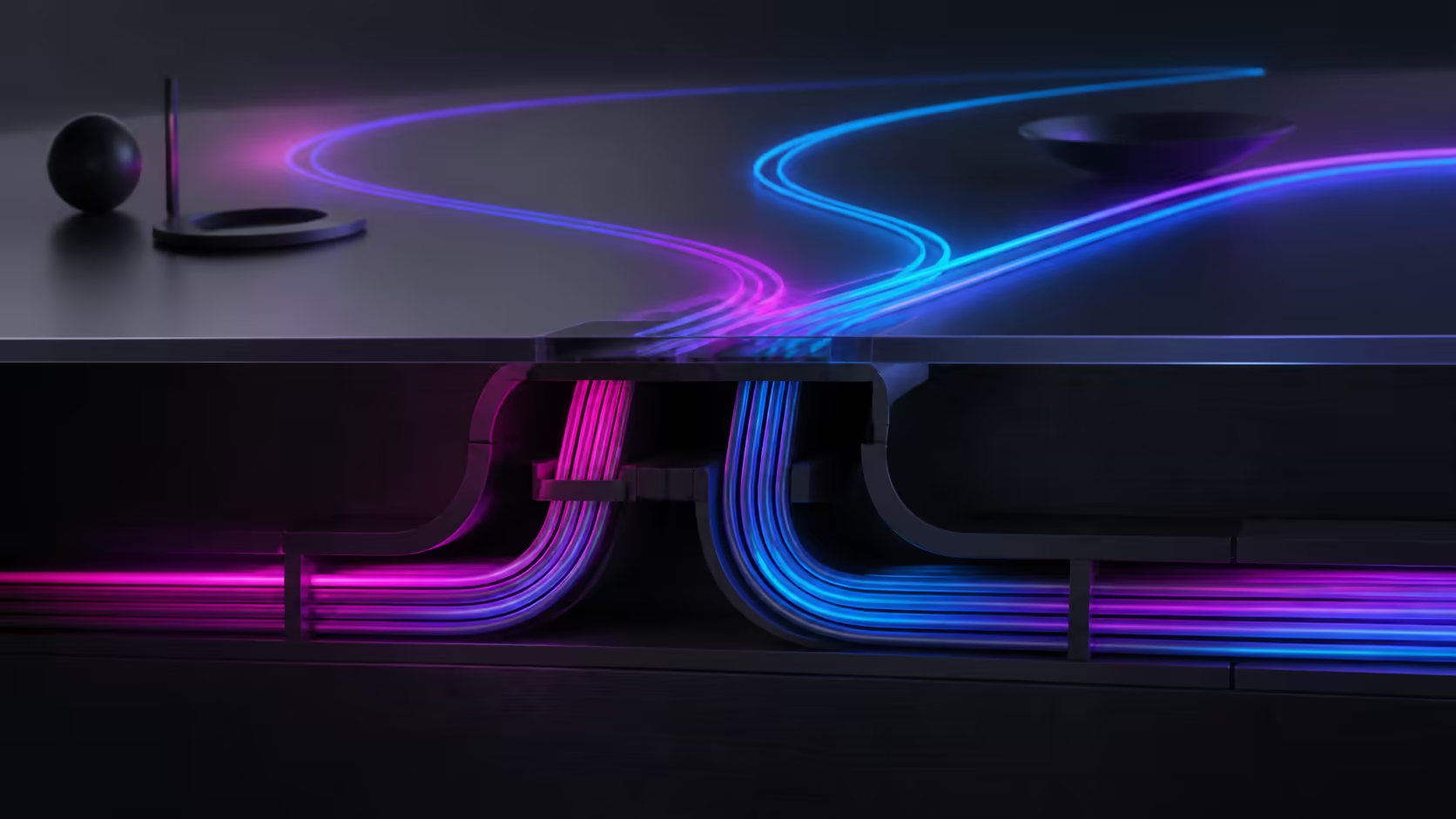
Cable organisation for a moving surface begins with routes and endpoints, not a tray assumption. A sound gaming desk built-in cable management setup protects connections through height changes and sizes organisers to the real bundle.
Quick Answer
The A4 Pro uses dedicated channels and concealed pathways to organise power, display and peripheral cables across its moving gaming desktop.
Map every lead, separate moving from fixed connections and test the bundle at each used height. For the A4 Pro, plan around precision adjustment and the 15W charging area. Check the fit and capacity of external routing hardware instead of assuming a built-in tray.
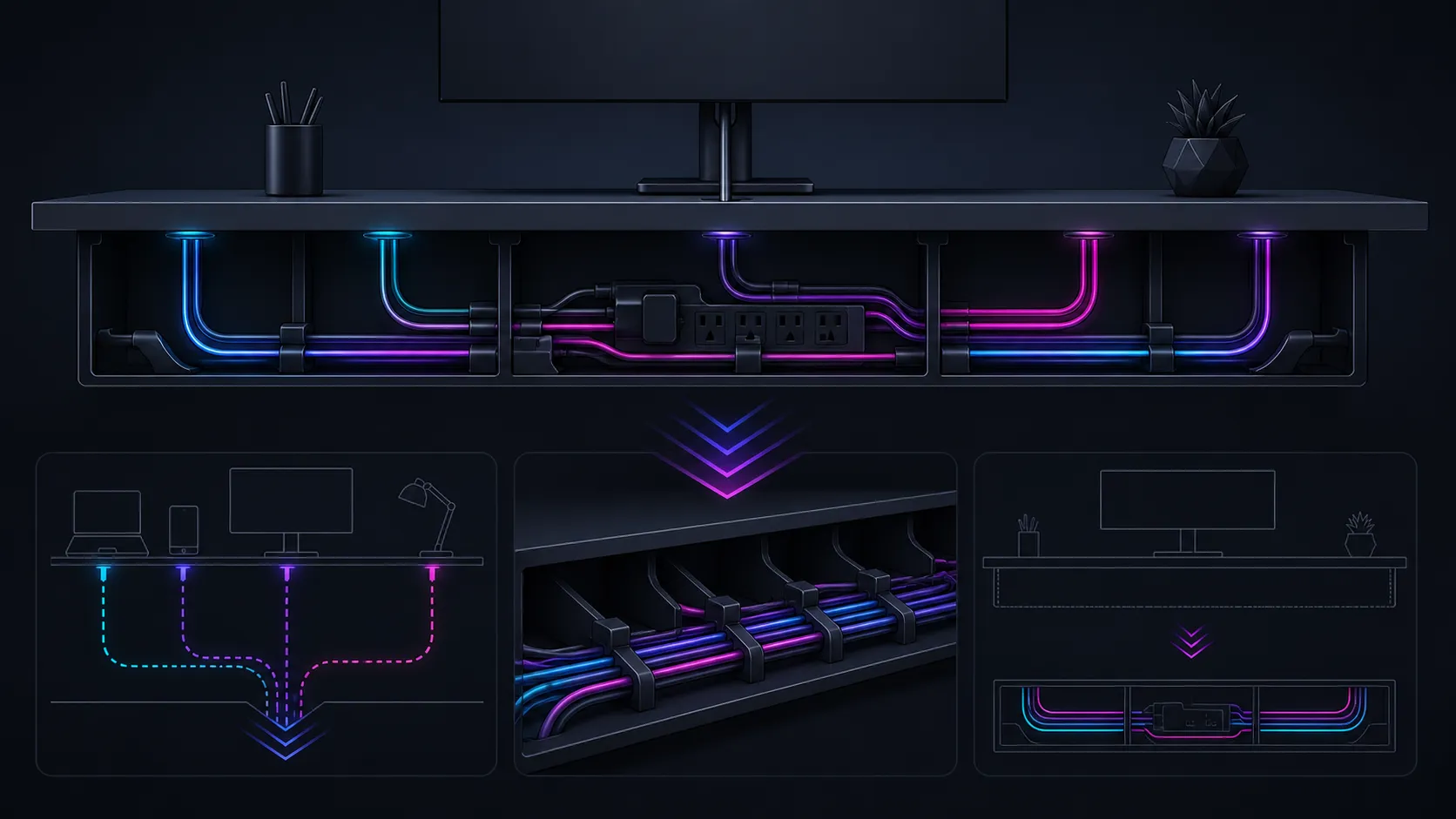
🧾 Draw the cable map
Follow every power connection first, then video, sound, network and peripheral leads between their endpoints. Note adapters, oversized plugs and stored length. This inventory prevents a tidy sleeve from hiding an unserviceable bundle.
Use Evetech's gaming desk collection to compare furniture while retaining a separate list of cable needs. A desk photo is not evidence of an internal compartment.
↕️ Allow controlled movement
Position the A4 Pro at the heights used for gaming and work, then observe every lead. Connections should avoid tension, dragging and obstructions. Keep enough freedom where the desktop moves relative to fixed outlets, but do not prescribe a universal slack length.
Precision adjustment makes this practical test essential. The integrated charging pad can remove one phone cable for a compatible device, not the wired requirements of the wider setup.
🧩 Select the right organiser
Choose clips for individual guidance, sleeves for grouped routes and a suitably measured external tray for adapters or stored length. Confirm the attachment approach against the actual desktop before installation; its solid wood Albizia core and carbon fibre surface do not automatically establish fit.
Moving the drink and headset into their own fixtures removes two loose objects. Explore Evetech's gaming accessories page for the remaining connected equipment.
✅ Inspect and label
Label similar plugs at both ends and leave service points accessible. Move the desk slowly through normal positions while checking each cable, then correct any tight or wandering section independently.
Keep the complete desktop load within 125kg, including organisers that move with it. At R10,399, the A4 Pro's value comes from capacity, adjustment, desktop and included accessories rather than an assumed cable system.
Group cables only when their destinations and service needs make that sensible. A lead that is replaced frequently may deserve its own accessible route, while several permanent signal connections can share a labelled sleeve. The equipment's guidance should govern any special separation.
Inspect the arrangement after sitting and standing sessions. Body movement can nudge loops or plugs that looked clear during an empty-desk test. Correct a route that drifts before it becomes a recurring interruption.
Keep a small route diagram with the equipment list. When one peripheral changes, the drawing shows which organiser and capacity calculation require revision instead of prompting a complete rebuild.
Date the sketch and identify the changed cable in any later version. This creates a useful maintenance trail without hiding the bundle behind an assumed built-in feature.
Group cables by purpose, anchor fixed sections away from the motors and leave a controlled loop for the full 710-1170mm height range. The 15W pad can eliminate a handset lead; separate fixtures move the headset and drink clear of the wiring area. Test movement at both endpoints before closing pathways, because neatness should never hide a cable that becomes strained during a lift.
Photograph the finished routes at the lowest and highest positions. That simple reference makes it easier to restore the safe cable pattern after moving a monitor, replacing a PC or adding another peripheral.
Frequently Asked Questions
What is the first cable-management step?
Create an endpoint map that identifies every lead, adapter, moving connection and fixed connection before buying organisers.
Does the A4 Pro include a cable tray?
A built-in tray should not be assumed. Check any external tray's dimensions, attachment method and capacity against the real setup.
How does height movement affect routing?
Desktop cables change position relative to outlets and floor equipment, so every used height needs a tension and obstruction check.
Can the 15W pad reduce one surface cable?
Yes, when a compatible device uses wireless charging, although all other wired hardware still needs organised routes.
Which accessories clear common loose items?
The A4 Pro supplies a cup holder and headset stand for a drink and audio gear.
What covers the primary input surface?
A full-coverage mousepad spans the desktop, providing the main area for keyboard and mouse use.
Should cable capacity be checked?
Always measure the actual bundle, including plugs and adapters, before selecting a sleeve, tray or other organiser.
Ready to organise cables around real height changes?
Explore Evetech's desk options after tracing every connection and measuring the bundle that external routing hardware must support.