



550W PSU Planning for RTX 5080 Super Builds in SA
550W for RTX 5080 Super needs a full-build check, not a simple yes. Review GPU guidance, CPU draw, transient load, connectors, PSU quality, and upgrade plans before deciding.
Read moreReduce ringing and ghosting by lowering speed, checking the machine and tuning one motion variable at a time. The Neptune 4 Plus supports up to 500mm/s with Klipper, but surface quality at that maximum needs a model-specific printed test.

To reduce ringing and ghosting at 500mm/s print speeds, lower the attempted rate first and preserve the flawed sample. A controlled comparison can then separate motion, machine condition and model effects without assuming that firmware automatically removes every visible echo.
Use the Neptune 4 Plus X/Y acceleration sensors to auto-calibrate input shaping before reducing ringing at speeds approaching 500mm/s.
The R7,799 Neptune 4 Plus supports up to 500mm/s with Klipper. Return to a slower accepted profile, inspect the machine through its proper service procedure, print the same model and raise one motion variable at a time.
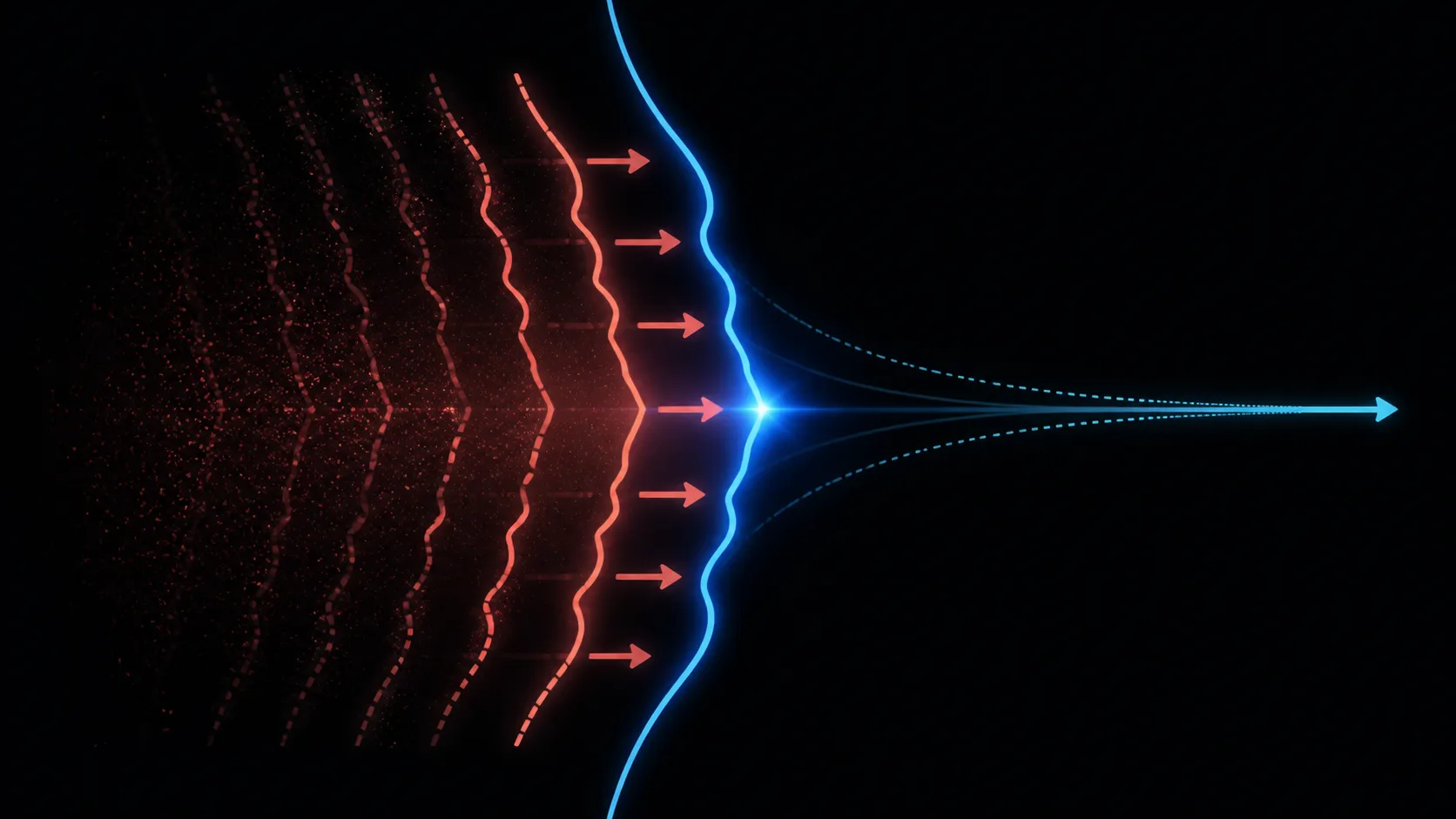
Mark which faces show repeated edges, waves or echoes and note their relation to travel direction. Keep the part, profile, filament and orientation together so the next sample can be compared fairly.
Do not change model, speed, temperature and support placement at once. A different geometry may hide the symptom without identifying why it appeared.
Use a compact test that contains relevant corners and walls, keeping it safely inside the printer's 320 x 320 x 385mm envelope.
Follow the Neptune 4 Plus process for checking accessible motion components and machine condition. Use tension values or service steps only for hardware actually present on the machine.
Confirm the printer sits in a suitable workspace and that no loose object is contacting it. Exact external footprint, noise and support-surface requirements should be checked during installation.
Compare high-speed platforms among Evetech large 3D printers with service and setup included.
Print the same part at a conservative rate and approve its first layer and flow. Then raise one motion-related value in defined steps, preserving every sample.
Klipper provides the firmware platform, but it cannot guarantee a clean surface at the 500mm/s ceiling. The useful rate ends where the chosen quality target no longer passes.
Keep one verified spool from Evetech's filament selection throughout the sequence.
Photograph the same face under consistent light, compare edge repetition and note complete job time. A slower profile that produces accepted output can beat a fast rejected print.
Explore 3D printers at Evetech when another motion platform or build size is required.
Save the last clean setting by model class and material. Re-test after meaningful mechanical, filament or geometry changes rather than assuming one tune applies permanently.
Use a second model to challenge the profile before routine adoption. One sample may place all visible corners in a favourable direction, while another exposes repeated direction changes or thin walls.
Keep the printer's work area unchanged during the comparison. Moving the machine, changing its support or allowing an object to touch it adds environmental differences that can obscure the motion test. Record any physical change so the next sample is interpreted against the correct setup.
Repeat the best profile before formally closing the detailed motion diagnosis. Two similar clean samples provide stronger evidence than one isolated improvement after several unsuccessful attempts.
Its Klipper board also supports pressure advance, and the frame uses dual-Z screws plus a reinforced Y motion path. Start at 250mm/s, keep the same geometry and increase gradually after resonance calibration. Inspect corners and repeated edges rather than judging only the overall print.
Frame and belt condition still matter after automatic calibration. The printer uses dual Z motors and tie rods for vertical rigidity, plus an X/Y belt system with hand-tensioning knobs. Inspect normal tension and fasteners before recalibrating, because software should model a sound mechanism rather than compensate for looseness.
A labelled calibration cube makes repeated ringing comparisons easier than switching geometry between tests.
Return to a slower controlled profile and keep the flawed print as a labelled comparison sample.
Yes. That figure is its maximum supported motion capability rather than a universal quality setting.
Klipper forms the tuning platform, while the user still develops and evaluates each motion profile.
Yes, using the exact printer's safe inspection and maintenance procedure before attributing everything to software.
Not necessarily. It creates a comparison point, while machine condition, geometry and other motion choices still matter.
Keep model, orientation, material and lighting consistent, then inspect the same walls and edges on labelled samples.
No fixed outcome follows from 500mm/s; test the required surface standard on the actual job and filament.
Trying to turn visible echoes into a controlled tuning decision? Explore Klipper 3D printers at Evetech with a slower baseline and repeatable surface comparison ready.
Return to a slower controlled profile and keep the flawed print as a labelled comparison sample.
Yes. That figure is its maximum supported motion capability rather than a universal quality setting.
Klipper forms the tuning platform, while the user still develops and evaluates each motion profile.
Yes, using the exact printer's safe inspection and maintenance procedure before attributing everything to software.
Not necessarily. It creates a comparison point, while machine condition, geometry and other motion choices still matter.
Keep model, orientation, material and lighting consistent, then inspect the same walls and edges on labelled samples.
No fixed outcome follows from 500mm/s; test the required surface standard on the actual job and filament.
550W for RTX 5080 Super needs a full-build check, not a simple yes. Review GPU guidance, CPU draw, transient load, connectors, PSU quality, and upgrade plans before deciding.
Read more
8000Hz polling is overrated for most SA gamers because gains can be tiny next to battery drain and monitor limits. Mbombela players should weigh mouse feel, game support, and system stability before chasing the number.
Read more
Magnetic switches are taking over SA gaming keyboards because actuation can be tuned. For Sandton gamers, rapid trigger, reset control, and profile depth can help, but layout, key feel, and software quality still matter.
Read more
Polokwane oled monitor value questions need cautious SA context because pricing can move with availability, exchange rates, specs, and warranty support. Treat the trend as a planning signal, not a fixed price promise.
Read more
Arc B580 budget builds for Midrand gamers can shift with exchange rates, supply, specs, and model tier. Treat the title as a buying prompt, then compare SA warranty, timing, and build priorities.
Read more
ROG Ally X may beat the LCD Steam Deck for SA gamers who value stronger handheld performance, more memory, and Windows flexibility. Compare battery life, controls, game libraries, and Polokwane support needs before deciding.
Read more
Minisforum's M2 Pro pairs Core Ultra X7, Arc B390 graphics and 32GB onboard memory in 1.8 litres. SA buyers should weigh its fixed memory and $1,439 launch offer against local mini PCs.

Lenovo says Legion Go failures linked to BIOS N3CN42WW are not user error. Affected SA owners should stop retrying the update, preserve proof and open a support case.

Smart monitors can add apps and convenience, but they also add privacy settings and unwanted-software risk. SA buyers should audit the operating system before paying for extras.

A fake 113GB GTA VI ISO reportedly used empty padding around a small malware payload. SA gamers should delete unofficial builds, keep Windows security active and wait for official channels.

ASUS calls the ROG GT-BN98 the first Wi-Fi 8 gaming router. SA buyers should fix coverage and client limits before paying for a future wireless standard.

Apple's M6 Mac mini adds faster AI, graphics and networking in the same compact format. SA buyers should wait for a rand listing before comparing value.

The Vulcan II XP adds hot-swappable switches, sound damping and gaming controls to a full-size wired board. SA buyers should compare feel before features.

Microsoft says Windows on Arm now has over 7,000 verified apps and games. SA buyers should still check each driver, game and work tool before switching.

Xbox Insiders can test disc-to-digital from 31 August 2026. Supported Xbox One and Series X discs gain a digital entitlement, but older discs, regions and title coverage still need exact checks.

ViewSonic's XG2738 pairs QHD QD-OLED with 240Hz and automatic panel care. SA buyers should compare warranty, brightness, ports and burn-in protection against today's R9,999-plus OLED shelf.

NVIDIA's final Windows 10 Game Ready driver is due in October 2026. SA gamers can keep using their GPU, but new game optimisations move on while critical security fixes continue quarterly.

JBL's new Quantum 520, 520X and 120 headsets cover wireless, Xbox-certified and wired use. SA buyers should compare connection, comfort and microphone needs before paying for a new badge.