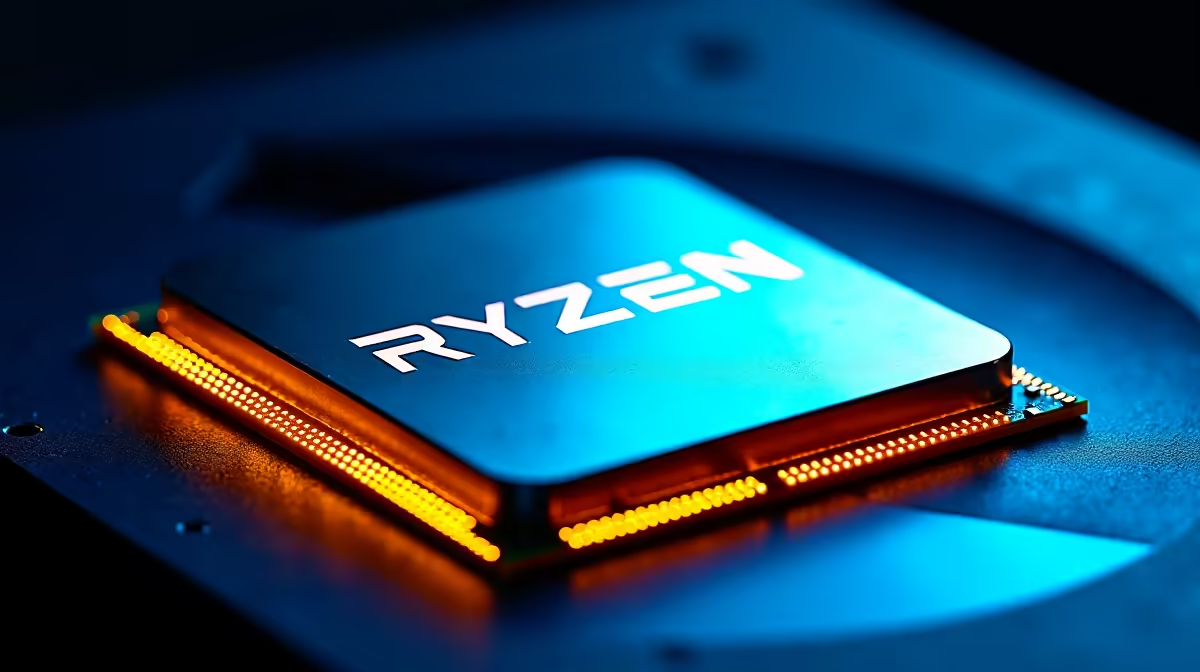
Ryzen 9 9950X blue screen errors are almost always caused by one of: memory instability (bad EXPO profile or incompatible kit), outdated BIOS microcode, failing PSU, aggressive Curve Optimizer undervolt, or Windows driver conflicts. Start with memory tuning - run MemTest86 overnight and disable EXPO to isolate. The 9950X itself is an extremely reliable chip; BSODs on this platform are almost always configuration issues, not silicon faults.
🧠 Memory first - the #1 cause
Enter BIOS, disable EXPO, boot Windows, and see if BSODs stop. If they do, your memory profile is the issue. Retry EXPO with 1T → 2T command rate (adds stability at a small performance cost), verify kit is on your motherboard's QVL, and manually loosen primary timings by 2 on each. Run MemTest86 from USB for a full 4-pass test overnight - any errors mean the kit is faulty, the slots are damaged, or the memory controller is pushed beyond its limit.
🛠️ BIOS microcode and AGESA
Flash to the latest stable BIOS for your X670E or B650E board. AGESA 1.2.0.2a and later addressed several stability issues for Ryzen 9000. Early Launch BIOSes had memory training quirks that caused sporadic BSODs. After the flash, load optimised defaults, reconfigure EXPO and any OC settings, and retest.
🔌 PSU check
A weak or failing PSU produces WHEA uncorrectable errors, random reboots, and driver BSODs that look identical to CPU issues. Swap to a known-good 850W+ 80+ Gold PSU. If BSODs stop, the old PSU is the culprit. For a 9950X + mid-to-high GPU build, an 850W Gold minimum is the right spec; 1000W Platinum for RTX 5080/5090 pairings.
📉 Curve Optimizer undervolt
If you have applied PBO with Curve Optimizer negative offset, the most common cause of sporadic BSODs is too aggressive an undervolt. Step Curve Optimizer back from -30 to -20 per core, or disable PBO entirely to isolate. Some cores tolerate less negative offset than others - test using Core Cycler utility to find each core's stable limit.
Check Windows Event Viewer → Windows Logs → System for "WHEA-Logger" error 18 (Machine Check Exception). If you see these in bursts before a BSOD, it is almost always memory instability or a too-aggressive CO offset - not CPU fault. Resetting BIOS defaults and running with EXPO off should eliminate them immediately.{{/TipBox}}
💾 Windows state
A corrupted Windows install causes BSODs that mimic hardware issues. Run sfc /scannow and DISM /Online /Cleanup-Image /RestoreHealth in admin command prompt. Install the newest AMD chipset driver via a clean install. Update to Windows 11 24H2 + latest cumulative patches. If BSODs persist after a clean Windows install on a fresh SSD, hardware is the cause.
🌡️ Thermal check
A 9950X throttling to 95°C+ under load can produce driver reset BSODs in certain GPU drivers. Confirm CPU temps in HWiNFO stay below 85°C during normal work. A 280/360mm AIO is recommended for sustained 9950X workloads in SA summer ambient.
🔍 Diagnostic data to collect
When troubleshooting, collect: Event Viewer export (save all WHEA and Critical errors from the past 7 days), BlueScreenView dump analysis (from nirsoft), current BIOS version, EXPO/XMP profile settings, HWiNFO sensor log from 30 min of load testing. This data set lets an SA forum or retailer support team diagnose remotely without guessing.
🇿🇦 Final recommendation
For most Ryzen 9 9950X BSOD cases: update BIOS, disable EXPO to test, re-enable with QVL memory, confirm PSU is adequate, disable Curve Optimizer. If these steps do not resolve, consider a clean Windows install. RMA the CPU only after confirmed stability failures on a known-good motherboard and memory kit - 9950X chip faults are genuinely rare.
{{CALLTOACTION}}