



550W PSU Planning for RTX 5080 Super Builds in SA
550W for RTX 5080 Super needs a full-build check, not a simple yes. Review GPU guidance, CPU draw, transient load, connectors, PSU quality, and upgrade plans before deciding.
Read moreUse a standing-desk control panel by learning the exact buttons, movement direction and stop behaviour for that model. The A4 Pro provides precision height adjustment, but control-panel design and presets should be checked before applying a generic sequence to it.

A standing-desk controller should be learned from its own labels and instructions, not from a generic button sequence. Safe standing desk control panel use starts by identifying movement, stopping behaviour and any model-specific functions.
The A4 Pro control panel provides one-touch height changes, four memory presets, four-level anti-collision rebound and a sit/stand reminder.
Before touching a button, learn the panel and clear the travel path; then check direction and stopping deliberately. The A4 Pro supplies one-touch precision adjustment, four height memories, a movement reminder and four-level anti-collision rebound.
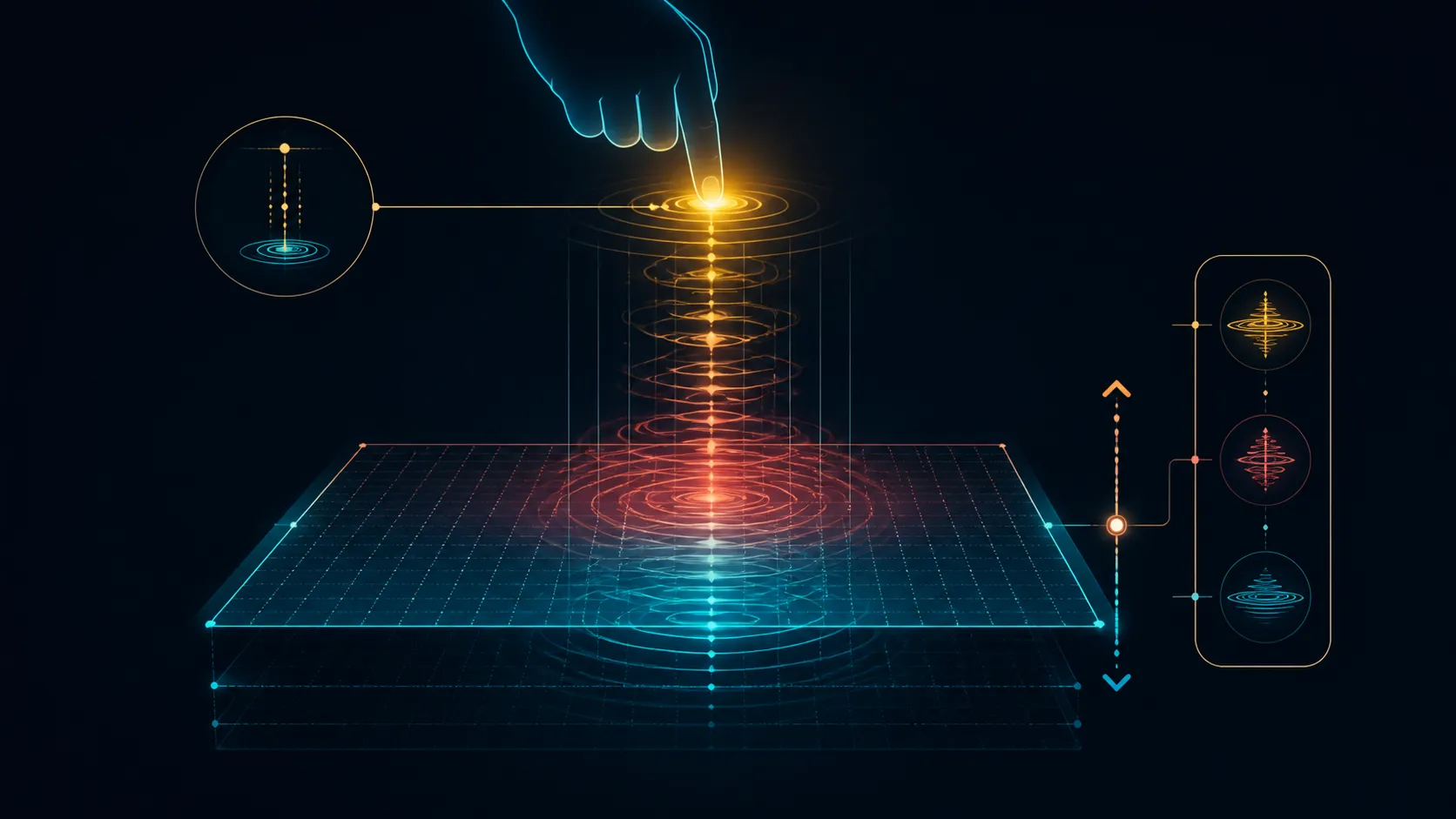
Match each physical button to the model documentation. Determine which input raises or lowers the surface and whether any additional symbol has a defined function. Never infer a preset solely because another desk uses a similar-looking controller.
The A4 Pro panel controls a dual-motor drive. Compare adjustable options through Evetech's gaming desk category, keeping user controls and lifting architecture in separate fields so the alternatives remain easy to judge.
Check above, below and beside the desktop before adjustment. Equipment, cables and nearby furniture should remain clear through the positions that will be used. Watch each lead instead of relying on a cable-management system unless the exact desk includes it.
The A4 Pro's precision adjustment enables position changes across 710-1170mm at under 45dB. Numeric lifting speed is the remaining movement figure to obtain if it matters to the routine.
Keep the combined supported setup within the desk's 125kg rating. Count the PC, monitors, mounts, audio, peripherals and accessories. A control command does not override capacity or correct a poorly planned distribution.
Evetech's gaming accessory selection can help finalise the equipment inventory before the everyday positions are tested.
The A4 Pro panel stores four height presets. Program each position according to the model instructions, test its return point before regular use and keep the movement path free of obstructions.
The R10,399 A4 Pro also integrates a 15W charging pad. Check the intended device and cable routes independently, while treating the two-motor architecture as an established part of the desk.
Create a short pre-movement routine: remove objects from the travel path, glance at cable freedom and identify the intended stopping position. Repeating those checks is more dependable than pressing buttons while attention remains on the screen.
If several people share the desk, teach the panel from the same model guide. Each user should understand direction and stopping before trying optional functions. An undocumented long press or button combination should not be copied from another controller.
Assign the four memories to recurring tasks, such as seated work, standing work, gaming or a second user's preferred level. A simple note beside each slot can prevent one person's setting from overwriting another's.
Unexpected motion or sound is a reason to release the control and consult the proper procedure. Do not diagnose motor count from the symptom or continue repeated movements in search of an automatic fix.
Review the control routine whenever the equipment layout changes. A new monitor or cable path can alter which positions remain clear even though the panel functions stay the same.
Keep that revised path beside the controller notes.
Store positions only after checking posture, monitor height and cable slack. The desk can move precisely in 1/20 increments, with positioning error below 1mm, so repeatable settings should return closely. Keep one memory for seated work, another for standing and assign the rest to gaming or another user. Anti-collision is a safety layer, not permission to leave obstacles beneath the moving desktop.
Identify the exact button functions, clear the movement path and make sure equipment and cables can travel safely.
Use the A4 Pro panel to save four recurring heights, then test each stored return point before relying on it.
It offers 1/20-step precision adjustment, one-touch movement and four stored height positions.
Keep nearby objects, cables, fixed furniture and equipment edges away from the desktop's changing path.
No. Controller appearance alone does not reveal lifting architecture. Separately, the A4 Pro's drive is known to use two motors.
Four-level anti-collision rebound adds a separate protective response when movement meets an obstruction. Keep the travel zone clear regardless, and use the sitting-and-standing reminder only when its prompts fit the owner's routine.
The A4 Pro is rated for a 125kg combined load across everything supported by its worktop.
Ready to learn the controller one documented function at a time? Review Evetech's adjustable gaming desks after listing required controls, supported equipment and the positions your routine actually uses.
Identify the exact button functions, clear the movement path and make sure equipment and cables can travel safely.
Use the A4 Pro panel to save four recurring heights, then test each stored return point before relying on it.
It offers 1/20-step precision adjustment, one-touch movement and four stored height positions.
Keep nearby objects, cables, fixed furniture and equipment edges away from the desktop's changing path.
No. Controller appearance alone does not reveal lifting architecture. Separately, the A4 Pro's drive is known to use two motors. Four-level anti-collision rebound adds a separate protective response when movement meets an obstruction. Keep the travel zone clear regardless, and use the sitting-and-standing reminder only when its prompts fit the owner's routine.
The A4 Pro is rated for a 125kg combined load across everything supported by its worktop.
550W for RTX 5080 Super needs a full-build check, not a simple yes. Review GPU guidance, CPU draw, transient load, connectors, PSU quality, and upgrade plans before deciding.
Read more
8000Hz polling is overrated for most SA gamers because gains can be tiny next to battery drain and monitor limits. Mbombela players should weigh mouse feel, game support, and system stability before chasing the number.
Read more
Magnetic switches are taking over SA gaming keyboards because actuation can be tuned. For Sandton gamers, rapid trigger, reset control, and profile depth can help, but layout, key feel, and software quality still matter.
Read more
Polokwane oled monitor value questions need cautious SA context because pricing can move with availability, exchange rates, specs, and warranty support. Treat the trend as a planning signal, not a fixed price promise.
Read more
Arc B580 budget builds for Midrand gamers can shift with exchange rates, supply, specs, and model tier. Treat the title as a buying prompt, then compare SA warranty, timing, and build priorities.
Read more
ROG Ally X may beat the LCD Steam Deck for SA gamers who value stronger handheld performance, more memory, and Windows flexibility. Compare battery life, controls, game libraries, and Polokwane support needs before deciding.
Read more
Minisforum's M2 Pro pairs Core Ultra X7, Arc B390 graphics and 32GB onboard memory in 1.8 litres. SA buyers should weigh its fixed memory and $1,439 launch offer against local mini PCs.

Lenovo says Legion Go failures linked to BIOS N3CN42WW are not user error. Affected SA owners should stop retrying the update, preserve proof and open a support case.

Smart monitors can add apps and convenience, but they also add privacy settings and unwanted-software risk. SA buyers should audit the operating system before paying for extras.

A fake 113GB GTA VI ISO reportedly used empty padding around a small malware payload. SA gamers should delete unofficial builds, keep Windows security active and wait for official channels.

ASUS calls the ROG GT-BN98 the first Wi-Fi 8 gaming router. SA buyers should fix coverage and client limits before paying for a future wireless standard.

Apple's M6 Mac mini adds faster AI, graphics and networking in the same compact format. SA buyers should wait for a rand listing before comparing value.

The Vulcan II XP adds hot-swappable switches, sound damping and gaming controls to a full-size wired board. SA buyers should compare feel before features.

Microsoft says Windows on Arm now has over 7,000 verified apps and games. SA buyers should still check each driver, game and work tool before switching.

Xbox Insiders can test disc-to-digital from 31 August 2026. Supported Xbox One and Series X discs gain a digital entitlement, but older discs, regions and title coverage still need exact checks.

ViewSonic's XG2738 pairs QHD QD-OLED with 240Hz and automatic panel care. SA buyers should compare warranty, brightness, ports and burn-in protection against today's R9,999-plus OLED shelf.

NVIDIA's final Windows 10 Game Ready driver is due in October 2026. SA gamers can keep using their GPU, but new game optimisations move on while critical security fixes continue quarterly.

JBL's new Quantum 520, 520X and 120 headsets cover wireless, Xbox-certified and wired use. SA buyers should compare connection, comfort and microphone needs before paying for a new badge.