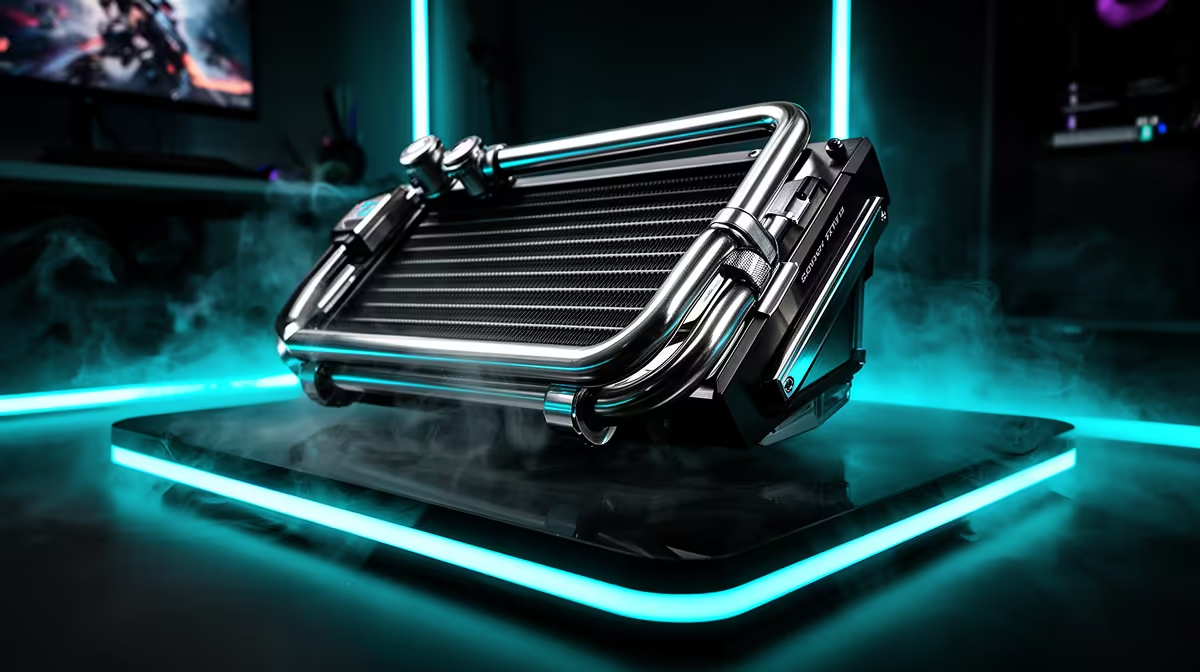
HP uses the Tempest Cooling name across parts of its Omen gaming range, but the exact fan count, intake layout and sensor control can vary by chassis. Treat it as a cooling-system family, then judge the specific laptop through sustained clocks, noise and surface temperature.
Quick Answer
Check the full Omen model code and its cooling description before assuming it includes an infrared ambient sensor or a particular blade count. Use long game tests to see whether the laptop holds CPU and GPU power without an unpleasant fan tone. Keep vents open and select the performance mode that fits the room.
Larger intakes need clear air
Tempest Cooling designs aim to feed fans and move heat through several vents. A wide intake does little when the laptop sits on bedding or a soft couch. Use a firm surface and leave rear and side exhaust space.
A stand can increase bottom clearance when it does not block the intake pattern. Test temperature and noise before adding a powered cooling pad; more fans are not an automatic improvement.
Open the laptop best sellers page beside the gaming notebook offers, checking the exact Omen chassis and cooling specification.
Sensors still need good firmware
An ambient or internal temperature sensor can help the control system account for room conditions. Firmware then decides fan response and power behaviour. The feature cannot make a hot room cold or remove the heat produced by a high-power GPU.
Compare balanced and performance modes after twenty minutes in the same game. Record clocks, package power, fan noise and keyboard temperature. A cooler reading paired with lower power may reflect a quiet profile rather than stronger heat removal.
Clean and update with care
Dust on intakes and fins reduces the system's headroom. Follow HP's service guidance for cleaning, holding fan blades still and keeping liquid away. Do not open the heat-pipe or vapour-chamber assembly without a service reason.
Install BIOS and Omen control software updates through supported channels. Save the working performance profile before changing firmware, then repeat the same game test.
Keep cooling in the laptop scorecard
Cooling should sit beside display, memory, battery and ports. A quieter Omen with a lower GPU limit can suit study and shared-room use, while a thicker high-power model can deliver stronger gaming output. Compare exact configurations under the same mode.
Include the adapter and stand in the desk layout. A rear exhaust needs room behind the screen, and a side vent should not blow onto the mouse hand. The complete setup decides whether the cooling design remains comfortable.
Frequently Asked Questions
Does every Omen use the same Tempest Cooling system?
No. Fan, vent and sensor details can vary by model and generation. Verify the exact chassis.
Does more fan blades mean lower temperatures?
Blade design is one factor. Fan size, heat pipes, vents, power limits and noise tuning work together.
Should I use maximum fan mode?
Use it when the workload and noise trade suit you. Balanced mode can be better for shared rooms if performance remains stable.
Compare HP Omen laptops by exact-model sustained cooling, fan noise and surface comfort rather than the Tempest Cooling name alone.