Quick Answer
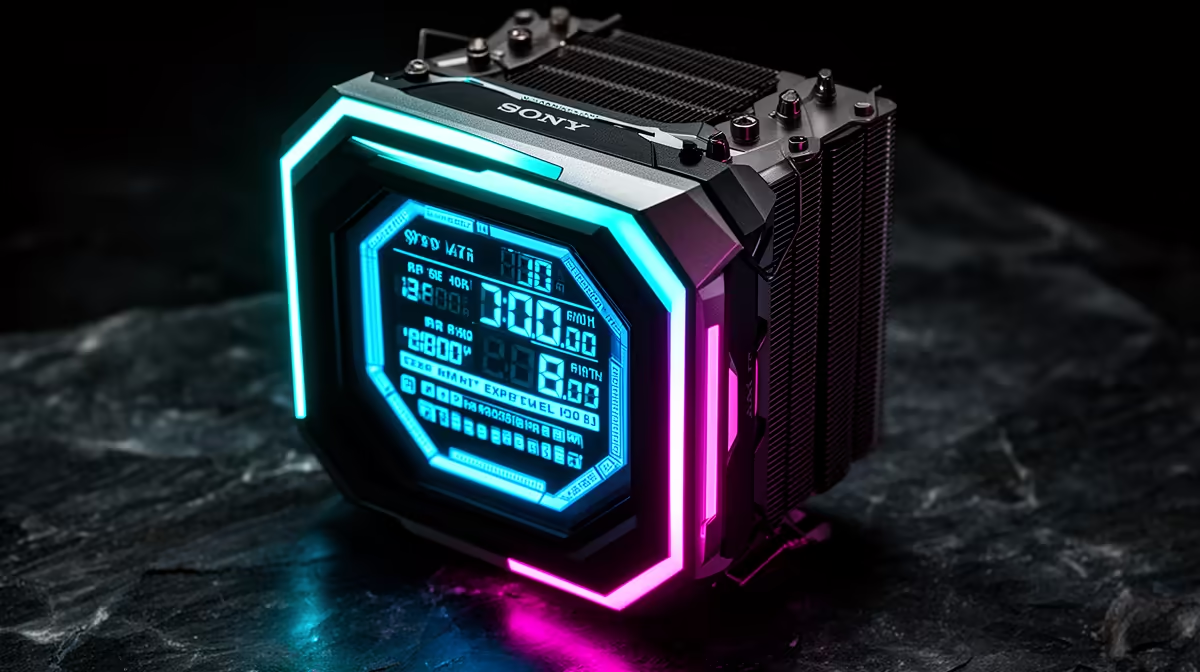
Illuminated system meters on modern CPU coolers are small LCD or OLED screens built into the pump head displaying live CPU temperature, CPU load percentage, clock speed, coolant temperature, and custom images. They matter because they give you an instant at-a-glance readout of your system's thermal state without opening monitoring software.
What These Displays Actually Show 📊
Common readouts include CPU junction temperature in Celsius, CPU load percentage, current boost clock in GHz, and coolant loop temperature. Higher-end models with 2.3-inch to 3.5-inch displays show multiple metrics in split panels, updated every one to two seconds via a USB header connection to the motherboard.
On the ASUS Prime LC 360 ARGB, the 2.3-inch LCD shows CPU temperature, GPU temperature, system time, and a custom image simultaneously through Armoury Crate. This removes the need for a separate desk-mounted sensor panel, which costs R800 to R1,500 standalone. If the pump head is visible through a side panel, the built-in meter is genuinely useful rather than purely decorative.
Why Real-Time Thermal Data Matters for SA Builders 🎮
South African summers in Gauteng and the Western Cape push ambient room temperatures above 30 degrees Celsius, raising the AIO coolant baseline by the same margin. An illuminated meter lets you verify CPU temperature at a glance during a heatwave without interrupting a gaming session to open HWiNFO64.
For creators running overnight Blender jobs, a visible pump head display confirms system health without waking the PC from a screensaver state. A CPU reading above 90 degrees Celsius during a routine render signals a clogged radiator or a stopped fan immediately.
Software Control and Customisation ✨
Most illuminated meters are driven by vendor software: ASUS uses Armoury Crate, Corsair uses iCUE, and MSI uses its Center platform. These tools assign sensor data to the display, adjust update frequency, and allow custom image or GIF uploads.
Entry-level displays on R2,000 to R2,500 AIOs show temperature and clock in a fixed layout. Mid-range models at R3,000 to R4,500 offer multi-metric dashboards and image uploads. For most builders the R3,000 to R3,800 range covers all practical monitoring features without overpaying for display resolution alone.
Set a Temperature Alert in Monitoring Software ⚡
Even with a visible pump head display, configure a 90-degree Celsius alert in HWiNFO64 or your vendor software so you receive a pop-up if thermals spike during gaming or rendering. The visual display supplements alerts; it does not replace them.
FAQ
Do illuminated system meters affect cooling performance?
No. The display draws negligible power from a USB 2.0 header and generates no measurable heat relative to the radiator's dissipation capacity. It is purely informational.
Can I display a custom image on an AIO pump head screen?
Yes, on most AIOs with LCD displays above 2 inches. Vendor software allows static PNG/JPG images or animated GIFs at the display's native resolution, typically 240 by 240 to 480 by 480 pixels.
Does the pump head display work without vendor software installed?
Most AIOs fall back to a default temperature readout driven by onboard firmware when vendor software is absent. Full customisation and multi-metric views require the software running in the background.
Want a CPU cooler with a built-in system display?
Evetech stocks AIO liquid coolers with LCD and OLED pump head displays across a range of sizes and price points, perfect for any windowed-case build.