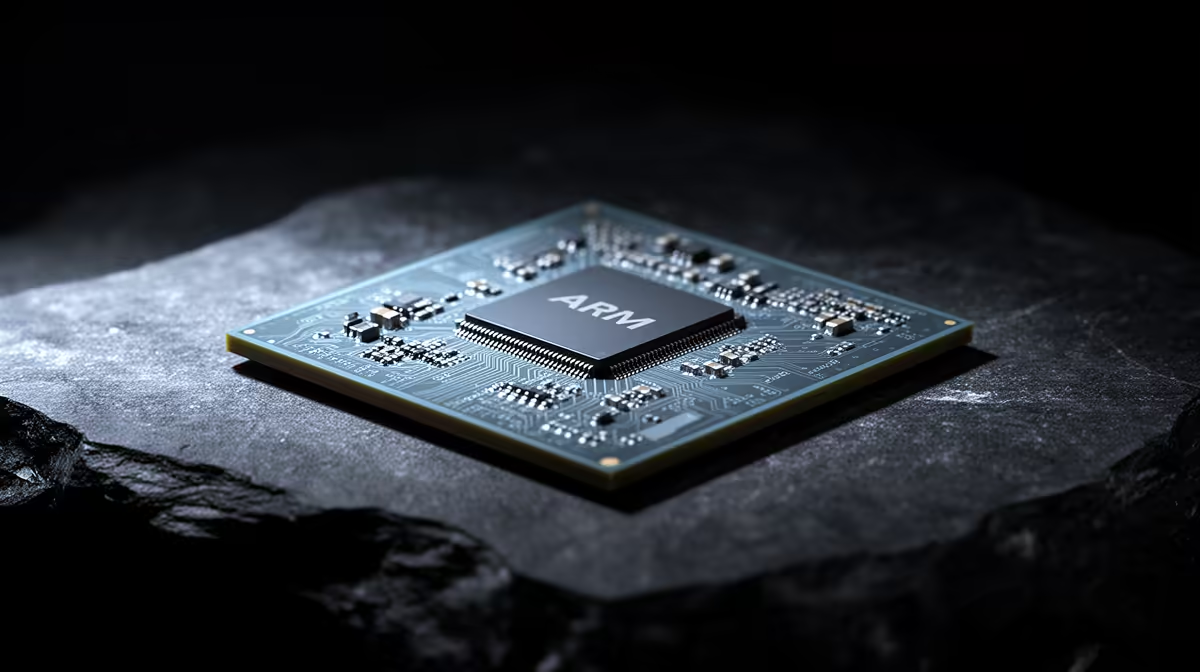
Switching a PC from x86 to Arm used to mean broken apps and constant compatibility headaches. The RTX Spark changes that maths considerably, because its 20-core Grace-derived Arm CPU runs Windows on Arm with Microsoft's Prism emulator handling the x86 software that has not been rebuilt natively. For most everyday work the Arm chip is no problem at all, but there are a few corners worth checking before you commit.
Quick Answer
For the vast majority of apps, no, the Arm chip is not a problem. RTX Spark runs Windows on Arm, and Microsoft's Prism emulator runs 32-bit and 64-bit x86 apps, now with AVX and AVX2 support so nearly all software runs. The real exceptions are games with deeply embedded anti-cheat and a handful of niche x86-only or driver-dependent tools. Test those specific apps first.
How RTX Spark runs Windows software
The RTX Spark combines a 20-core Arm CPU and a Blackwell RTX GPU on a single package, sharing up to 128GB of unified memory between them. Because the CPU is Arm rather than x86, any program not compiled for Arm runs through Prism, Microsoft's translation layer for Windows on Arm. Prism is optimised for RTX Spark hardware and has matured significantly, and recent Windows 11 additions for AVX and AVX2 instructions mean the gap that used to break older apps has largely closed.
The practical upshot is that productivity software, browsers, office suites, and most creative tools behave normally. Many heavy creative apps now skip emulation entirely: Blender, DaVinci Resolve, Cinema 4D, Affinity, and Adobe's Photoshop and Premiere all run natively on Arm, so they get full speed with no translation overhead.
Where emulation still bites
Two categories deserve caution. The first is gaming with kernel-level anti-cheat. Some titles refuse to run under emulation because their anti-cheat drivers expect an x86 environment, so a game that works fine on a normal PC may simply not launch here. The second is specialist or legacy x86-only software: bespoke industry tools, old utilities, or anything that ships its own low-level x86 driver. These do not always translate cleanly, and a few will not run at all.
Emulation also carries a performance cost. Translated x86 code runs slower than the same code would on native silicon, so a demanding x86 app can feel less snappy than its Arm-native equivalent. For light and medium workloads you rarely notice; for sustained heavy x86 compute it can matter.
The buyer's checklist
Before buying, list the handful of apps you genuinely cannot work without and check each one. Confirm whether it has a native Arm build (best case), runs acceptably under Prism (fine for most), or relies on x86-only drivers or anti-cheat (the risk cases). If your daily kit is mainstream creative and productivity software, the Arm chip will feel transparent. If your livelihood depends on one obscure x86 tool, verify it first. The AI and Arm-class PC range at Evetech covers what is currently stocked locally, and if you would rather stay fully x86 for guaranteed compatibility, the most popular graphics cards pair with a conventional build that sidesteps emulation entirely.
Frequently Asked Questions
Will my normal Windows apps work on RTX Spark?
Almost certainly. Windows on Arm with Prism handles 32-bit and 64-bit x86 apps, and with AVX and AVX2 support nearly all mainstream software runs. Many big creative apps even run natively on Arm for full speed.
Can I game on an RTX Spark?
Many games work, but titles with deeply embedded anti-cheat may refuse to launch under emulation. If a specific competitive game matters to you, confirm its anti-cheat supports Arm before buying.
Is emulated software slower than native?
Yes, translated x86 code carries some overhead, so a heavy x86 app runs slower than its Arm-native version. For everyday and creative work the difference is usually minor, but sustained x86 compute can feel the cost.
How do I know if an app runs natively on Arm?
Check the developer's site for an Arm or Windows on Arm build. Tools like Blender, DaVinci Resolve, Affinity, Photoshop, and Premiere already ship native Arm versions, while many smaller apps still run through Prism.
Weighing an Arm-based machine against a classic x86 build? Compare your options across the AI PC range at Evetech and pick the platform that matches the software you depend on.