



How to Fix FPS Drops on an RTX 5090 Build
FPS drops on an RTX 5090 build often have a fixable cause. Check settings, drivers, thermals, background tasks, network conditions, and bottlenecks before assuming a part must be replaced.
Read moreRTX 5080 Super can be enough for Hades 2 at 4K with the right setup. SA gamers should judge settings, CPU balance, display goals, cooling, and verified benchmarks before expecting exact FPS numbers.
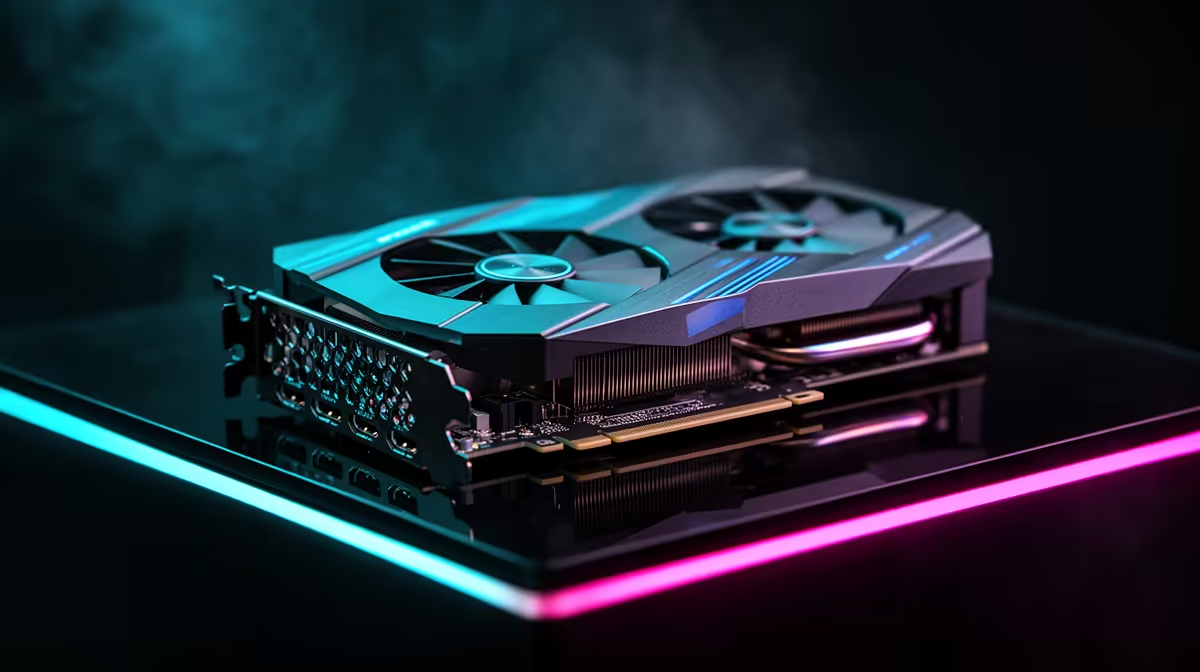
Yes, RTX 5080 Super has more than enough headroom for Hades 2 at 4K when the game is capped sensibly. The real win is stable frame pacing at 60fps, not buying the largest GPU possible. For South African buyers, the smarter shortlist is a complete platform around RTX 5080 Super, with a cautious budget band of well above R30,000 for a full premium build depending on the rest of the system.
At 4K, Hades 2 only feels upgraded when the screen, frame cap and graphics settings agree. A 60Hz display is fine for cinematic play, while a 120Hz or 144Hz screen makes frame pacing problems easier to notice. If you already own a high-refresh monitor in Johannesburg, Cape Town or Durban, prioritise stable minimums over a headline maximum. A strong GPU cannot fix a weak CPU, slow storage or a display that cannot show the extra frames.
Start with native 4K, then tune shadows, reflections, crowd detail and post-processing before reducing textures. Keep VRAM-heavy texture settings sensible on cards with smaller memory, and leave motion blur off if you are testing response. For RTX 5080 Super, the useful platform checks are NVIDIA drivers, DLSS or frame generation options and a clean shader cache. A clean driver install and a repeatable in-game route make the result easier to judge.
Use Hades 2 as the workload, but buy for the full week of use. A balanced system should have 16GB RAM as the floor, a 1TB NVMe SSD for patches and recordings, and a quality power supply with headroom. If the build is already in the R20,000-R38,000 range, spending a little more on cooling or a better monitor can be more visible than moving up one GPU tier.
It can be overkill for a 60Hz screen, especially in lighter games. It makes more sense when you want 60fps, higher visual settings, recording overhead or a monitor upgrade.
Check case clearance, power supply wattage, monitor refresh rate and whether your CPU can feed the GPU. Also confirm you have a 1TB SSD if Hades 2 shares space with several large titles.
Lower the heaviest settings first and keep 4K if the image still looks sharp. Resolution scaling is the fallback when the frame cap still drops below the target.
For Hades 2, test one repeatable race, mission or scene at 4K with a 60fps cap, then note GPU usage, CPU usage and frame-time spikes before changing hardware.
FPS drops on an RTX 5090 build often have a fixable cause. Check settings, drivers, thermals, background tasks, network conditions, and bottlenecks before assuming a part must be replaced.
Read more
How to fix low FPS on 240Hz monitor starts with refresh rate, GPU load, and game caps. In South Africa, also check power mode, thermals, and display cable quality before assuming your PC cannot keep up.
Read more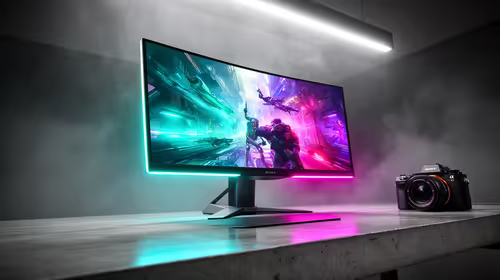
31.5-inch 4K OLED gives SA gamers sharp work space and rich contrast for play. It suits buyers who want one high-end display for study, streaming, or editing by day, then immersive gaming after hours. Check desk depth and panel care first.
Read more
All-in-One PCs are niche in SA because they package the display and desktop into one tidy unit. That helps with space and setup, but SA buyers should weigh repair access, upgrade limits, monitor choice, and gaming expectations.
Read more
All-in-One PCs are niche in SA because the neat design comes with upgrade, repair, and performance trade-offs. They appeal to tidy desks and shared spaces, but buyers often compare them against laptops, towers, and separate monitors.
Read more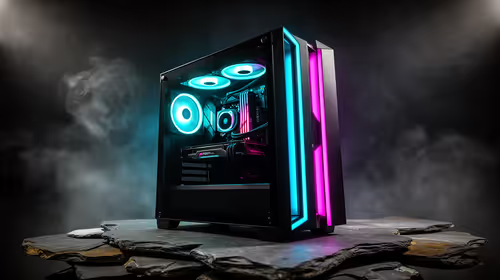
ARGB Cases In Mid-Tier SA Builds can change budget, compatibility or upgrade plans. SA PC builders should compare fit, warranty, platform needs and real workload value before committing.
Read more
Pre-Black Friday AIO cooler needs practical checks before buyers act. Build the shortlist around specs, warranty, fit, and real discount checks before campaign prices or ranges change. Keep it guide-safe for South African readers.

Used parts can lower the build cost, while buying new gives the SA warranty angle named in the title.

Choosing the right USB-C hub is essential for a clean, efficient desk setup. 🖥️ Discover exactly how many ports you need to replace your bulky desktop docking station without sacrificing performance or connectivity. ⚡

Black Friday Gaming PC Wait can help if your PC need is flexible. On a R5,000 SA budget, compare deal risk, component balance, warranty, and timing before waiting.

A recovery drive and system restore points turn a failed driver or BIOS update on a gaming pc from a full reinstall into a five-minute fix. Setting both up takes about 15 minutes, and Evetech recommends doing it the week you unbox a new build, before tweaking drivers.

RTX 5090 with a 1000W PSU is a strong compatibility target for high-end builds. SA buyers should still match the exact PSU quality, connector support, CPU choice, case airflow, and upgrade needs to the final system.

RTX 5090 on a 1000W PSU offers the best headroom in this PSU tier set. SA builders can plan more confidently for top-tier CPUs, cooling, and cautious OC, while still checking cable support and total system load.

A 550W PSU is a risky fit for an RTX 5080 Super system in SA unless guidance and demand support it. Check CPU draw, cabling, PSU age, cooling, and upgrade margin before deciding whether the setup is safe enough.
FPS drops on an RTX 5090 build often have a fixable cause. Check settings, drivers, thermals, background tasks, network conditions, and bottlenecks before assuming a part must be replaced.

The real world difference between PCIe 5.0 and PCIe 4.0 in competitive esports is rarely raw FPS. SA esports players should compare GPU lane needs, CPU limits, latency goals, and NVMe loading before upgrading.
How to fix low FPS on 240Hz monitor starts with refresh rate, GPU load, and game caps. In South Africa, also check power mode, thermals, and display cable quality before assuming your PC cannot keep up.

PCIe 5.0 vs PCIe 4.0 for aAA single-player gaming buyers - what changes is mostly about compatibility, budget, upgrade path, and setup fit. SA buyers should check device support and real needs before expecting a clear win from either option.