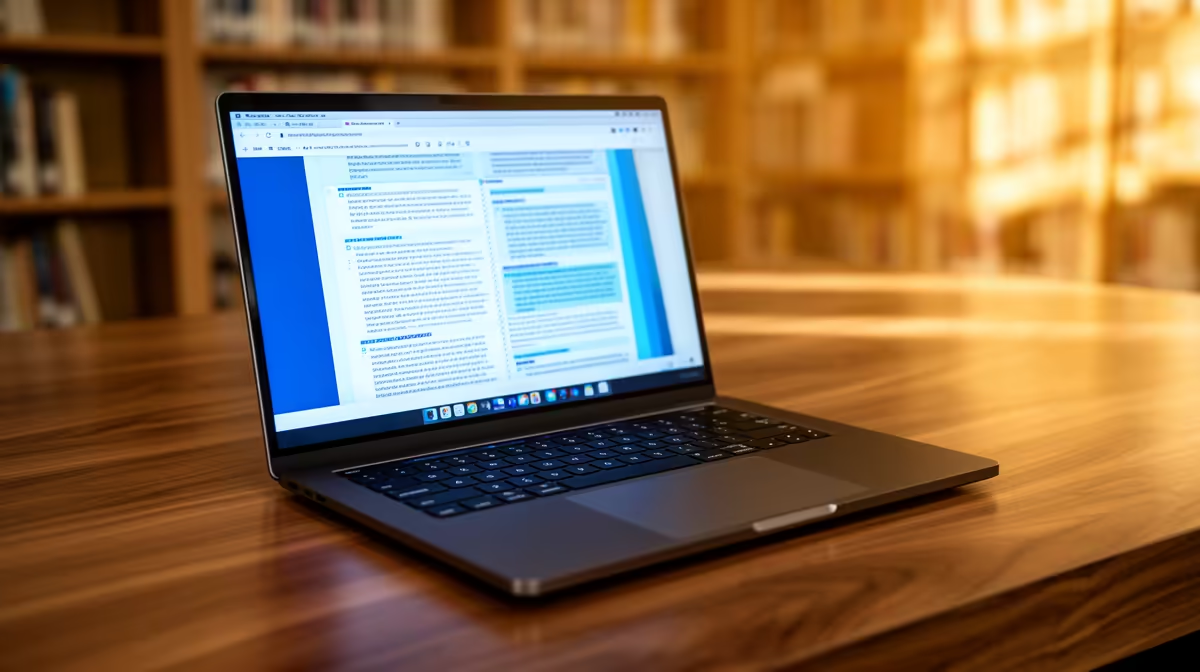
Law coursework rewards a laptop that stays alive through lectures, carries well and makes long reading sessions comfortable. A current entry processor is enough for documents, research, PDFs and video classes. Battery, keyboard and screen affect every day.
Quick Answer
Aim for 8GB RAM, SSD storage and a current Core i3 or Ryzen 3 class processor. Choose 512GB when the student keeps judgments, textbooks and recorded lectures offline. Dedicated graphics add little to a normal law degree.
The HP Notebook 255R G10 was R8,499 as of July 2026. Its named Ryzen 3 configuration carried 8GB memory and a 512GB SSD, giving a useful general-study reference.
Compare popular laptop models and current laptop promotions by weight, battery evidence and warranty as well as price.
Battery Is a Schedule Question
There is no useful universal hour target without the student's day. Count lectures, library sessions and travel between plugs. Look for independent runtime tests that resemble browser, document and video use.
Screen brightness, Wi-Fi and video calls change endurance. A larger battery can be offset by a bright display or inefficient processor. Charger weight belongs in the comparison because it may travel every day.
Reading and Writing Comfort
A 14-inch laptop is easy to carry, while 15.6 inches shows more of a judgment beside notes. Confirm full-HD resolution or better and check text clarity. A matte screen can help under bright library lights.
Test the keyboard for long-form writing. Check key layout, touchpad and palm-rest comfort. An external monitor at residence can add workspace without making the daily laptop heavier.
Storage and Security
A 256GB SSD can cover general law work with archiving. A 512GB drive gives more room for offline material. Keep at least one backup away from the laptop.
Use a strong sign-in, device encryption where supported and a saved recovery key. Follow university rules for any clinic or client information. A personal laptop should not become an uncontrolled store of sensitive records.
Test the Real Lecture Load
Open a large judgment, a note document, the learning portal and a video call together. Run that session away from the charger for an hour. The test reveals memory pressure, screen comfort and battery drain in one go.
Check Wi-Fi recovery while moving between access points. Make sure the webcam and microphone work for consultations. A laptop that survives a benchmark but drops every online class is the wrong kind of powerful.
Keep the invoice and serial number off the device. Install required assessment software during the return window.
FAQ
Does law need a powerful processor?
No for ordinary reading, research and documents. A current entry processor with 8GB RAM and SSD storage is a sensible base.
What screen size works?
Fourteen inches suits travel. A 15.6-inch screen gives split documents more room. Resolution and comfort matter more than size alone.
Should a law student buy a GPU laptop?
Only for a separate named workload. Dedicated graphics add weight and power use without helping normal legal study.
Choose the law laptop that lasts through the student's real day and feels comfortable for hours of reading and writing.