Two cables, two completely separate jobs - that's the setup running through every Nyota A12 in the row, and understanding which does what makes most cabling questions answer themselves before they become a problem.
Quick Answer
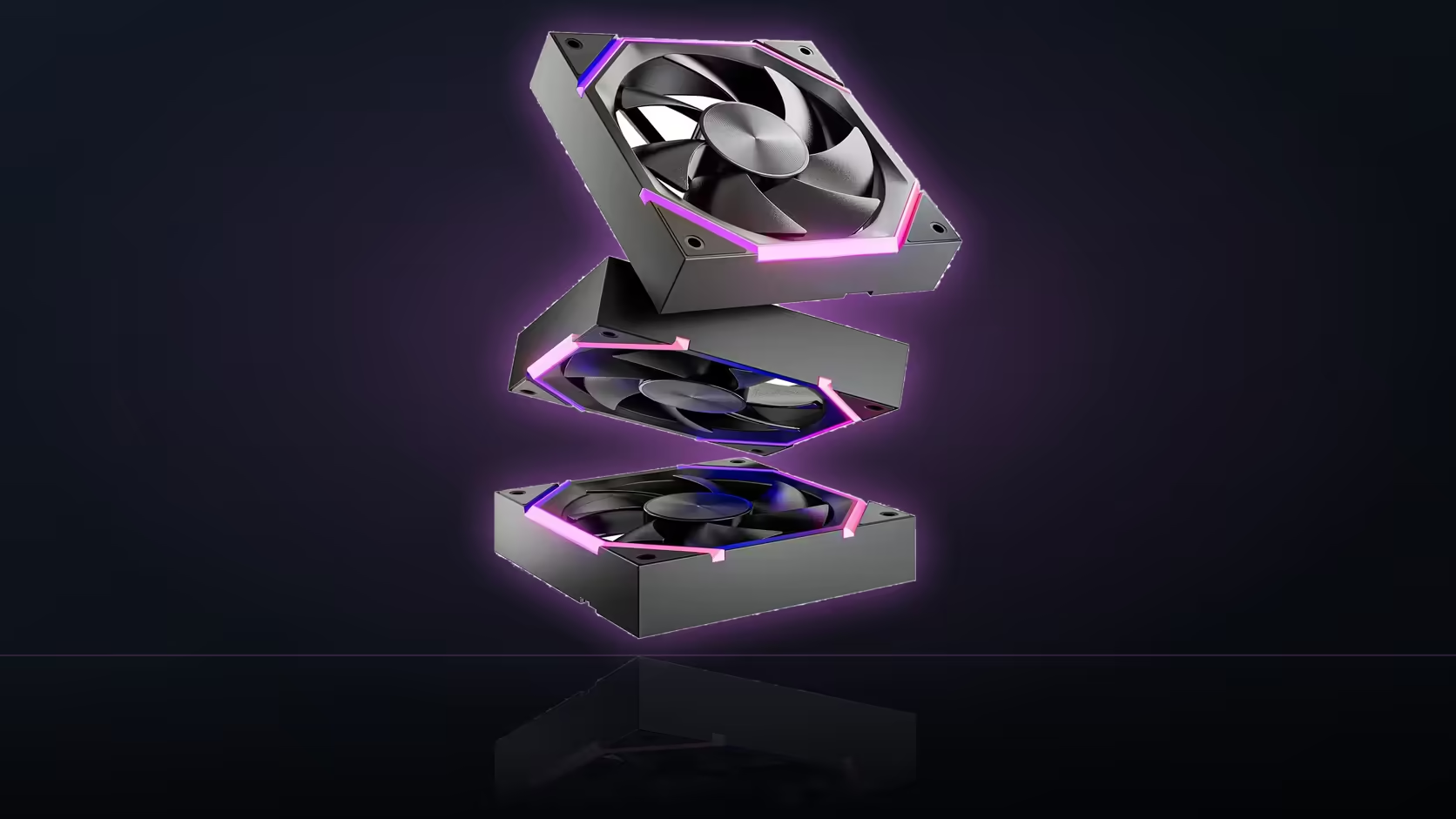
Each Nyota A12 fan carries two independent connections: a 4-pin PWM cable that controls speed, and a 5V 3-pin ARGB cable that controls the ring lighting. AsiaHorse chains both separately across the three fans in a pack, so a full row runs back to the board on two linked cables rather than six individual ones. Black or white, R499 gets you the full three-pack.
🔌 The PWM cable: speed, and only speed
The four-pin connector carries power to the fan motor plus a dedicated PWM signal that lets the motherboard set speed dynamically, following whatever curve is configured in the BIOS. It has no involvement in lighting whatsoever - unplug the ARGB cable entirely and the fan will still spin exactly as commanded through PWM.
The ARGB cable: lighting, and only lighting
The 5V 3-pin connection is dedicated purely to the addressable ring, linking to the board's own ARGB header rather than any fan-control header. Because it's entirely separate hardware, the lighting effect and the fan's actual speed have zero relationship to one another.
🔗 How chaining ties the row together
AsiaHorse links both the PWM and ARGB connectors across the three fans in a pack, so a full row reaches the motherboard through two chained cables instead of six separate leads - a meaningful reduction in header count and cable clutter for a three-fan front intake.
Two headers, two board connections
Even chained, the row still needs two distinct connections on the motherboard: a fan header for the PWM chain, and an addressable RGB header for the lighting chain. Neither substitutes for the other, and most boards keep them physically distinct enough that a mismatched connection generally won't seat at all.
🧭 Why the split matters for troubleshooting
Understanding that these are genuinely independent systems is the single most useful fact for diagnosing anything that goes wrong later. Lighting working while speed stays fixed points straight at the PWM chain or header settings; a fan spinning correctly with dead lighting points at the ARGB side instead. Knowing the split narrows any search immediately rather than second-guessing the whole fan.
Frequently Asked Questions
What does the 4-pin cable on each fan actually control?
Power and the PWM speed signal - the connection the motherboard uses to set fan speed according to a curve.
And the 5V 3-pin cable?
That's dedicated to the addressable ring lighting, connecting to the board's ARGB header independently of fan speed control.
Can the fan spin with only the PWM cable connected?
Yes - the motor and speed control work entirely off that connection, with no dependency on the lighting cable.
Does chaining reduce the number of board connections needed?
It reduces the number of individual leads per fan, but the row still needs two total board connections - one PWM, one ARGB.
Can the two cables be accidentally swapped?
Unlikely - the connectors differ in size and keying, so a wrong connection generally won't physically seat.
Why does the split matter when troubleshooting?
Because a symptom in one system - lighting or speed - points directly at that chain, narrowing the search immediately.
Do all three fans in the pack share this same two-cable design?
Yes, identically across black and white versions, with both cables chained the same way for the full pack.
Ready to wire up a full fan row without doubling up on headers? Browse case fans and case accessories to complete your cabling plan.
Wiring up a multi-fan ARGB row for the first time?
Explore Evetech's case fan range to see how chained PWM and lighting cables work in practice.