


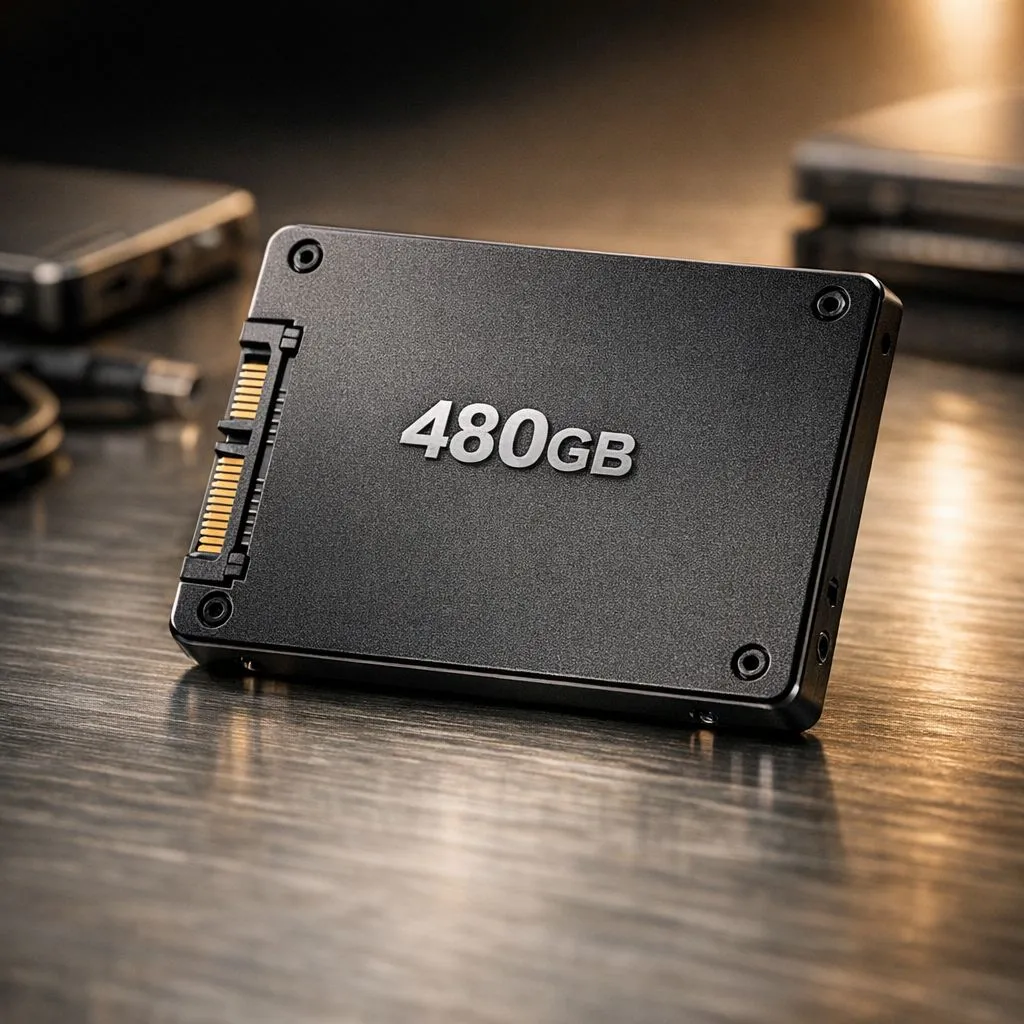
Purge System Clutter to Maximize 480GB Storage
We’ve all been there. You want to install the latest patch for your favourite shooter, but Windows hits you with the "Insufficient Disk Space" warning. A 480GB drive sounds like a lot until you install three modern titles. Learning how to maximize 480GB storage is essential for any South African gamer on a budget. Let’s look at how to free space without deleting your entire library... it is easier than you think. 🔧
Start by purging the digital cobwebs. Windows updates and temporary files can eat up gigabytes of room in the background. If you are using reliable solid state drives, keeping at least 10% of the drive empty ensures peak performance. For those using ADATA drives, their dedicated toolbox software can help monitor health while you clear out the clutter... regular maintenance is the key to longevity.
Use External Drives to Free Space
Not every file needs to live on your primary boot drive. High-resolution photos, 4K videos, and work documents are better suited for external storage solutions. If you frequently move between a home setup and a LAN event, picking up an external form factor drive is a life-saver. It keeps your main drive lean for gaming while your media stays portable and secure. ✨
Storage Sense ⚡
In Windows 10 and 11, enable 'Storage Sense' in your system settings. It automatically deletes temporary files and empties your recycle bin when disk space is low. It is the easiest way to keep your 480GB drive breathing without manual intervention.
Hardware Upgrades for Better Capacity
Sometimes, cleaning files isn't enough for modern game libraries. If you are constantly fighting for every megabyte, it might be time for a hardware refresh. Consider adding Western Digital options for secondary storage. Even a budget-friendly Kingston SSD can serve as a dedicated "Games Only" drive, leaving your OS drive free.
For those chasing the highest possible speeds, moving to PCI Express (NVME) technology offers a massive jump in responsiveness. For the absolute enthusiasts, the latest Gen 5 (NVME) speeds provide future-proofing that makes 480GB feel like a relic of the past. 🚀
Ready to Find Your Perfect Match? Managing a small drive is a fine art, but sometimes you just need more room to breathe. Explore our massive range of SSD specials and find the perfect storage upgrade to house your entire library.











