


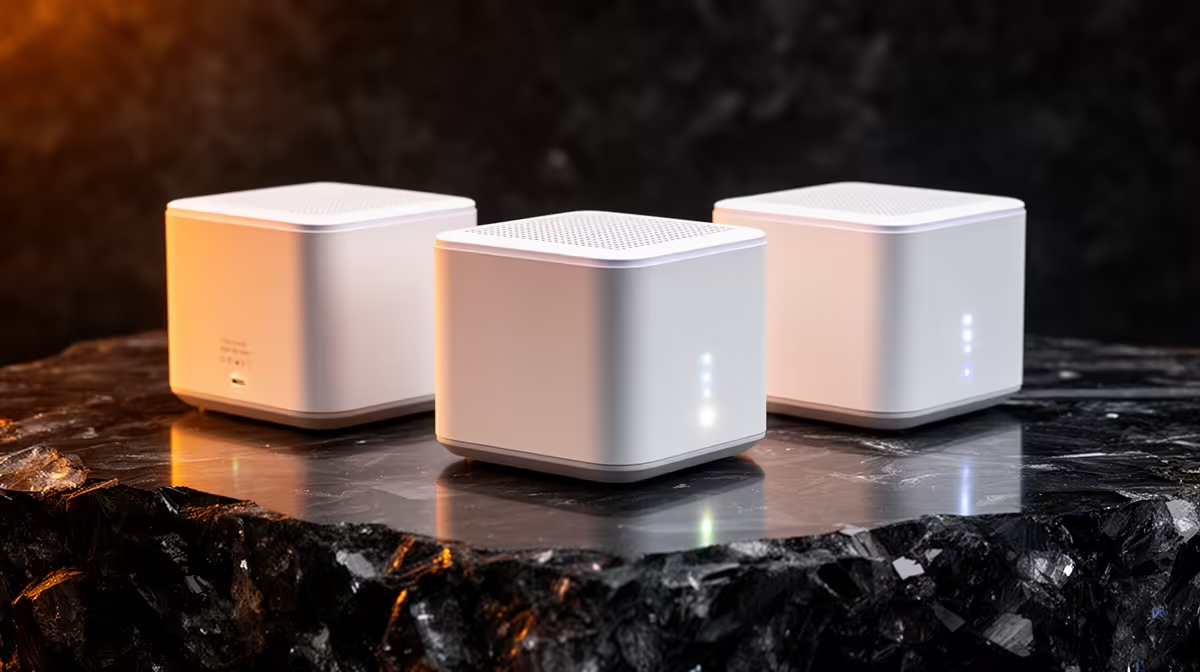
A new gaming PC deserves a stable connection, but mesh kits solve a different problem than a single router. Buying mesh when one access point would do just adds nodes and cost.
Quick Answer
Mesh Wi-Fi makes sense for double-storey homes or builds 10m+ from the router with thick walls between. For a desktop next to the router, a wired Ethernet run beats any mesh. Entry mesh kits are commonly stocked locally from around R2,500, with Wi-Fi 6 two-packs around R3,500 to R5,500.
When Mesh Beats a Single Router
If your rig sits across the house from the fibre ONT, signal drops through every brick wall it crosses. A two- or three-node mesh keeps the satellite node within one wall of the PC, holding throughput high enough for game downloads and low-latency play. On Vumatel or Openserve 100Mbps lines, a decent mesh keeps speeds within 10-15% of the wired figure at the far node.
Skip Mesh When You Can Wire
A desktop is stationary, so a single Cat6 cable to the router gives lower ping and zero interference for under R150. New builders often overlook that most motherboards include 2.5GbE; pairing that with a wired backhaul mesh node beats relying on Wi-Fi for competitive titles.
Compatibility and Warranty Notes
Check that the mesh supports wired backhaul if you can run one cable to the far node, and confirm the SA warranty covers all nodes, not just the main unit. Most kits carry a one- to two-year local warranty.
FAQ
Do I need mesh Wi-Fi for a gaming desktop?
Usually not. A wired Ethernet run gives lower latency and is far cheaper. Mesh only helps when the PC is far from the router with walls in between and wiring is impractical.
What Wi-Fi standard should a new builder buy?
Wi-Fi 6 is the sensible baseline now and is well stocked locally. It handles busy SA households with multiple devices better than older Wi-Fi 5 kits at a small price premium.
How much does a mesh kit cost in South Africa?
Entry kits start around R2,500, with capable Wi-Fi 6 two-packs commonly in the R3,500 to R5,500 range depending on coverage and speed.
If your desk is within 15m of the router, run a single Cat6 cable first. Only add mesh if a wired path is genuinely impossible.











