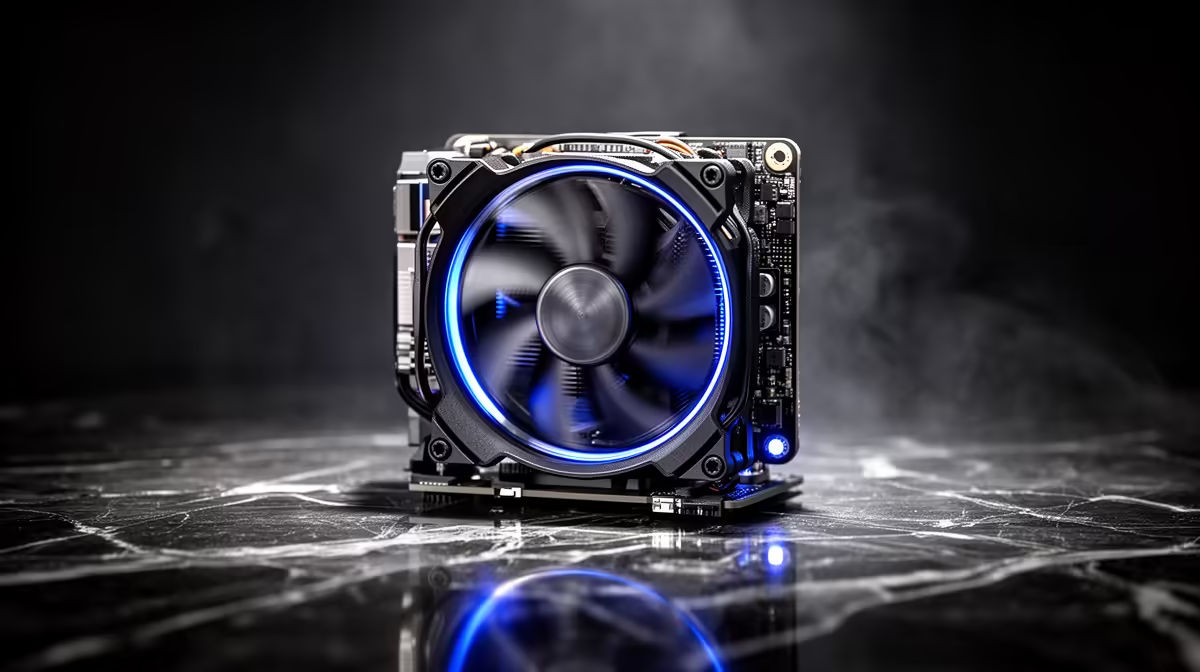
A quiet little machine that suddenly sounds like a hairdryer is almost always reacting to one thing: heat it can no longer shed. When a mini PC fan suddenly gets loud, the BIOS is pushing the fan to maximum RPM because the CPU is running hot, and the two usual culprits are a heatsink choked with dust or thermal paste that has dried out and stopped transferring heat. Both are fixable at home.
Quick Answer
A mini PC fan that suddenly ramps loud almost always means the CPU is overheating, and the two most common causes are dust clogging the heatsink and vents, or dried-out thermal paste. Clean the vents with compressed air first, since that fixes most cases in minutes. If it is still loud, check Task Manager for a runaway process, and if the machine is two years or older, replacing the thermal paste is the real fix.
The Two Fast Checks First
Before opening anything, do the two checks that resolve the majority of cases. First, open Task Manager and look at CPU load. A background process, a stuck update, or malware can peg the processor and force the fan to full speed even when the cooling is perfectly fine. If something is hammering the CPU, deal with that and the fan will calm down on its own.
Second, blow out the vents with a can of compressed air, holding it about 15 to 20cm from the machine. Mini PCs have tiny heatsinks and narrow airflow paths, so even a thin layer of dust has a disproportionate effect, trapping heat and forcing the fan curve to ramp. Together, these two checks fix most sudden noise problems without any disassembly.
When It Is the Thermal Paste
If the vents are clean and no process is overloading the CPU, but the fan is still loud and the machine runs hotter than it used to, the thermal paste is the likely cause. The paste between the CPU and heatsink dries and cracks over time, which ruins heat transfer and leaves the fan spinning hard to compensate. This shows up classically on a mini PC that is two or more years old and has been getting progressively louder and hotter.
Many mini PCs cool the chip directly without a metal heat spreader, which makes them especially prone to paste drying out and squeezing away from the centre. Replacing it restores cooling dramatically: remove the cooler, wipe off the old paste with high-strength isopropyl alcohol, apply a small pea-sized drop of fresh paste, and reseat the heatsink firmly. If you are not comfortable opening the unit, a technician can do this quickly.
You can compare current compact machines and cooling-friendly designs in the mini PC range at Evetech, and if your unit is old enough that it is fighting heat constantly, the best-selling PCs at Evetech show where a cooler, faster replacement might make more sense than another repair.
Ruling Out a Failing Fan
One more possibility: the fan itself is wearing out. A healthy fan at full speed makes a steady rush of air, but a fan with failing bearings makes irregular mechanical noise, a grinding, rattling, clicking, or buzzing sound that is clearly different from normal high-RPM airflow. If you hear that kind of noise rather than a smooth roar, the fan needs replacing rather than the paste. To keep noise down long-term, clean the vents every three to six months, more often in a dusty room.
Frequently Asked Questions
Why did my mini PC fan suddenly get loud?
The CPU is overheating and the BIOS is pushing the fan to maximum to compensate. The usual causes are dust clogging the heatsink and vents, or dried-out thermal paste, with a runaway background process being a common software cause.
Can I fix a noisy mini PC fan myself?
Often, yes. Cleaning the vents with compressed air and checking Task Manager for a high-CPU process resolves most cases. Replacing thermal paste is more involved but doable, though you can have a technician do it if you would rather not open the unit.
How do I know if it is dust or thermal paste?
If cleaning the vents fixes it, it was dust. If the machine is two or more years old, has been getting progressively louder and hotter, and stays loud after a thorough clean, dried thermal paste is the likely cause.
How often should I clean my mini PC?
Every three to six months for normal use, and more frequently in dusty environments like a workshop. Regular cleaning keeps the tiny heatsink clear and stops the fan from ramping up in the first place.
What if the noise is a rattle or grinding, not a roar?
That points to a failing fan bearing rather than a heat problem. Irregular clicking, grinding, or rattling means the fan needs replacing, since those noises come from worn mechanical parts rather than high-speed airflow.
If your mini PC is fighting heat and noise more often than it should, browse the mini PC range at Evetech to see cooler, quieter machines and find a compact replacement that suits how you work.