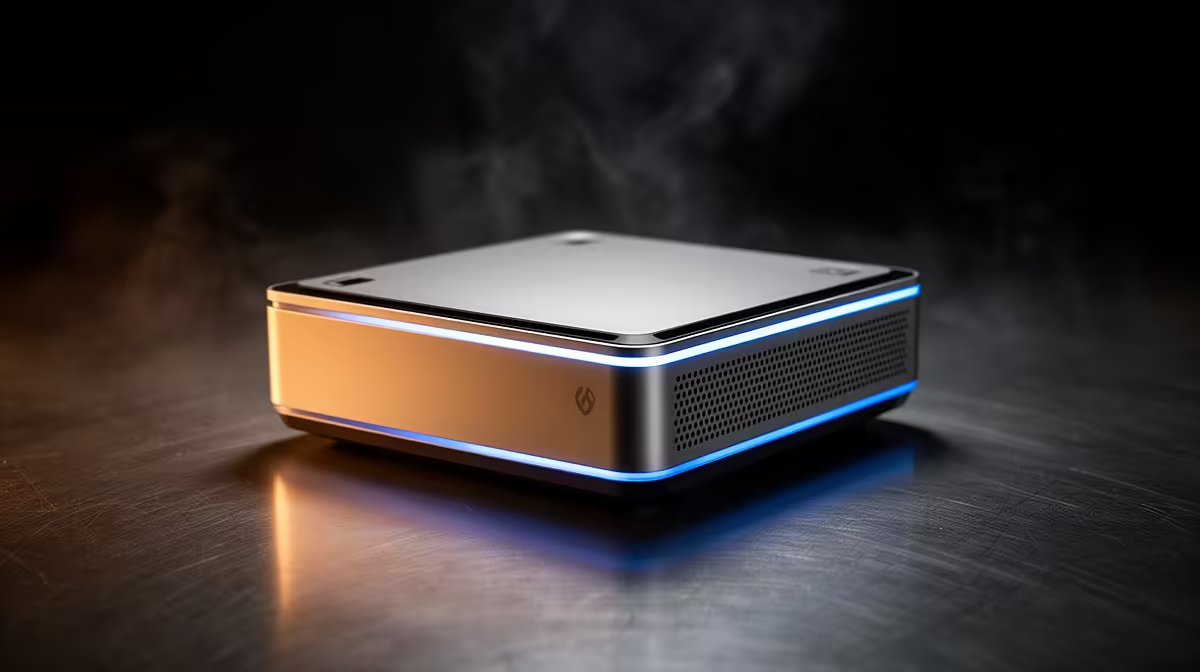
Your mini PC running hot and slowing down mid task is almost always one culprit: thermal throttling. The chip hits its temperature ceiling, deliberately drops its clock speed to protect itself, and your snappy little machine turns sluggish until it cools. Confirming thermal throttling takes one free tool and a few minutes -- far better than assuming hardware is broken when a software check will settle it.
Quick Answer
Log CPU package temperature and clock frequency at the same time while the machine is under load. If the temperature climbs to the junction limit, typically around 95C to 105C, and the clock frequency drops at that exact moment, that is thermal throttling confirmed. The slowdown is the chip protecting itself from overheating.
How to confirm it step by step
Diagnosing this is about watching two numbers together, not guessing from how the machine feels.
- Install a monitoring tool. A free utility like HWiNFO64 reads sensors straight from the CPU, including package temperature, per core clock speeds, and dedicated throttling flags. Open it in sensors only mode so you see live readings.
- Watch idle first. Note the resting temperature and clock speed with nothing running. A cool idle that climbs hard under load is the pattern you are looking for.
- Apply a sustained load. Run a stress test or any heavy task that pushes the CPU for several minutes. The point is to hold the chip busy long enough for heat to build, since throttling appears under sustained load, not in quick bursts.
- Watch the two numbers move together. As temperature rises toward the junction limit around 95C to 105C, watch the clock frequency. If the clock drops sharply right as the temperature peaks, you have caught throttling in the act.
- Check the throttling flags. HWiNFO64 also reports thermal throttling directly and shows the percentage of time a core spent throttled. Be aware some chips flag throttling slightly below the rated limit, since manufacturers sometimes set a lower internal threshold than the official junction temperature.
Why mini PCs throttle more than towers
The compact case that makes a mini PC appealing is also why it overheats. There is little room for airflow, the cooler is small, and the chip sits close to other warm components. Under a brief task the system stays fine, but under a sustained load the trapped heat has nowhere to go, the temperature climbs to the limit, and the chip throttles to survive. That is normal protective behaviour, not a fault, though it does cost you performance. If you are comparing options, the mini PC range at Evetech includes models with better cooling designs that hold their clocks longer under load.
What to do once it is confirmed
Start simple. Clear dust from the vents and fan, and make sure the unit has clear space around it rather than being boxed into a tight cabinet or stacked under other gear, since restricted airflow alone can cause throttling. Raise it off the desk slightly for better intake. If the room itself is warm, the chip has less thermal headroom to begin with.
If it still throttles after that, the cooling may simply be at its limit for the workload you are asking of it. Reapplying thermal paste can help on an older unit, and reducing the sustained load, or stepping up to a mini PC built for heavier continuous work, is the longer term answer. Decent compact machines that handle sustained loads without throttling are visible in the PC best sellers at Evetech, where buyer demand tends to surface the options with better thermal headroom.
Frequently Asked Questions
What temperature counts as thermal throttling?
Most modern CPUs throttle as they approach their junction limit, commonly around 95C to 105C. The exact figure varies by chip, and some throttle slightly below the rated limit because the manufacturer set a lower internal threshold to be safe.
How do I know it is throttling and not a software problem?
Watch temperature and clock speed together under load. If the clock drops sharply at the moment temperature peaks near the limit, it is thermal throttling. If the clock holds steady while the machine still lags, the cause is more likely software or storage.
Is thermal throttling damaging my mini PC?
No. Throttling is the protective mechanism that prevents damage by cutting clock speed before the chip gets too hot. It costs you performance but is the CPU doing exactly what it should to keep itself safe.
Can I stop a mini PC from throttling?
Often, partly. Clearing dust, improving airflow around the unit, and keeping the room cool all help. Reapplying thermal paste can recover an older machine, but a small chassis has limits, so a heavy sustained workload may need a better cooled model.
Confirmed your machine is throttling and ready for one that keeps its cool? Browse the mini PC range at Evetech for compact builds with the cooling to hold performance under load.