Quick Answer
The no-regret docking station for casual gaming after work in SA needs native HDMI output matching your monitor, fast USB ports for a mouse and keyboard, gigabit Ethernet for stable ping, and 60W-plus Power Delivery; budget R1,000 to R2,500. Casual evening gaming on a laptop runs fine through a quality USB-C dock, as long as the display path is native and the wired link is solid.
The No-Regret Casual Gaming Dock
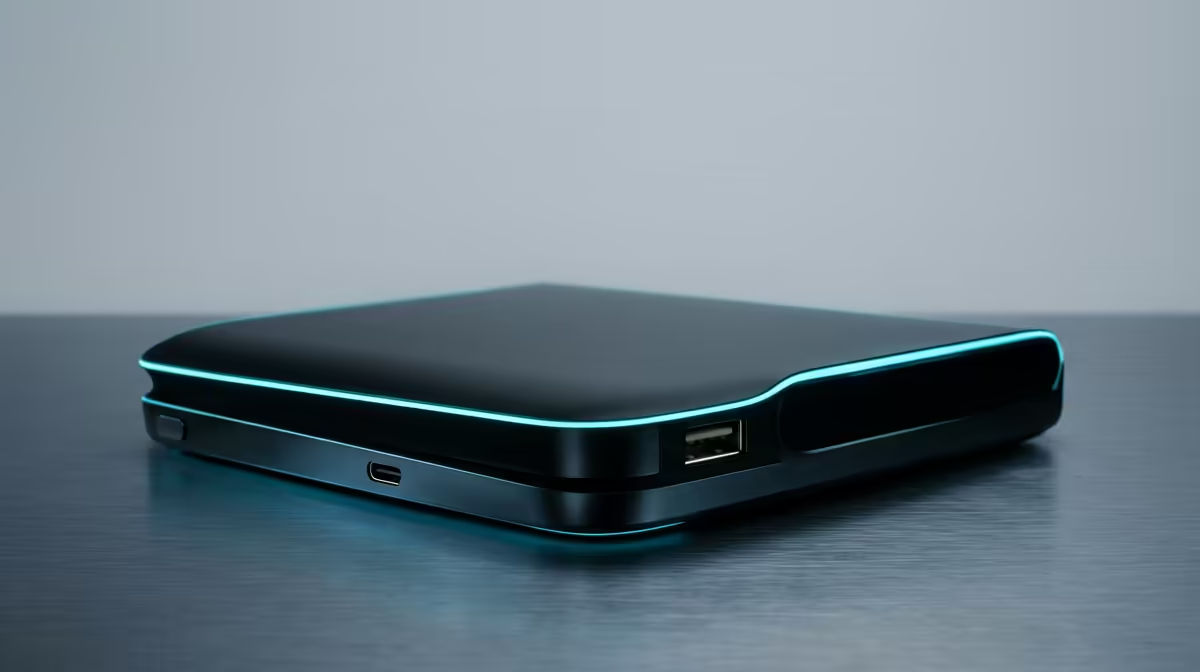
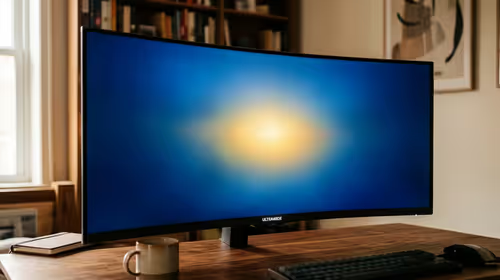
For winding down with a few games after work, the dock's job is simple: drive your monitor at full refresh, keep your mouse and keyboard responsive, and give a stable connection. A USB-C dock with native HDMI output supporting your monitor's resolution and refresh, say 1080p at 144Hz, keeps gameplay smooth, while gigabit Ethernet steadies your ping better than relying on Wi-Fi through the dock.
The regret is a cheap hub that compresses the display or shares bandwidth across ports, adding lag. Spending sensibly on a dock with native display output and a wired Ethernet port avoids that, so your evening gaming feels as responsive as plugging straight into the laptop.
Specs Worth Paying For
Prioritise native HDMI or DisplayPort that matches your monitor's refresh rate, full-speed USB ports for low-latency peripherals, gigabit Ethernet for steady ping, and 60W-plus Power Delivery to charge the laptop. At Evetech these mid-range docks are well stocked, with delivery nationwide and local warranty support, so a fault is easy to resolve.
Getting Smooth Evening Sessions
Plug your gaming mouse and keyboard into the dock's full-speed ports, hardwire Ethernet for stable ping, and run the monitor off the native display output, not DisplayLink. Confirm the dock and cable support your refresh rate. Done right, a quality dock makes casual after-work gaming feel seamless on a laptop.
FAQ
What docking station suits casual gaming after work?
A USB-C dock with native HDMI matching your monitor's refresh, full-speed USB ports for peripherals, gigabit Ethernet for steady ping, and 60W-plus Power Delivery. These keep evening gaming smooth and responsive on a laptop.
Will a dock add lag to my gaming?
A cheap hub can, by compressing the display or sharing bandwidth. A quality dock with native display output and full-speed USB ports adds no meaningful lag, feeling like plugging straight into the laptop.
Should I use Ethernet through the dock for gaming?
Yes. A dock with gigabit Ethernet gives a stable wired ping, which is steadier than Wi-Fi through the dock. Hardwiring keeps casual online sessions smooth even when the home network is busy.
Choose a dock with native HDMI at your monitor's refresh, full-speed USB ports and gigabit Ethernet so after-work gaming feels seamless on your laptop.