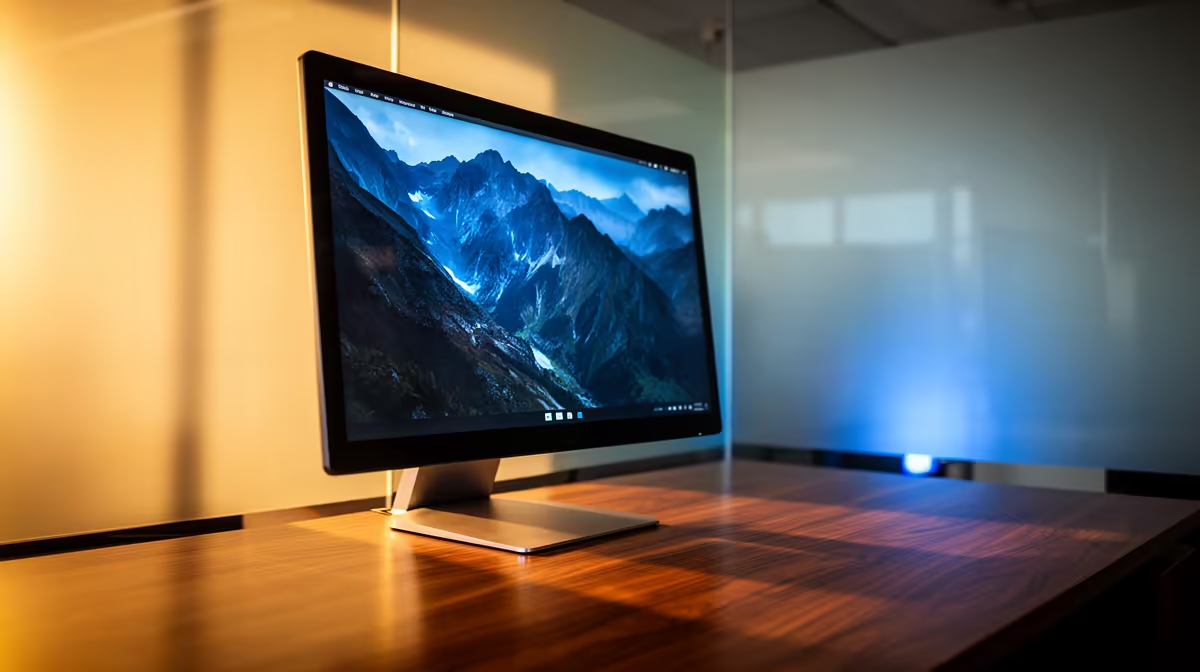
An OLED monitor can work through an eight-hour day. The better question is what fills those eight hours. A rotating mix of calls, documents and design work spreads pixel use. One fixed dashboard at high brightness creates a tougher long-term pattern. Your OLED monitor for office work should be chosen around that routine and the text you stare at from Monday to Friday.
Quick Answer
Use OLED for full workdays when its contrast and after-hours gaming value justify a care routine. Set comfortable SDR brightness, allow a quick screen timeout and vary large static layouts when practical. Choose IPS when the job displays the same interface all day or you want simpler long-term ownership. Evetech's in-stock gaming-monitor median reached R4,499 in July 2026, a dated baseline for deciding whether OLED's premium earns enough of the working week.
🔤 Read your real work on the panel
Some OLED monitors use subpixel arrangements that can add faint colour edges to small text. Pixel density, Windows scaling and viewing distance change how visible it is. Open email, a spreadsheet and your main application before buying if possible.
ClearType tuning may help, but comfort is personal. A fantastic game image cannot repay eight hours of text that bothers your eyes.
See current sizes in Evetech's OLED monitor category, then compare their resolution and subpixel behaviour.
☀️ Set brightness for the room
Use enough SDR brightness for comfortable reading rather than copying an HDR showroom mode. Control direct sunlight and reflections where possible. Take normal breaks and adjust font size; eye comfort depends on room light, focus distance and flicker behaviour as well as panel type.
🛡️ Reduce idle and repeated exposure
Auto-hide the taskbar, let the display sleep during breaks and keep panel maintenance enabled. Switching between applications already changes much of the image; you do not need a timer that forces windows around the screen.
Compare OLED with Evetech's full monitor range and current best-sellers if static office use clearly outweighs gaming.
Frequently Asked Questions
Does 8 hours of daily use shorten an OLED monitor's life?
All use contributes to ageing. Bright, repeated static content creates more uneven exposure than varied work at moderate brightness.
Is OLED harder on the eyes during long work sessions?
Not inherently for everyone. Brightness, text rendering, flicker sensitivity and room conditions shape comfort.
Should brightness be lowered for 8-hour OLED work use?
Use a comfortable SDR level matched to the room. Excess brightness adds pixel stress and can be tiring.
Does switching between apps help protect an OLED work monitor?
It varies the image naturally and reduces the time one interface occupies the same pixels.
Is IPS still better than OLED for full workdays?
IPS is simpler for static office use and avoids OLED burn-in risk. OLED brings better blacks and motion for mixed entertainment.
Do OLED monitors have work-friendly brightness settings?
Yes, although automatic brightness behaviour differs. Check how the exact model handles large white windows.
Planning an OLED desk that works before it plays?
Compare high-density OLED monitors at Evetech, read your everyday apps on the exact panel and price IPS beside it before deciding.