Players on a DDR5 build hit low FPS most often after an update shifts how the system schedules work.
Quick Answer
To stop low FPS on a DDR5 build, verify 6000 MT/s settings, close background load, and retest the same scene. A 32GB DDR5-6000 kit sits around R1,450, while a fast 6400 CL30 pair runs closer to R2,100. The cause is usually configuration, not a faulty component.
Confirm Memory And Storage Health
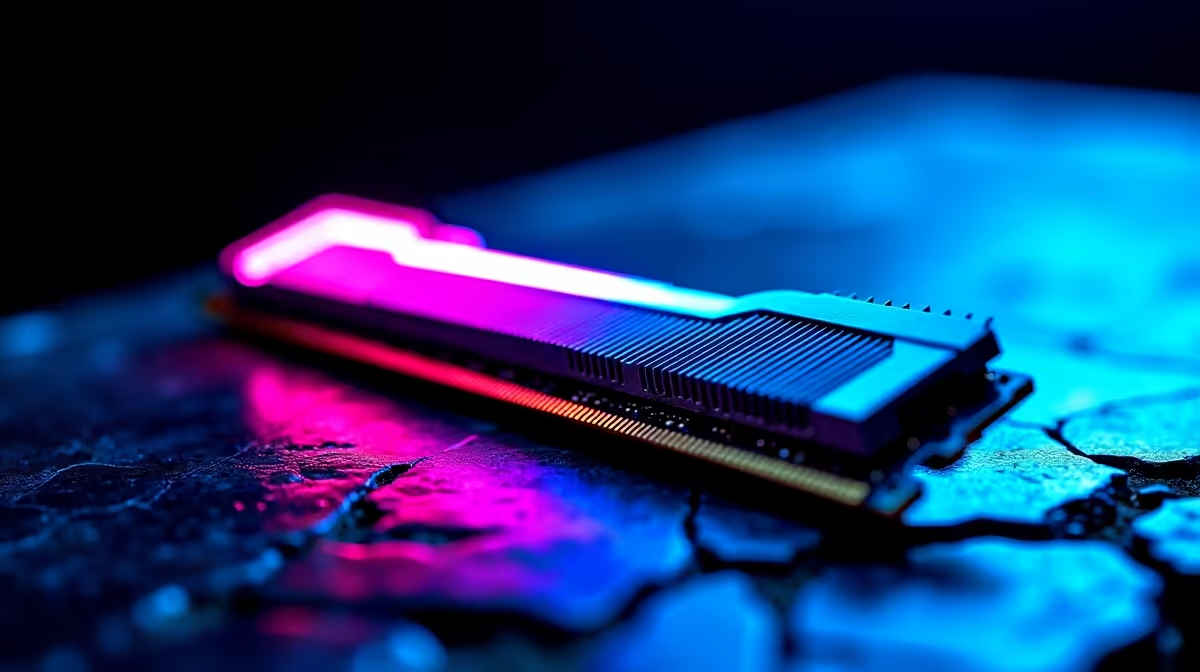
Make sure 6000 MT/s is enabled correctly and that the boot drive has free space and healthy speeds. Misconfigured memory profiles and a near-full drive both surface as low FPS under load. A 32GB DDR5-6000 kit sits around R1,450, while a fast 6400 CL30 pair runs closer to R2,100. A quick check here often explains stutters that look like a GPU problem on the DDR5 build.
Check Display Mode And Frame Targets
Confirm the panel is running its rated refresh, that resolution matches your intended target, and that any frame cap is deliberate. Verify VRR is on, choose fullscreen or borderless on purpose, and make sure the DDR5 build is not silently falling back to a lower mode. With 32 GB dual-channel sorted at the source, low FPS often eases before you touch anything else.
Test Smart
a short log: setting changed, before value, after value. A 30-second repeatable run is worth more than testing three different games.
Watch Thermals And Power Behaviour
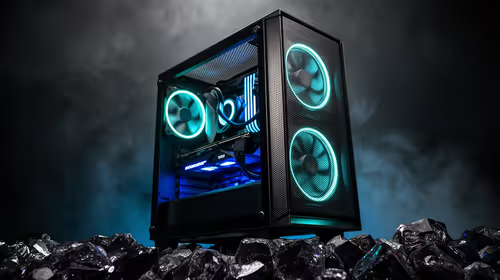
Log temperatures during your scene and confirm the system is on a high-performance power profile, not a battery-saver or eco mode. Heat throttling and conservative power limits make average frame rate sag on an otherwise healthy DDR5 build. Targeting CL30 latency as a reference keeps your expectations grounded while you tune airflow and limits.
FAQ
Should I lower resolution or settings first on a DDR5 build?
Test the load pattern first. If the GPU is pinned, drop resolution scale or heavy effects; if the CPU is pinned, settings changes help less. Targeting 6000 MT/s as a reference keeps tuning realistic.
Will updating drivers actually reduce low FPS?
Often yes, because a clean, current driver fixes scheduling and compatibility quirks behind low FPS. Install the latest stable release, reboot once, and retest the same scene. If a new driver caused it, roll back to the prior version.
Why does low FPS only appear after the DDR5 build warms up?
That pattern points to thermals or power limits. Log temperatures through your scene, improve airflow, and confirm no part is throttling. average frame rate that recovers when cool confirms heat as the cause.
Let the data choose your next memory kit.
After your test scene reveals the real bottleneck behind low FPS, compare the relevant Evetech memory kit options instead of guessing.