


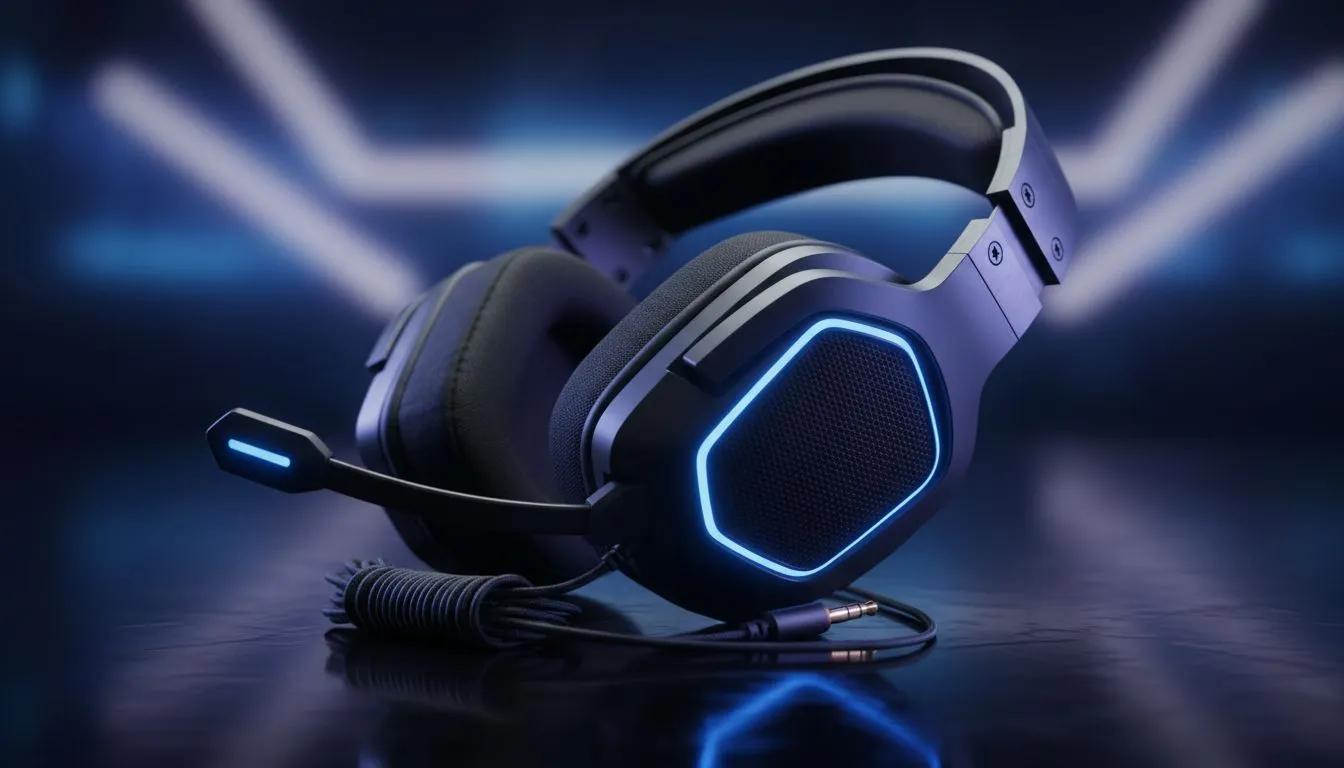
Check the Physical Connection First 🔧
There is nothing more frustrating than jumping into a lobby only to realise your audio is lopsided. Whether you are mid-clutch or just vibing to music, having one side of your headset not working is a literal headache. Before you toss your gear aside, let's look at some quick fixes to get your sound back in balance without breaking the bank.
Often, the issue is purely mechanical. If you are using wired Razer headphones & headsets, ensure the 3.5mm jack is pushed firmly into the port. A half-seated plug is the most common reason for mono sound. If you are on a PC, try plugging the headset into the rear motherboard ports instead of the front case panel... front ports are notorious for loose wiring in older chassis.
The Rubbing Alcohol Trick ⚡
Use a tiny amount of high-percentage isopropyl alcohol on a cotton bud to clean the 3.5mm jack. Over time, South African dust and oils can create a thin layer of insulation on the metal rings, preventing a clean connection. A quick wipe can often restore full stereo sound instantly.
Adjust Your Windows Sound Balance 🚀
Sometimes the hardware is fine, but the software has gone rogue. Windows occasionally resets audio balance levels after a driver update or a system crash. To fix this, right-click the speaker icon in your taskbar, go to Sound Settings, and find your output device.
Ensure the "Left" and "Right" channels are both set to the same value. If one is at 100 and the other is at 0, you have found your problem. If you are using a modern wireless solution like the Razer Barracuda X Chroma Wireless Headset Phantom White, ensure you have the latest firmware installed via Razer Synapse. Wireless interference in a busy home can sometimes cause channel dropouts, and a quick firmware flash often stabilises the signal.
When to Consider a Professional Upgrade ✨
If you have tried different ports and checked your settings but still find one side of your headset not working, the internal copper wiring might be frayed. This usually happens near the "stress relief" point where the cable enters the ear cup. While some DIY enthusiasts might try soldering, it is often more cost-effective to upgrade to a more durable model.
Investing in a new pair from our wide selection of headphone headsets ensures you get modern features like spatial audio and reinforced cabling. With high-quality options starting under R1,000, you can get back into the game with crystal-clear directional audio that helps you hear footsteps before you see the enemy.
Ready to Find Your Perfect Match? Audio issues shouldn't hold you back from the win. For the best sound quality, comfort, and durability in South Africa, a dedicated gaming headset is the ultimate choice. Explore our massive range of headset specials and find the perfect gear to immerse yourself in your favourite worlds.











