


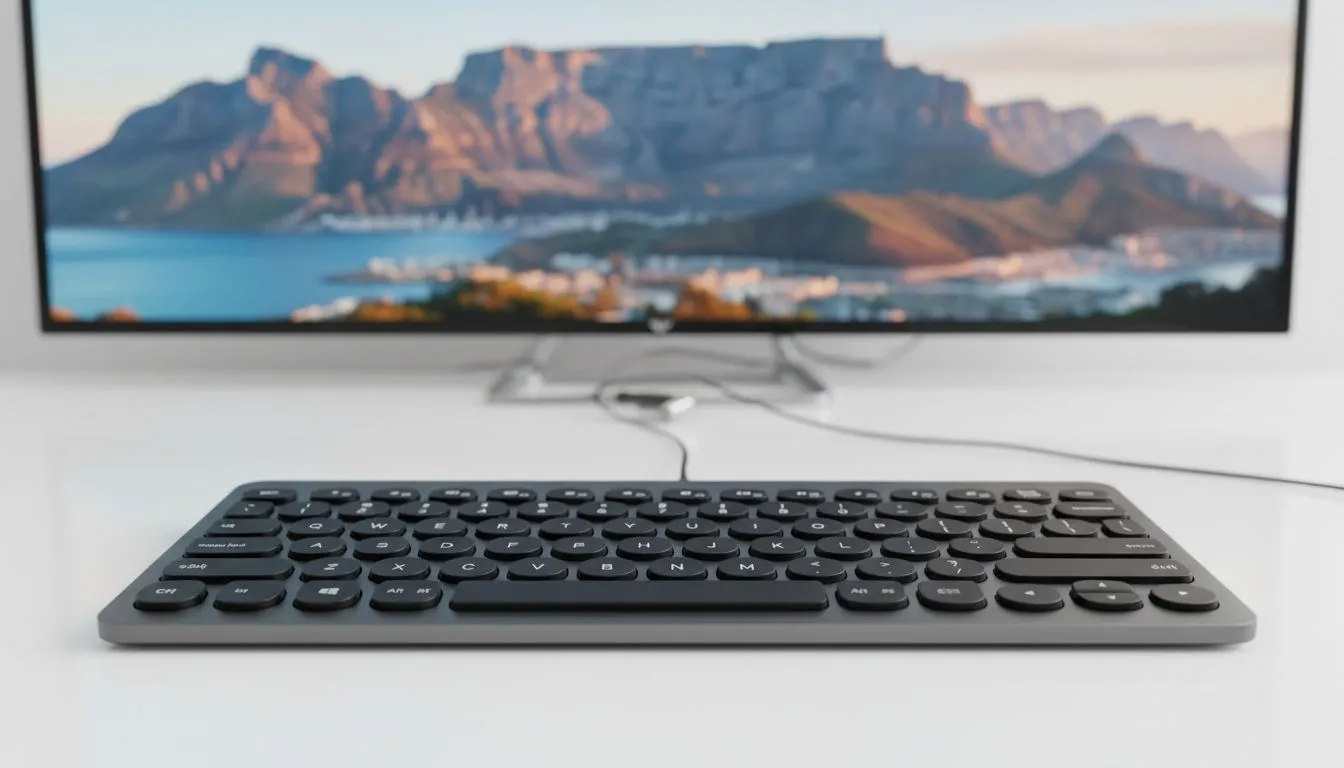
Upgrade Your Lounge Navigation
Tired of typing Netflix searches with a TV remote? It is a slow process that ruins movie nights. Whether you are searching YouTube or logging into accounts, a keyboard makes life easier. Let’s look at how to pair Bluetooth keyboard with Smart TV setups in minutes. You will spend less time typing and more time watching. ✨
Why You Need a Dedicated Keyboard
Smart TV interfaces are getting better... but typing remains a chore. Using a remote to hunt and peck letters is frustrating. If you want to speed things up, checking the best gaming keyboard deals is a great starting point. Many of these high-quality units work perfectly with modern television sets in South Africa.
Step-by-Step Bluetooth Connection
Most modern TVs from Samsung, LG, or Hisense support Bluetooth peripherals. First, put your keyboard into pairing mode. This usually involves holding a specific button until a light flashes. Next, navigate to your TV settings menu. Look for the "Accessories" or "Bluetooth" section. 🔧
Connection Quick Fix ⚡
If your TV does not see your keyboard, try turning off Bluetooth on your nearby phone. Sometimes the keyboard tries to auto-connect to your mobile instead of the TV. This small step often solves the pairing headache instantly.
Select "Add Device" on your screen. Your keyboard should appear in the list. Select it, and you are ready to go. If you are on a budget, you can buy the cheapest gaming keyboard in South Africa at Evetech. It is a simple way to get the job done without breaking the bank.
Wired vs Wireless Options
There are two main ways to connect. Some users prefer wired keyboards because they never need charging. You simply plug the cable into the USB port on the back of your TV. It is reliable and works instantly.
However, most South Africans prefer wireless keyboards for the lounge. No one wants cables running across the floor while they watch a movie. Wireless units give you the freedom to sit back on the couch and type comfortably. 🚀
The Ultimate Control Setup
For the best experience, consider a keyboard mouse combo. These often feature a built-in trackpad on the right side. This allows you to move the cursor on your TV screen just like a PC. It makes navigating web browsers or complex apps much smoother.
Final Thoughts on Your Setup
Once you have sorted out your pair Bluetooth keyboard with Smart TV: easy setup, you will never go back to a remote. It turns your TV into a much more capable machine for browsing and searching. Whether you are spending R300 or R2000, the boost in convenience is worth every cent. ⚡
Ready to Upgrade Your Entertainment Setup? Typing on a TV remote shouldn't be a workout. Whether you need a sleek wireless board or a full-sized mechanical beast, we have the right fit for your lounge. Explore our full range of keyboard deals and take control of your Smart TV today.











