


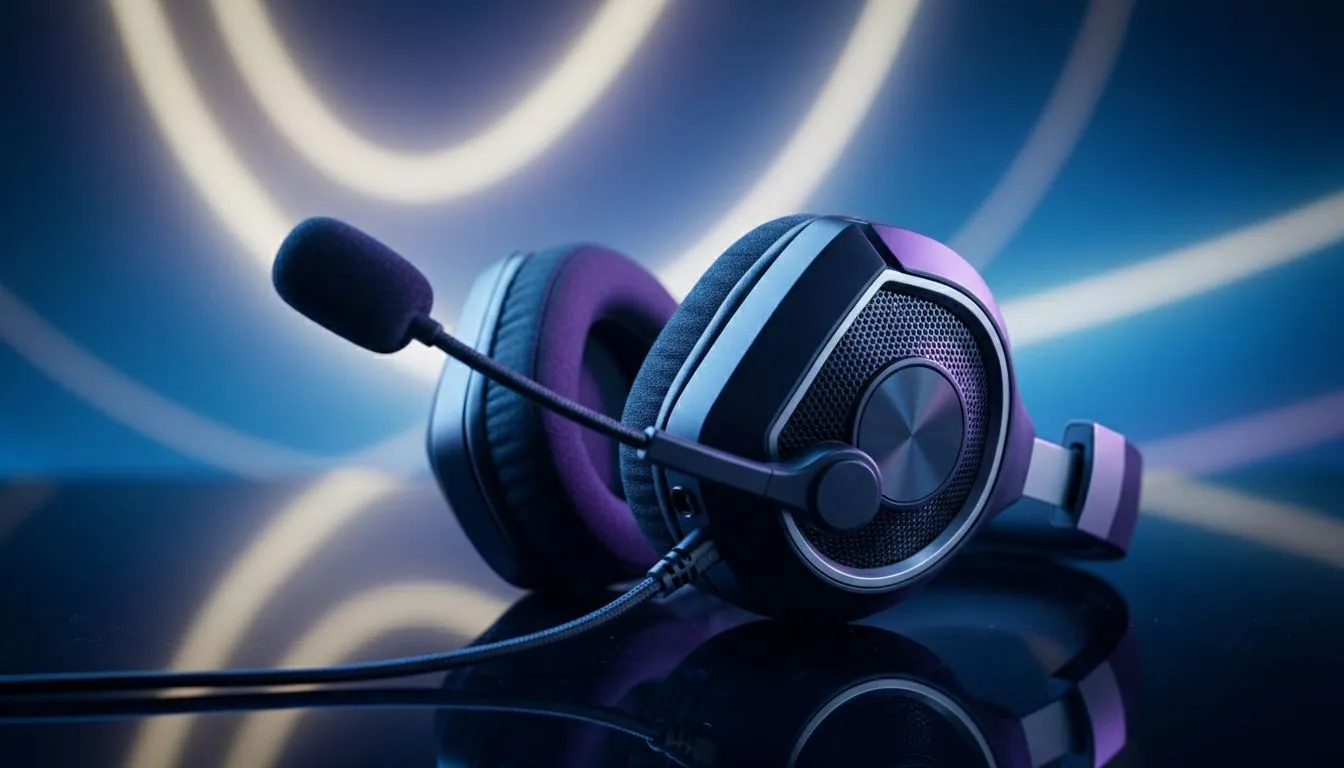
Achieving Better Party Chat Voice Clarity Through Mic Positioning
Nothing kills a late-night session faster than a teammate whose mic sounds like a wind tunnel. We have all dealt with that one friend whose mechanical keyboard is louder than the actual game. Achieving perfect party chat voice clarity: mic positioning & noise control basics does not require a studio setup. It just takes a few smart adjustments to ensure your squad hears your callouts instead of your background noise.
The first step to crystal clear audio is physical placement. Most gamers keep their microphones far too close to their mouths. This causes "plosives"... those harsh popping sounds on letters like 'P' and 'B'. Before you dive into software settings, browse our wide selection of headphone headsets to ensure you have a solid foundation for your audio journey. 🔧
Position your mic about two fingers away from the corner of your mouth. Avoid placing it directly in front of your lips. This prevents your breath from hitting the capsule directly. If your teammates can hear every exhale, you are likely too close.
Implementing Noise Control Basics for a Cleaner Signal
Once your physical setup is sorted, you need to manage your environment. South African summers often mean loud fans or air conditioners running in the background. These constant hums can be easily filtered out with the right noise control basics.
Crystal Clear Comms ⚡
On Windows, go to Sound Settings and ensure your 'Input Volume' is not peaking into the red. Most modern apps like Discord have 'Noise Suppression' features built-in. Turning on 'Krisp' or 'Standard' noise suppression can instantly remove the sound of a barking dog or a nearby TV without muffling your voice.
Many top-tier options like Razer headphones and headsets feature cardioid pickup patterns. This means they naturally ignore sounds coming from the sides and back... focusing only on your voice. 🚀
Selecting Hardware for Superior Voice Clarity
Sometimes, software can only do so much for a low-quality capsule. If you have optimised your settings and still sound like you are underwater, it might be time for an upgrade. High-quality microphones offer better frequency response and more natural vocal tones.
For those wanting style and performance, the Razer Barracuda X Chroma Wireless Headset in Phantom White is an excellent choice at its current ZAR price point. It features a detachable HyperClear Cardioid Mic that is specifically tuned for better party chat voice clarity. ✨
Remember to check your "Mic Sidetone" or "Monitoring" levels. Hearing yourself in real-time helps you naturally regulate your volume. You won't end up shouting at your friends when the action gets intense!
Ready to Find Your Perfect Match? Clear communication is the key to victory in any competitive match. For the best audio gear and the latest gaming tech in South Africa, Evetech has you covered. Explore our massive range of headset specials and find the perfect machine to conquer your world.











