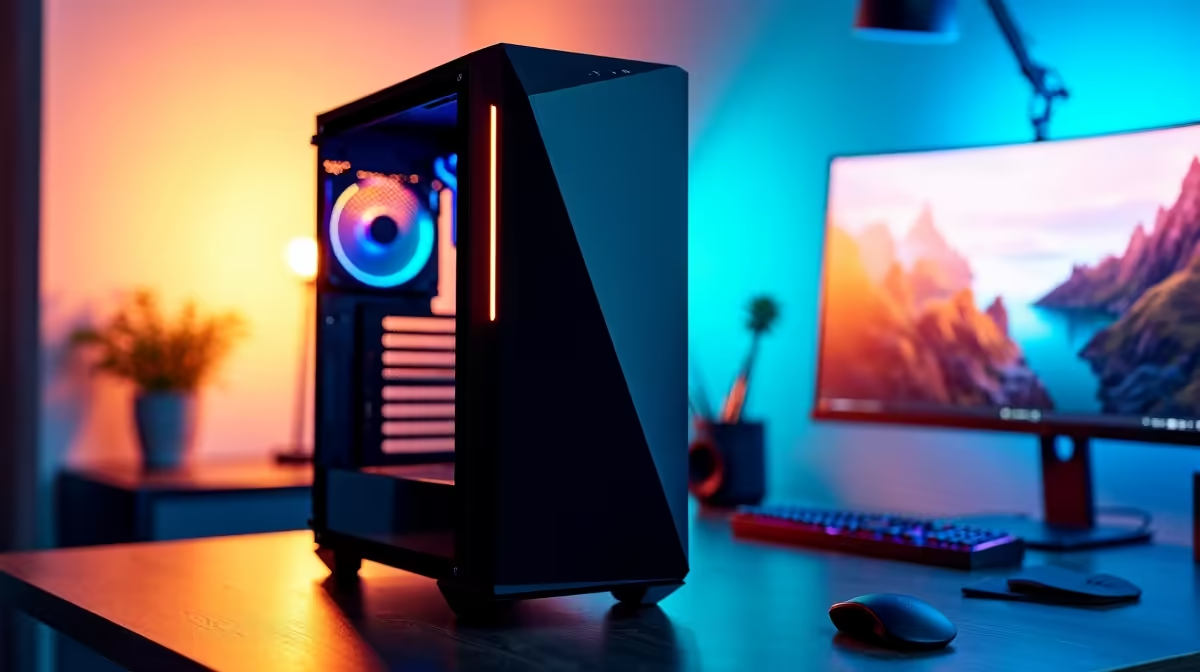
A photo-editing PC is a sensible starting point for a YouTube channel if it also has enough processor, graphics and storage performance for the intended video format. Strong photo credentials alone do not guarantee smooth 4K editing, fast exports or reliable live streaming.
Match the computer to the channel workflow
List the cameras, recording resolution, editing application and typical project length. Short 1080p videos place very different demands on a PC from layered 4K timelines. Memory helps when several creative applications stay open, while a fast SSD keeps current footage and cache files responsive. Archive capacity should be planned separately.
The verified component facts include the AMD Ryzen 5 9600X at R3,500 and the Palit RTX 5060 8GB at R4,800. A TEAMGROUP VULCAN 32GB DDR5-6000 kit is listed at R1,460 for a compatible DDR5 system. These parts provide useful comparison points, but buyers still need to confirm the complete build, software support, motherboard, cooling and power supply.
Audio quality, lighting and a repeatable backup routine can matter more than an expensive graphics upgrade for a new channel. Check export performance with the codecs actually used and keep active projects on fast local storage. A balanced gaming PC often handles mixed photo and video work well, provided colour-display needs and storage growth are considered from the start.
Preparing a creator workstation? > Compare Evetech gaming PCs by processor, graphics, memory and storage capacity.