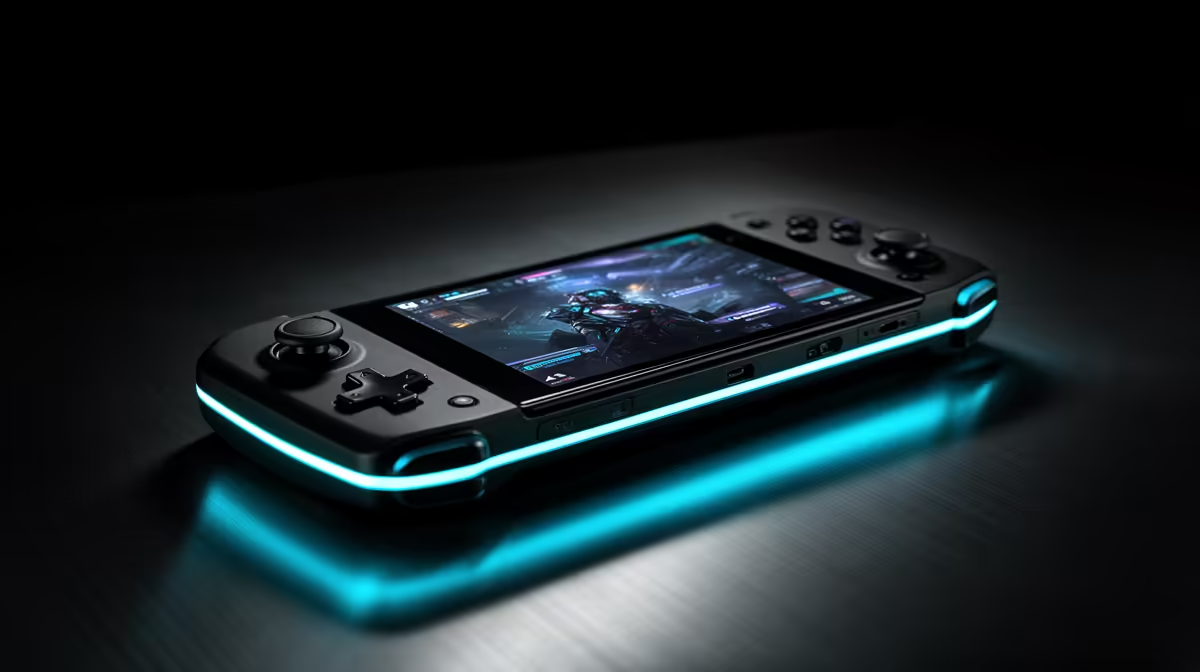
That bright screen with PlayStation controls still depends on another machine and your network. Understanding PS Portal requirements before buying saves you from expecting a standalone handheld where remote play is the whole experience.
Quick Answer
PlayStation Portal is a remote player with an 8-inch screen and DualSense-style controls. Its main mode streams games from your PS5 over a network, so the game runs on the console and appears on Portal. It can also stream selected cloud games for an eligible PlayStation Plus Premium account in supported regions, which means the current device is no longer limited to a nearby PS5 in every mode. It has no local PS5 game installation. Buy it for a strong network and an existing PlayStation routine, not as a standalone console replacement.
What Remote Play needs
For PS5 Remote Play, enable the feature on your console and configure rest-mode network settings. The PS5 can be in another room or another location; it does not have to sit nearby. Both ends need stable internet when you play away from home.
Your home fibre speed helps the PS5 send video, but Wi-Fi quality between Portal and its access point matters just as much. Use a wired connection from PS5 to the router where possible. Keep Portal on a clean Wi-Fi band with good signal and low congestion.
Mobile data can work when latency, signal and data allowance permit it. A fast speed test does not guarantee stable play. Congestion and changing radio conditions can produce input delay or image drops.
What Portal does not do
It does not install PS5 games and cannot run them locally on a flight without a network. For Remote Play, the PS5 performs the game work. For cloud streaming, Sony's service does it and the eligible catalogue and membership rules apply.
The controls bring adaptive-trigger and haptic features to supported games. The screen and controls are joined, so it feels closer to a PlayStation handheld than using a phone clip.
Compare current handheld gaming devices with popular PC products if you need games to run on the device itself.
Test before you commit
Use PS Remote Play on a phone, tablet or PC in the rooms where Portal would be used. That test cannot reproduce Portal's exact controls, but it reveals weak Wi-Fi and upload trouble. Walk to the bedroom, patio and the place you travel to most.
If play stutters, move the access point, wire the PS5 or reduce network congestion before buying another screen. Fibre does not fix a poor wireless hop inside the house.
FAQ
Is PS Portal a standalone console?
No. It streams PS5 Remote Play or eligible cloud games and does not install PS5 titles for local play.
Must the PS5 be switched on?
Remote Play needs the PS5 on or configured to wake from rest. Cloud streaming on an eligible account follows a different route.
Can Portal work away from home?
Yes, on a suitable network, subject to service and region requirements. Latency and stability at both ends decide how it feels.
Compare local-play handhelds with PS Portal's streaming role and test your network in the rooms where you will play.