


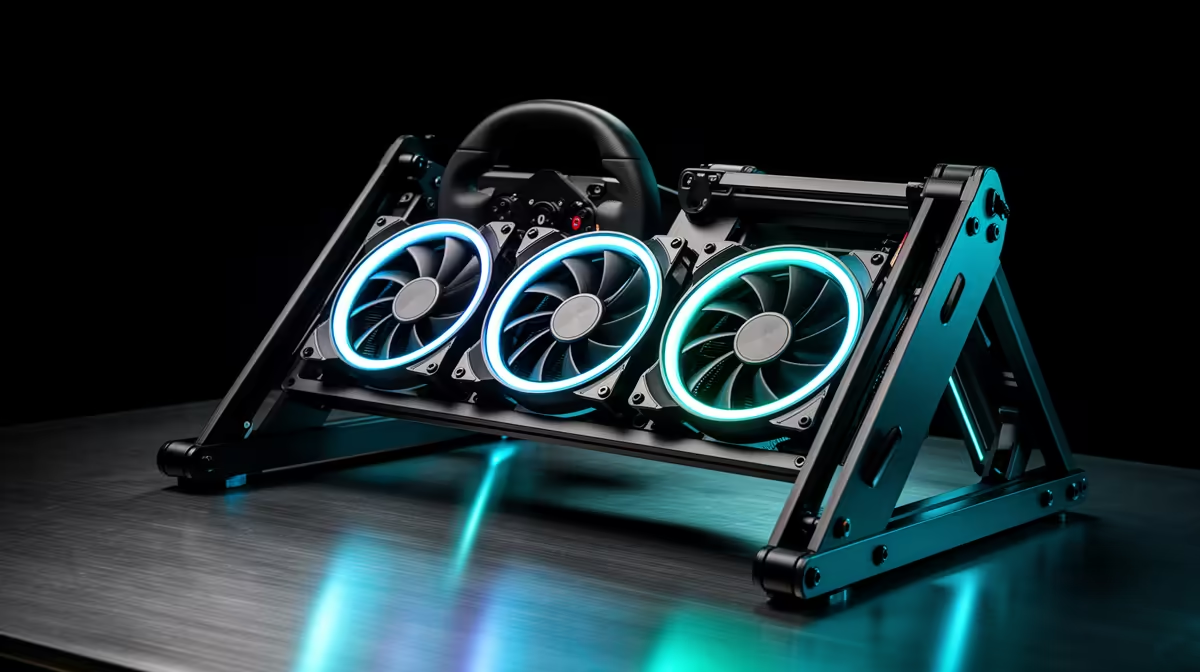
In a racing wheel cockpit, case fans matter when the PC sits in an enclosed cockpit base or a warm room where airflow is choked, and they matter less in an open setup with good ventilation. A sim rig under load runs the GPU hard for hours, so steady cooling keeps frame times stable.
Quick Answer
Upgrade case fans for a sim rig when the PC is boxed into a cockpit or the GPU passes 80C across a long stint; 120mm airflow fans run R150 to R400 each at Evetech and a 3-fan set holds a mid-range build under 75C. Sustained sim racing at 1440p high targets 90 to 120fps, and stable temps stop thermal throttling that ruins consistent lap times.
Cockpit airflow is the real issue
A cockpit often parks the tower low and enclosed, where it recirculates warm air. Add front intake fans (two 120mm at 60 to 75 CFM) and a clear exhaust path so the GPU does not bake during a one-hour stint. On an RTX 4060 Ti or RX 7700 XT class card, good airflow keeps the GPU under 75C and frame times steady, which matters when you are chasing consistent braking points lap after lap.
Set fans for long stints, not short sprints
Sim racing is a marathon, so tune a curve that ramps gently and holds the GPU under 75C rather than spiking. Two intake plus one exhaust 120mm fans at R150 to R400 each is the baseline; if the cockpit is sealed, add a third intake. Keep noise under 25dBA so the fans do not compete with your wheel's force-feedback motor and headset audio during a focused race.
FAQ
Do sim racing PCs need better case fans?
Yes if the tower sits enclosed in a cockpit or the GPU passes 80C on long stints. Two intake and one exhaust 120mm fans at R150 to R400 each keep a mid-range card under 75C for steady lap times.
What FPS should a sim racing rig target?
Aim for 90 to 120fps at 1440p high on an RTX 4060 Ti or RX 7700 XT class card. Stable temps from good airflow prevent throttling that causes frame-time stutter mid-corner.
How loud should cockpit fans be?
Keep fans under 25dBA so they do not drown your headset or the wheel's force-feedback motor. Quiet airflow fans cool effectively without adding to cockpit noise.
enclosed cockpit, add a second front intake fan so the GPU does not recirculate hot air during long stints. Holding the card under 75C keeps frame times and braking points consistent lap after lap.











