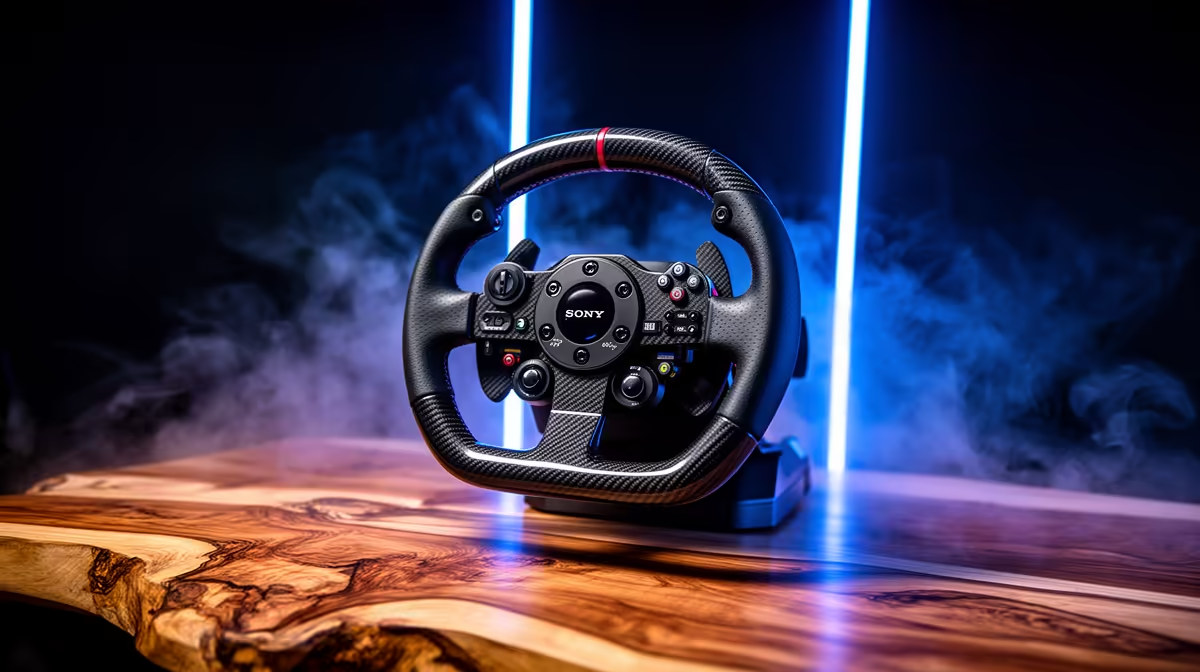
A racing wheel is the wrong primary control for flight simulation because its rotation, pedals and force feedback model a car rather than an aircraft. It becomes useful only when the same player also spends meaningful time in driving simulators. For flying, prioritise a joystick, yoke, throttle or rudder setup that matches the chosen aircraft.
Match controls to the cockpit
No racing-wheel price is confirmed in the available factpacks. Compare any current wheel by platform support, rotation range, pedal set, force feedback, mounting and warranty only for driving use. For flight controls, check simulator compatibility, axis count, dead-zone behaviour, desk mounting, USB connections and whether separate rudder input is needed.
Map pitch, roll, yaw, throttle, trim and view controls before buying extra hardware. Test the desk for clamp clearance and ensure the chair remains stable under pedal pressure. A first setup can begin with a capable joystick and keyboard, then add a throttle or pedals after real flying time reveals the missing control.
Choose separate devices if both driving and aviation matter. Trying to force one specialised controller into the other role produces awkward mapping and poor muscle memory. Keep enough USB capacity for the intended peripherals and confirm that the simulator recognises all axes together before finalising the cockpit layout.
Planning a home simulator cockpit? > Ask Evetech to match the PC and compatible controls to the aircraft and software.