Pulling a vertically mounted graphics card free is not a single motion, and treating it like one, tugging at the card as though it will simply lift away, is how a bracket or a connector ends up damaged. There are genuinely two separate connections holding a vertical GPU in place, and each comes apart its own way.
Quick Answer
Removing a vertically mounted card means releasing both the mounting bracket holding it and the riser cable carrying its connection, as two separate steps. Knowing that order in advance turns what can feel like an awkward struggle into a straightforward sequence.
🔩 The bracket: what it does
The mounting bracket carries the card's actual weight and fixes its position within the vertical arrangement, typically through its own set of fixing screws separate from anything related to the motherboard slot. This connection has nothing to do with the electrical side of things; it is purely structural, holding the card where it has been positioned since installation.
🔌 The riser: what it does
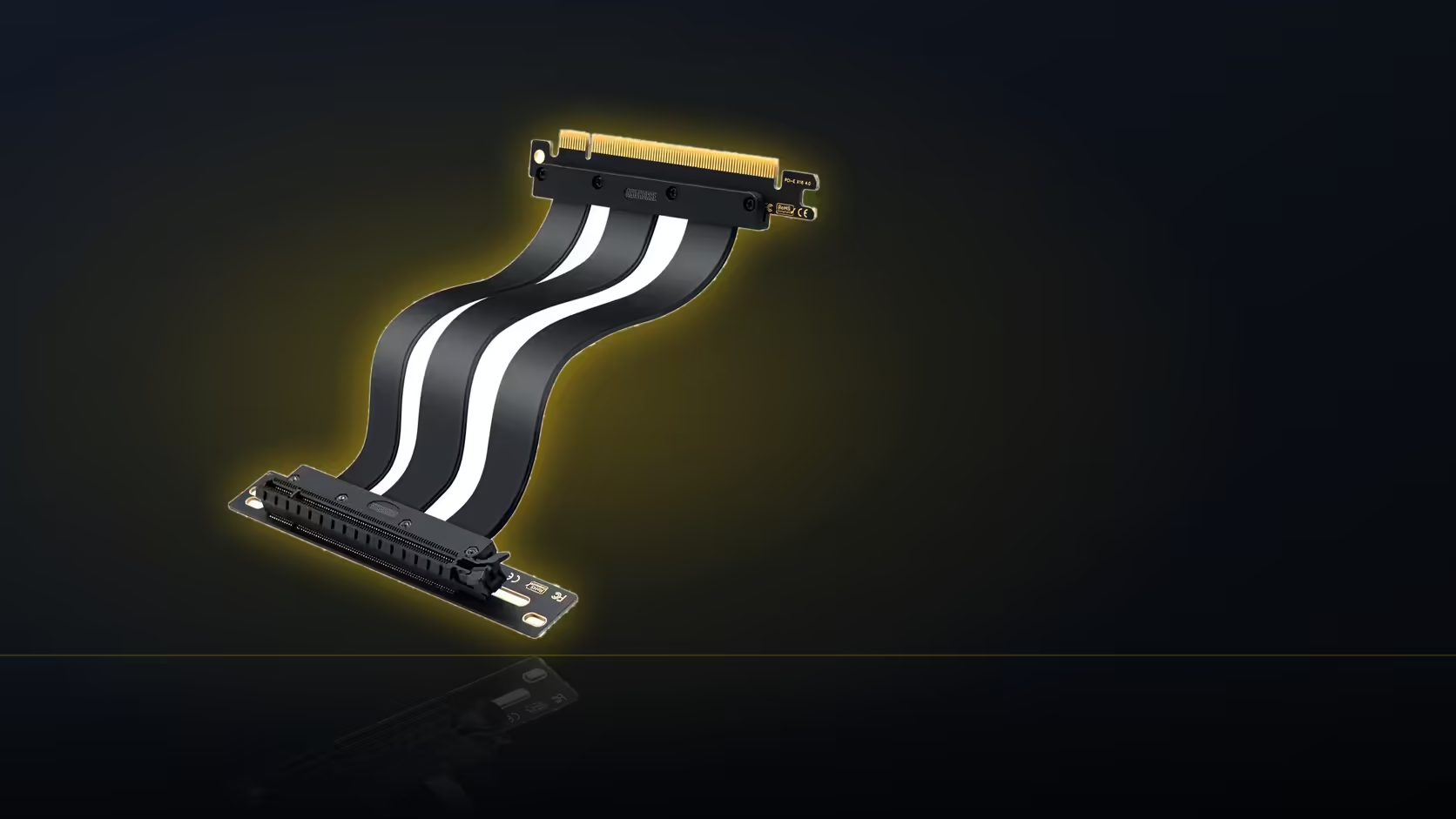
Separately, the riser cable carries the electrical connection from the board slot to the card, entirely independent of whatever physically holds the card in place. A card can, in principle, be electrically connected via the riser while being poorly or not at all secured by the bracket, which is exactly the unsafe situation good mounting practice avoids in the first place.
📋 The usual removal order
Generally, the card's own fixing screws come off first, the ones holding it to the bracket itself. Next is the riser connector at the card end, disconnected once the card is no longer fixed rigidly in place. The bracket itself, if it needs removing too rather than just releasing the card from it, typically comes last, once nothing else depends on it being where it is.
🔓 Does the slot latch come into it?
Only if the riser is coming out of the board slot entirely, not just being disconnected from the card. The slot latch holds the riser's connector in place at the motherboard end, so it only needs releasing when the full riser assembly, not just the card, is being removed from the build.
Do the power cables complicate things?
Yes, meaningfully. Power leads reaching the card's top edge have to be disconnected, or at minimum given enough slack, before the card can move freely. Forgetting this step and attempting to lift the card away with power cables still taut is a common way a connector gets stressed unnecessarily during what should be a straightforward removal.
⚖️ Should the card be supported during removal?
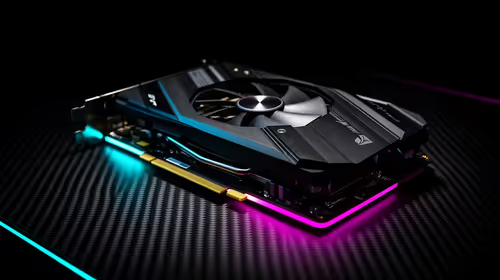
Yes, deliberately. Once a card is released from its bracket, it is held only by whatever connections remain, riser and power leads, which were never designed to bear the card's weight on their own. Supporting the card by hand as each connection comes free, rather than letting it hang from the remaining cables even briefly, protects both the card and the connectors involved.
Should the removal reveal that the original bracket needs replacing or adjusting, graphics card accessories is the place to check first. Case accessories is next, for whatever the bracket side still needs.
Is a photograph worth taking before starting?
It is, and it pays off well beyond this single removal. A record of how everything was arranged, bracket position, screw locations, cable routing, makes refitting the card afterwards considerably simpler, whether that is reinstalling the same card, upgrading to a new one, or returning the whole arrangement to a standard horizontal slot mount.
Frequently Asked Questions
What holds the card in place mechanically?
The mounting bracket, which carries the card's weight and fixes its position, entirely separate from the electrical connection.
What is the riser's role in this?
It carries the electrical connection from the board slot to the card, independent of whatever mechanically holds the card.
Which connection typically comes off first?
Usually the card's fixing screws to the bracket, then the riser connector at the card, with the bracket itself often last.
Does the board slot latch need releasing too?
Only if the riser is coming out of the slot entirely, not just being disconnected from the card end.
Do the power cables need attention during removal?
Yes, they should be disconnected or given slack before the card moves, to avoid stressing a connector unnecessarily.
Is it worth photographing the setup before starting?
Yes, a record of the bracket position, screws and cable routing makes refitting the card considerably simpler afterwards.
Planning to remove or upgrade a vertically mounted card?
Have a look at Evetech's graphics card accessories for the mounting hardware you might need when refitting.