You just dropped your hard-earned ZAR on a massive GPU upgrade. You slot it into your motherboard, hit power, and eagerly wait... only to find your brand-new RTX 5070 not recognized by Windows. It is a heart-stopping moment for any South African gamer. Before you panic, take a deep breath. We have the essential troubleshooting steps to get your rig pushing frames again.
Check Your Hardware and Connections 🔧
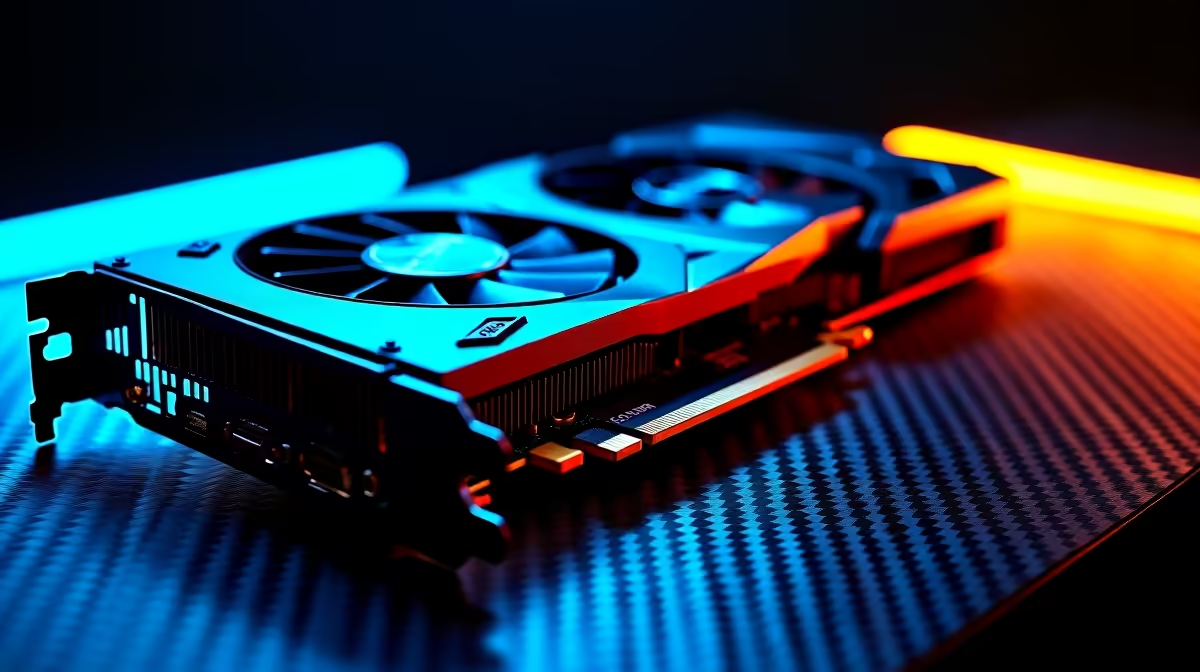
The most common culprit is a loose connection. The new 50-series cards are heavy, demanding beasts. Ensure your card is seated firmly in the top PCIe slot until you hear that satisfying click. Make sure the PCIe slot is free of dust before inserting the card.
Next, inspect your power cables closely. If the 12V-2x6 power connector is not plugged in all the way, your system simply will not see the card. If you are upgrading from an older generation, double-check that your power supply has enough juice. Modern GPUs draw serious wattage. Sometimes, browsing for new graphics cards means you also need a robust PSU upgrade to handle the sudden power spikes. A weak power supply will often cause the system to ignore the GPU entirely to protect itself.
Update Your BIOS and Windows Settings ⚡
Motherboards sometimes need a software push to understand next-generation hardware. If your RTX 5070 is not recognized by Windows, your motherboard BIOS might be severely out of date. Head to your motherboard manufacturer's website, download the latest version to a USB drive, and flash it.
While you are navigating the BIOS, ensure your primary display output is set to PCIe rather than your CPU's integrated graphics. You should also check if your PCIe slot is set to Gen 4 or Gen 5 speeds manually. If fiddling with BIOS settings sounds terrifying, you might prefer the peace of mind that comes with pre-built PC deals where all the complex setup is handled for you by professionals.
The Magic of Display Driver Uninstaller (DDU)
Leftover drivers from your old GPU can cause massive software conflicts. Windows might try to load an old AMD or GTX driver for your new RTX card... resulting in a generic display adapter error in your Device Manager. If you see an Error 43, it almost always points to a driver conflict.
Driver Cleanup Pro Tip 🚀
Always download Display Driver Uninstaller (DDU) and run it in Windows Safe Mode. This wipes every trace of your old display drivers, giving your new RTX 5070 a totally clean slate for its first installation without any registry conflicts.
Once wiped clean, install the latest Nvidia drivers directly from their official site. If you are tired of endless desktop troubleshooting and want portability instead, checking out notebooks for sale in South Africa is a fantastic alternative for plug-and-play gaming on the go.
When to Call It Quits and Upgrade ✨
If you have tried different PCIe slots, updated your BIOS, and wiped your drivers... but your RTX 5070 is still not recognized by Windows, you might have a faulty card or a dying motherboard PCIe slot. Testing the GPU in a friend's rig can quickly isolate the issue.
Sometimes, older motherboards simply do not have the architecture to support the latest Nvidia innovations without causing system instability. If your core system is simply too old to keep up, it might be time to start fresh. You can find incredible value by exploring our best gaming PC deals to avoid bottlenecking your shiny new hardware. Always keep an eye on our weekly specials to stretch your rands even further and build the ultimate setup.
Ready to Find Your Perfect Match?
Troubleshooting hardware can be exhausting, but for maximum power, choice, and value in South Africa, a custom Windows rig is hard to beat. Explore our massive range of PC specials and find the perfect machine to conquer your world.