


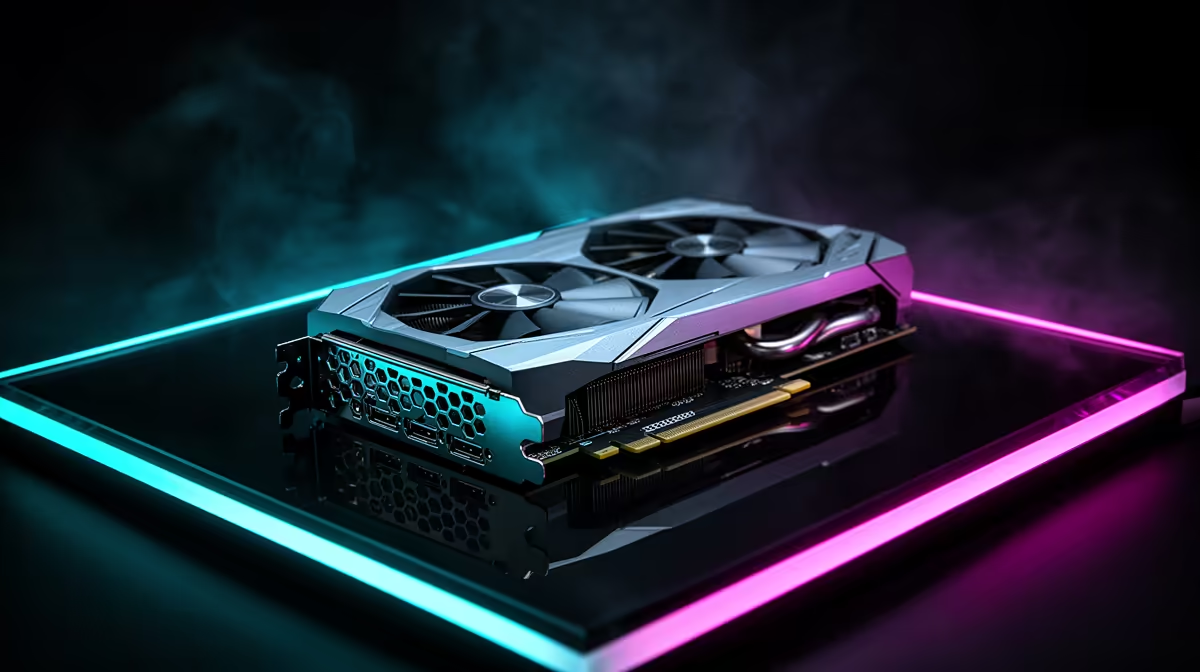
BioShock does not need extreme graphics power, but that does not make the RTX 5090 conversation pointless. In South Africa the real question is whether the card belongs in a wider premium PC that will handle modern games, high refresh displays and content work without feeling tight.
Quick Answer
For BioShock at 1080p, an RTX 5090 runs the remastered game past 200fps, so display setup and CPU balance matter more than raw GPU strength. The card costs roughly R49,999 to R64,999 at Evetech and only makes sense as one card for a broad high-end library, not a BioShock-only buy.
SA Shopping Signals For BioShock Players
Start with the screen. On a standard 1080p panel the RTX 5090 spends most of its time waiting on the rest of the system, which feels wasteful. A better match is a premium 1440p, ultra-wide or 4K monitor where the card delivers sharper image quality and high-refresh motion with headroom for future games. Check the physical build before comparing model names: RTX 5090 cards are large, so the better buy often fits cleanly, cools quietly and has a clear warranty path. Do not let a cosmetic cooler outweigh airflow, PSU quality or support terms.
Settings That Matter More Than Hype
With older or remastered titles, smoothness usually comes from setup work. Use the correct display refresh rate, avoid unnecessary background capture tools, keep drivers current, and adjust one option at a time if you notice stutter. If the game feels uneven, check the frame cap and V-Sync behaviour before assuming the card is at fault.
FAQ
What frame rate does BioShock hit at 1080p on an RTX 5090?
The remastered BioShock runs well past 200fps at 1080p maxed out. The card is far beyond what the game needs, so a high refresh monitor is the only way to feel the headroom.
Is an RTX 5090 worth buying for BioShock?
Only if BioShock is one game among many. For the series alone, a mid-range card delivers the same locked experience for a fraction of the roughly R49,999-plus price.
What monitor should I pair with an RTX 5090?
A 1440p high refresh, ultra-wide or 4K panel. On a basic 1080p screen the card is heavily underused, so the display upgrade is where you actually see the benefit.
spend a few minutes checking refresh rate, frame cap and background apps. Those basics change how premium hardware feels in older games more than any setting slider.











