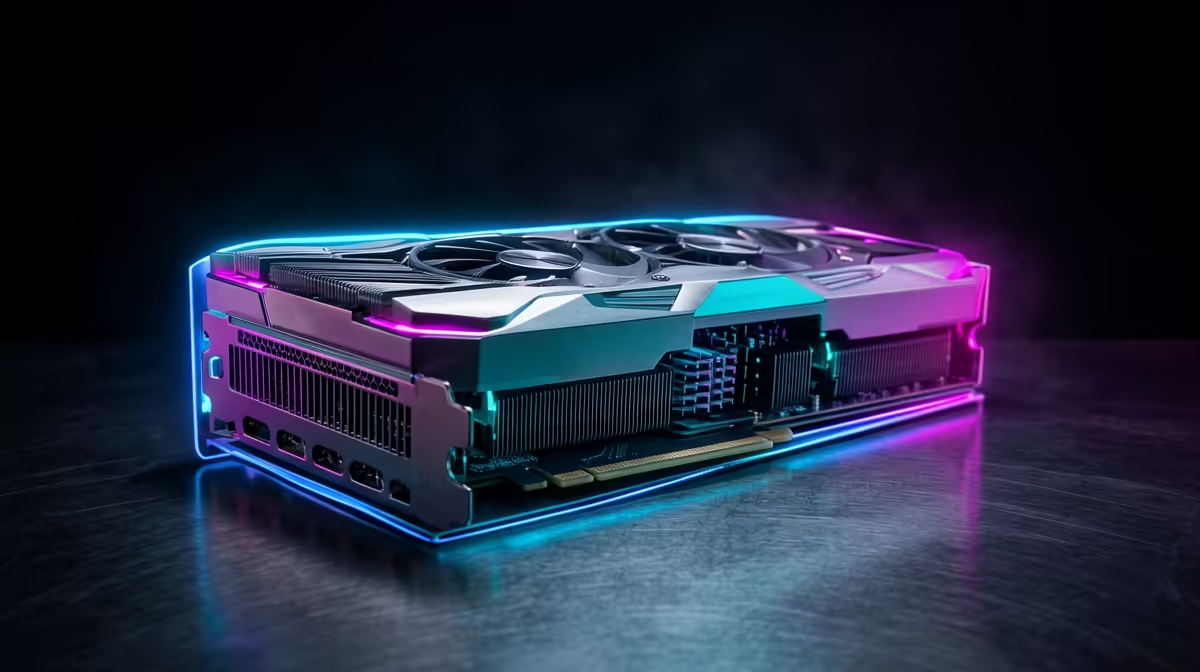
For gamers, the headline number on the RTX 5090 for creators is frame rate. For anyone editing 8K footage, rendering huge 3D scenes or running AI models at their desk, the number that actually matters is 32GB. That is the largest VRAM pool ever put in a consumer GPU, and it is what lets a workstation-class job stay on a single card instead of choking, swapping or moving to the cloud.
Quick Answer
The RTX 5090 carries 32GB of GDDR7 on a 512-bit bus, delivering roughly 1.79 TB/s of memory bandwidth. That combination loads uncompressed 8K textures, opens billion-polygon scenes, and runs large AI models in memory at once, work that simply will not fit on smaller cards. For creators, the VRAM, not the frame counter, is the unlock.
Why VRAM Capacity Is the Real Story
Creative software does not fail gracefully when it runs out of video memory; it slows to a crawl as it shuffles data back and forth to system RAM. A timeline that needed more VRAM than your card had would stutter on scrub and playback. A 3D scene too big for the card would refuse to load or fall back to painfully slow rendering. AI work would cap the model size you could run at all.
32GB changes the maths. It is enough to hold uncompressed 8K textures, multiple high-resolution layers, and large scene geometry resident on the card, so the GPU works from its own fast memory instead of waiting on the rest of the system. For professionals, that is the difference between a tool that keeps up and one that gets in the way.
What 1.79 TB/s of Bandwidth Unlocks
Capacity is only half the equation; bandwidth is how fast the card can move that data. The 5090's GDDR7 on a 512-bit bus pushes around 1.79 TB/s, which keeps those huge texture and geometry pools flowing without the GPU starving. High capacity with slow bandwidth would still bottleneck; the 5090 pairs the largest pool with the speed to feed it.
In practice this shows up across the creative stack. In DaVinci Resolve, multiple 8K streams and heavy node graphs stay responsive. In Blender, dense scenes render faster because the geometry and textures live on the card. For AI, larger models and bigger batches fit in memory, so inference runs locally rather than being shipped off to rented hardware. If you are weighing the 5090 against pro-tier cards, the workstation graphics range at Evetech is the place to compare memory and bandwidth side by side.
Who Actually Needs This Card
Be honest about your workload. If you edit 1080p or even 4K, work in modest 3D scenes, or run small AI models, a card with less VRAM serves you well and costs far less. The 5090 is for people genuinely hitting the ceiling: 8K editors, archviz and VFX artists with massive scenes, and AI creators running large models at home. For those users the 32GB pool pays for itself by keeping the whole job on one machine. To see how a 5090 lands inside a complete system, the systems people are buying most show how the card is typically paired with CPU and memory.
Frequently Asked Questions
How much VRAM does the RTX 5090 have?
32GB of GDDR7, the largest VRAM pool in any consumer graphics card. That capacity is what lets it hold uncompressed 8K textures, very large 3D scenes and big AI models in memory at the same time.
What does the 512-bit bus and 1.79 TB/s bandwidth mean for creators?
It means the card can move its huge memory pool fast enough to keep the GPU fed during heavy work, so 8K playback, dense renders and large-batch AI inference stay responsive instead of bottlenecking on data transfer.
Do I need an RTX 5090 for video editing?
Only if you work in 8K or run very heavy, multi-stream projects. For 1080p and most 4K editing, a card with less VRAM handles the job well and costs considerably less, so match the card to your resolution and project size.
Can the RTX 5090 run AI models locally?
Yes, and that is one of its strengths. The 32GB pool fits larger models and bigger batches than smaller cards, letting you run inference on your own machine rather than relying on cloud hardware.