


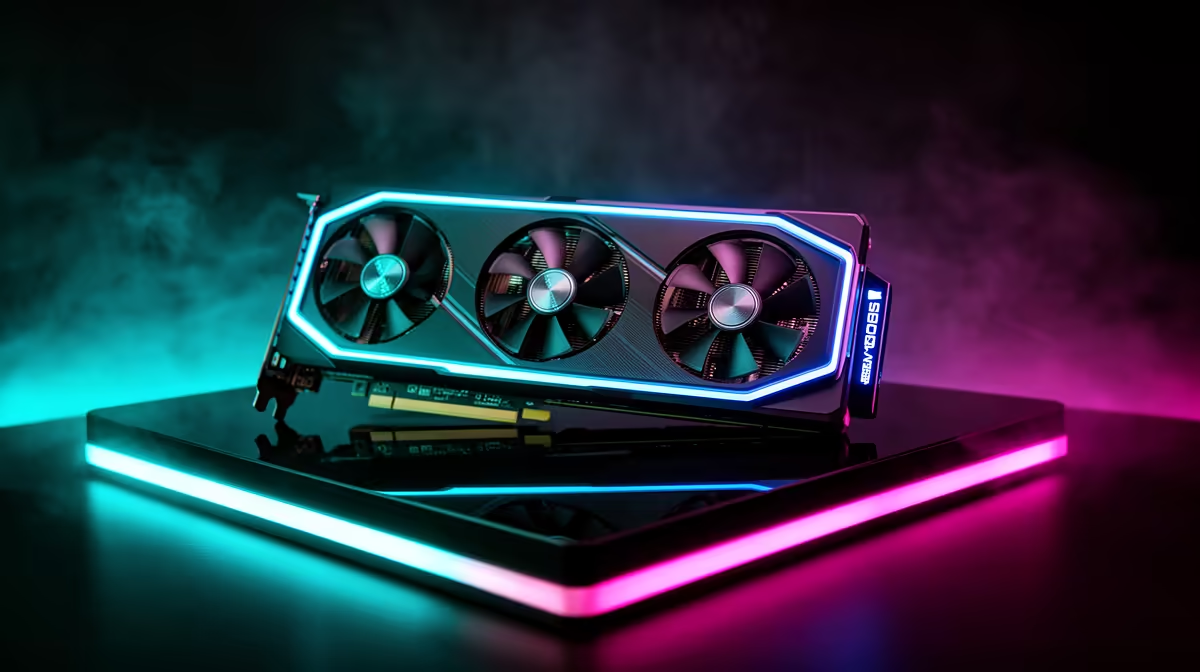
GTA 5 at 4K on an RTX 5090 is not a stress test, it is a comfort and balance question. A 4K setup asks more from the GPU, yet the CPU, power, cooling, display and case fit decide whether the PC feels premium or just expensive.
Quick Answer
At 4K, an RTX 5090 runs GTA 5 well past 165fps on Ultra settings, so the card is never the limit. Pair it with a strong CPU, an 850W-1000W PSU, a 320mm-clearance case and a true 4K monitor; the card alone sells for roughly R49,999 to R64,999 at Evetech.
What 4K Changes For GTA 5
At 4K the GPU carries far more of the visual workload, so a flagship card is easier to justify than at 1080p. GTA 5 itself is old enough that an RTX 5090 sails past 165fps at Ultra, meaning the monitor is part of the equation, not an afterthought. A premium GPU also needs a serious case and power plan: check physical length, slot thickness, connector clearance and airflow, and leave room behind the case for thick power cables. These details protect the build from heat and noise.
Practical SA Buying Checks
For South African shoppers, support and logistics matter on a high-value card. Check the warranty route, delivery expectations, and whether a listing is the card alone or a full system. If upgrading an existing PC, confirm the case and PSU are ready before ordering. Think about heat too: a powerful 4K rig moves a lot of warm air, so give the tower space to breathe to keep fan noise down during long sessions.
FAQ
What frame rate does GTA 5 hit at 4K on an RTX 5090?
Well over 165fps at 4K Ultra, since GTA 5 is a 2013 engine. The RTX 5090 spends most of its time waiting on the CPU, so a fast processor matters as much as the card.
How much does an RTX 5090 cost in South Africa?
Expect roughly R49,999 to R64,999 depending on the model and cooler design at Evetech. Aftermarket triple-fan cards sit at the higher end of that range.
What PSU does an RTX 5090 need?
Plan for an 850W-1000W Gold unit, leaning to 1000W with a high-end CPU and any overclocking. The card draws serious transient power, so do not skimp on the supply.
for 4K, confirm the monitor supports 4K at the refresh you want and use a DisplayPort 2.1 or HDMI 2.1 cable rated for it. The display decides how much of the GPU upgrade you actually see.











