Quick Answer
Pay more for higher USB-C power delivery if your laptop is a thin ultrabook charging over USB-C, where 65W to 100W keeps it powered while docked. A 60W dock charges most ultrabooks, but a 16-inch or gaming laptop often needs its own brick regardless of the dock.
Power Delivery: Match Wattage To Your Laptop
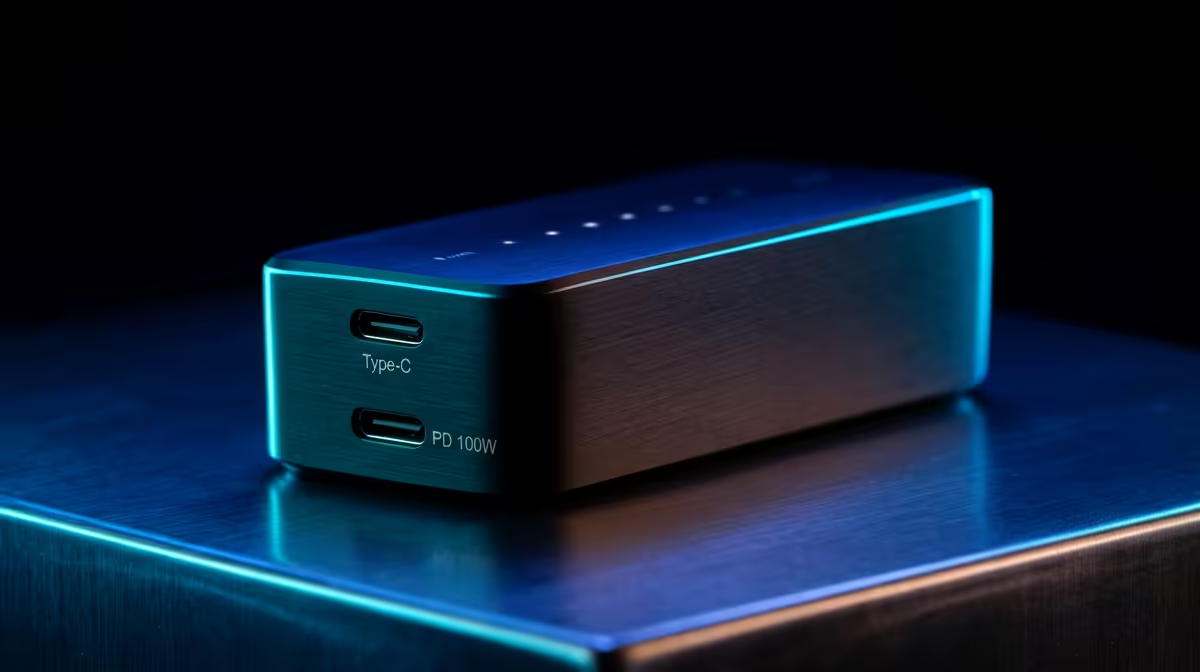
A dock's USB-C power delivery decides whether it charges your laptop while connected. Thin ultrabooks usually need 60W to 65W, while 16-inch and gaming laptops want 90W to 100W or their own charger. Buying a 45W dock for a laptop that needs 90W means it slowly drains while you work. NSFAS pays a R5,200 device allowance, which on its own does not cover even the cheapest R8,000 laptop, so accessories like this are usually a separate budget line.
Display Outputs And Real Bandwidth
Check exactly what the dock drives: a single 4K at 60Hz, dual 4K at 60Hz, or a fallback to 30Hz on the second screen. USB-C and Thunderbolt-class docks differ sharply here, and a cheap hub may list two outputs but only run them at low refresh. If you need two crisp 60Hz monitors, confirm the spec rather than trusting the port count.
Build Quality And Heat Under Load
Cheap docks run hot, and heat is what kills the power circuit and causes random disconnects. A metal-bodied dock dissipates heat better and holds connections during long sessions. Spending R1,500 to R3,500 on a well-built dock is cheaper than replacing a R500 hub that fails mid-deadline.
FAQ
How much should a good docking station cost in SA?
Basic USB-C hubs start around R800, while a capable dock with strong charging and dual display output sits at R1,500 to R3,500. Pay for the wattage and outputs you actually need rather than the longest port list.
How much power delivery does my laptop need?
Thin ultrabooks usually charge fine on 60W to 65W, but 16-inch and gaming laptops often need 90W to 100W or their own brick. Check your laptop's charger wattage and match or exceed it.
Can one dock run two 4K monitors at 60Hz?
Only higher-bandwidth docks can; many budget hubs drop the second screen to 30Hz or a lower resolution. Confirm the dock explicitly lists dual 4K at 60Hz before relying on it for two monitors.
dock's power-delivery wattage to your laptop charger, then confirm it lists your exact display setup (single or dual 4K at 60Hz) before you buy.