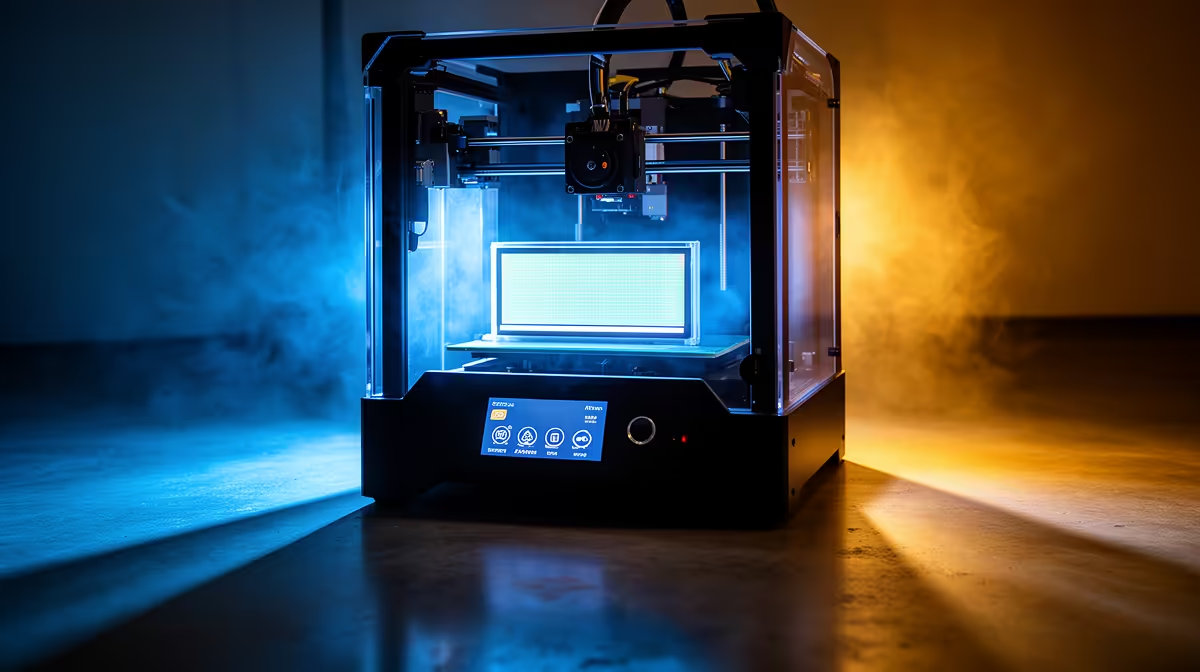
You change resins, you tweak exposure, you reslice the model, and the failure lands in exactly the same place every single time. That repeatability is the tell. A same spot failing on every resin print points straight at the masking LCD: a cluster of dead pixels or a patch of screen burn is blocking UV at that fixed location, so resin never cures there no matter what the rest of the print does.
Quick Answer
Run a full-white exposure test with the vat and build plate removed. If a dark patch shows in the same place your prints keep failing, the masking LCD has dead pixels or burn-in and needs replacing. A black marker over the dead zone is only a temporary dodge, not a repair.
Why the Failure Repeats
The masking LCD sits between the UV array and your resin, switching pixels on to let light through and off to block it. When a region of that screen stops working, those pixels stay dark permanently. UV never reaches the resin above them, so that exact patch of every layer fails to cure, and the model tears, holes through, or sticks to the FEP at the same coordinates each time.
Because the fault is fixed to the screen and not the model, moving the print to a different part of the build area is a quick diagnostic. If a model placed elsewhere on the plate comes out clean, you have confirmed a localised screen problem rather than a resin or settings issue.
Confirming and Fixing It
Use your printer's built-in LCD test or load a solid white exposure image, take the vat and plate off, put on UV safety glasses, and lay a sheet of paper over the screen. A healthy panel glows evenly. Dead pixels appear as dark dots or blotches, and screen burn shows as a faint ghost of past prints baked into the panel after long hours of use.
Dead pixels and burn cannot be revived, so the real fix is a replacement masking LCD matched to your printer model. As a stopgap you can colour over a small dead zone with permanent marker and simply avoid placing models there, but that wastes build area and does not address spreading damage. While you have the printer open, it is worth checking your consumables, and the fastest-moving accessories at Evetech cover the gloves, filters and cleaning supplies a screen swap calls for.
Frequently Asked Questions
How long do resin printer LCDs last?
A monochrome masking LCD typically lasts well over a year of regular use, often around 2000 hours or more, but heat and constant UV slowly degrade it. Dead pixels and burn-in are the usual end-of-life signs.
Can I clean off what looks like a dead pixel?
Sometimes. Wipe the screen first, since cured resin stuck to the glass can mimic dead pixels. If a dark spot survives cleaning and shows in the test, it is a genuine panel fault.
Is screen burn the same as a dead pixel?
Not quite. Dead pixels are hard dark dots that never light up, while burn-in is a faint permanent ghost image from prolonged exposure. Both block UV unevenly and both call for a new screen.
Will replacing the LCD void anything?
On most consumer resin printers the masking LCD is a user-replaceable consumable, much like a FEP film. Match the exact panel for your model and follow the maker's swap procedure.
A failing screen means it is time to assess your setup. Browse Evetech's 3D printer range to compare current resin machines, then keep a spare masking LCD on hand so a dead pixel never costs you a print run again.