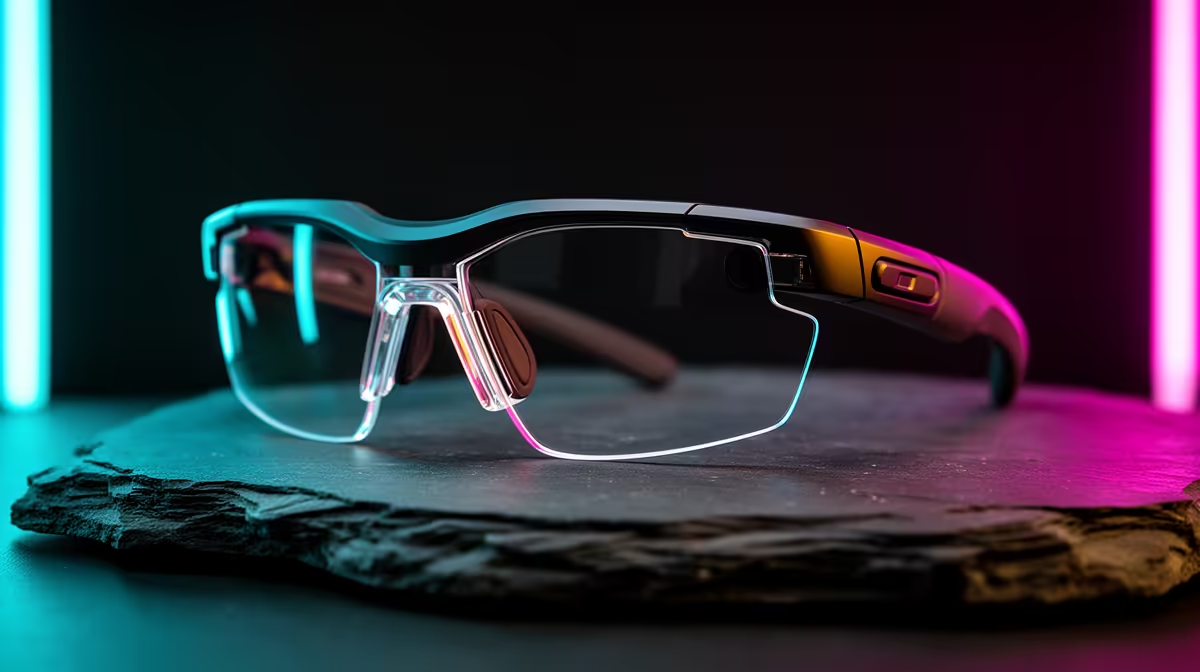
For a quiet PC build, AR glasses are valued as a silent, heat-free display, so the upgrade-or-replace question turns on whether your current pair still serves that clean, calm setup. The answer depends on which limitation is bothering you.
Quick Answer
Upgrade your AR glasses for a quiet build if the problem is a worn cable or comfort, which a part swap solves. Replace them if you need a sharper 1080p-per-eye panel or smoother 90Hz than the old pair offers. A clean R6,500 to R9,500 pair is the move when the display itself is the limit.
When A Repair Or Upgrade Suffices
If the glasses still give a sharp, smooth image and only the USB-C cable is frayed or the fit is loose, a replacement cable or new nose pads restores them cheaply. For a quiet build where the glasses already add no noise or heat, keeping a good display going is the tidy, low-cost choice.
When To Replace For A Better Display
If the panel is lower than 1080p per eye, or the refresh feels choppy at 60Hz, those are fixed limits. A newer 1080p, 90Hz pair gives a crisper, smoother virtual screen while keeping the silent, heat-free benefit your quiet build is built around. That is a genuine upgrade worth the spend.
FAQ
Do AR glasses affect my quiet build's noise?
No. They have no fans and add no heat, simply mirroring your display. That is exactly why they suit a silent build, and it stays true whether you upgrade or replace them.
Is a frayed cable a reason to replace the whole pair?
No. A worn USB-C cable is usually replaceable on its own. Swap just the cable and keep the glasses if the display itself still performs well for your quiet setup.
When is a new pair genuinely worth it?
When the display falls short, such as sub-1080p resolution or a choppy 60Hz refresh. A newer 1080p, 90Hz pair is a real improvement that keeps the quiet-build advantages.
Swap a worn cable before replacing the whole pair. Only step up if the display resolution or refresh is the real limit.