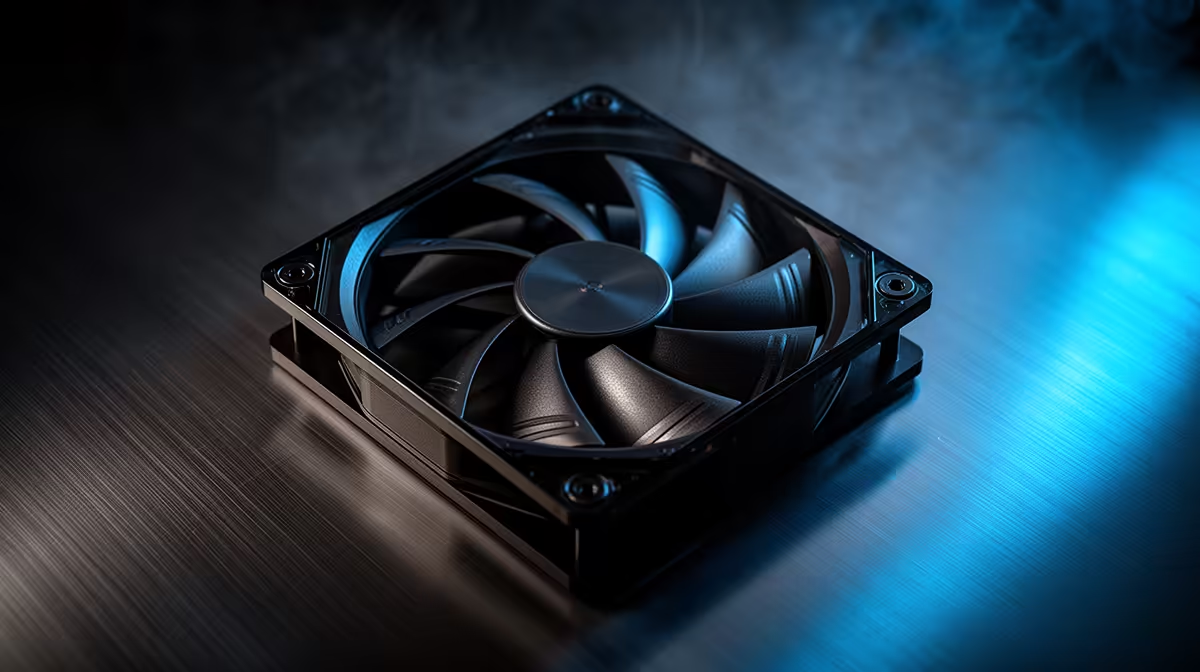
A failing or noisy case fan in a cybersecurity lab raises a simple choice: clean and reuse the existing fan, or replace it. With machines running long scans and VMs around the clock, reliability and steady temps beat squeezing life out of a tired fan. The right call depends on the fan's age and how the lab runs.
Quick Answer
Replace the case fan rather than nurse it if it rattles, wobbles, or its bearing is whining, because a fan failure in an always-on lab risks thermal shutdowns mid-scan. A fresh PWM fan is cheap, and even a quality 140mm replacement rarely tops R350, far cheaper than a crashed long-running job or an overheated drive. A second fan to add airflow headroom still leaves you change from R1,000.
Upgrade vs Replace In A Lab Context
Cybersecurity work means sustained CPU load from VMs, scans, and cracking tasks, so temperatures stay high for hours. A fan past its prime cannot be trusted with that duty cycle. If the fan is young and simply dusty, a clean and reseat may be enough. If it is old, noisy, or you have already cleaned it once, replace it with a quality fan rather than risk an unplanned shutdown during a long job.
Choosing The Replacement
Pick PWM fans with durable bearings so the lab runs cool and quiet under continuous load. Match the size, usually 120mm or 140mm, and prefer slightly higher static pressure if the case has filters or a radiator. Add a second fan if airflow is marginal, since headroom matters more in a 24/7 environment. Consistency is the goal: a lab machine should hold safe temps without you watching it.
FAQ
When should I replace rather than clean a case fan?
Replace it if it rattles, wobbles on its axis, or whines even after cleaning. Those signs point to bearing wear that will only get worse, especially under the constant load a lab puts on it.
Do lab PCs need higher-airflow fans?
They benefit from steady, reliable airflow because of long sustained loads. You do not need extreme RPM, but durable PWM fans that hold safe temps for hours are worth it.
How long do good case fans last?
Quality fluid-bearing fans often run for many years of continuous use. Cheap sleeve-bearing fans may fail far sooner, which is why labs running around the clock should choose better bearings.
always-on lab, replace a noisy fan at the first rattle rather than waiting. A R350 fan is far cheaper than a thermal shutdown that kills a long-running scan or job.