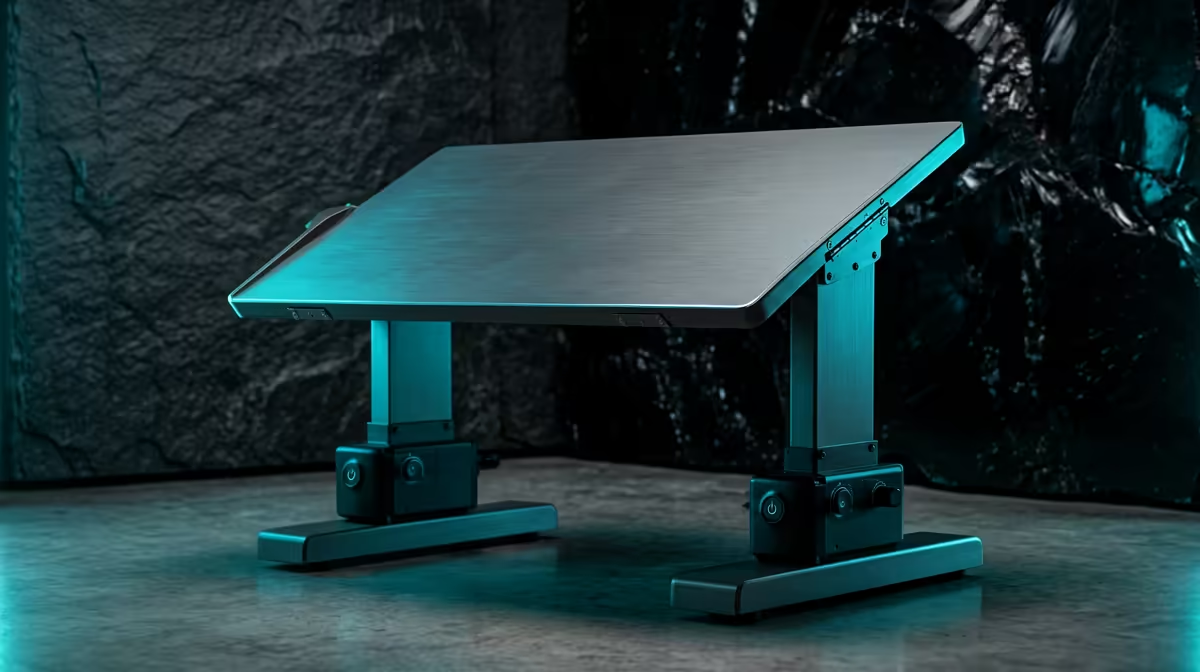
The gap between a single motor standing desk and a dual motor one comes down to how the desk lifts its load. A single motor drives both legs through a shared mechanical linkage, while a dual motor design gives each leg its own motor. That one difference ripples out into lift speed, stability under weight, and how much gear the desk can carry without straining.
Quick Answer
A dual motor standing desk powers each leg independently for faster, steadier lifting and a higher weight rating, typically supporting heavier loads than single motor models. A single motor desk shares one motor across both legs through a drive shaft, which makes it cheaper but slower and less stable under heavy monitors and a desktop PC.
How each design lifts
In a single motor desk, one motor sits under the frame and transfers its power to both legs through a connecting rod or drive shaft. Both legs rise together because they are mechanically tied. It works, but the single motor is doing all the lifting, so it moves more slowly and copes less well when the load is heavy or unevenly placed.
A dual motor desk puts a motor inside each leg. The two run in sync, sharing the load rather than routing it through one point. The result is quicker travel, smoother movement, and far better handling of an unbalanced setup, like a heavy monitor arm clamped to one side.
Speed and stability in real use
Lift speed sounds trivial until you adjust your desk several times a day. A dual motor desk typically raises and lowers noticeably faster, which makes switching between sitting and standing something you actually do rather than avoid. A single motor desk's slower crawl can quietly discourage you from changing position at all.
Stability is the bigger difference for anyone with serious gear on top. A loaded gaming desk with dual monitors, a full tower PC, and peripherals puts real weight and wobble into the frame. Dual motors keep both legs driving evenly, which reduces the slight sway you can get at full standing height on a heavily loaded single motor frame.
Weight capacity and what sits on your desk
This is where the decision usually settles. A desktop PC alone can be heavy, and adding two monitors, a monitor arm, and the usual desk clutter adds up fast. Single motor desks generally carry lower rated loads, while dual motor models are built for heavier setups. If your desk hauls a full PC build plus monitors, the dual motor option gives you margin rather than leaving you near the limit. The desk you pair everything with matters just as much for long sessions, and the standing and gaming desks at Evetech are worth exploring alongside the motor decision itself.
Which one suits you
Choose a single motor desk if your load is light, a laptop or a single monitor, and budget is the priority. Step up to a dual motor desk if you run a desktop PC, multiple monitors, or simply want faster, steadier height changes you will actually use every day. For a full ergonomic setup, it helps to browse the best-selling desk accessories at Evetech to complete your workspace before you commit.
Frequently Asked Questions
Is a dual motor standing desk worth the extra cost?
If you load it with a desktop PC and multiple monitors, yes. The higher weight rating, faster lift, and better stability justify the price for heavier setups, while a light load can do fine on a single motor frame.
Why is a dual motor desk more stable?
Each leg has its own motor driving it directly, so the load is shared evenly rather than routed through one motor and a linkage. That reduces wobble at full height, especially with an unbalanced or heavy setup.
Does motor count affect lift speed?
Yes. Two motors share the work and generally raise the desk faster than a single motor moving the same load on its own, which makes frequent height changes far less of a chore.
Can a single motor desk hold a gaming PC and two monitors?
It depends on the desk's rated capacity, but single motor models tend to have lower limits. A heavy tower plus dual monitors often sits closer to the edge of a single motor rating than a dual motor one.
How can I tell which motor type a desk uses?
Check the specification for the number of lifting columns with motors and the rated weight capacity. Dual motor desks list a motor in each leg and usually quote a higher load rating and faster travel speed.