



550W PSU Planning for RTX 5080 Super Builds in SA
550W for RTX 5080 Super needs a full-build check, not a simple yes. Review GPU guidance, CPU draw, transient load, connectors, PSU quality, and upgrade plans before deciding.
Read moreSolve cable clutter by counting each lead and grouping power and signal routes around desk movement. For an A4 Pro setup, plan around precision height adjustment and the 15W charging pad, then size any cable compartment to the real bundle.
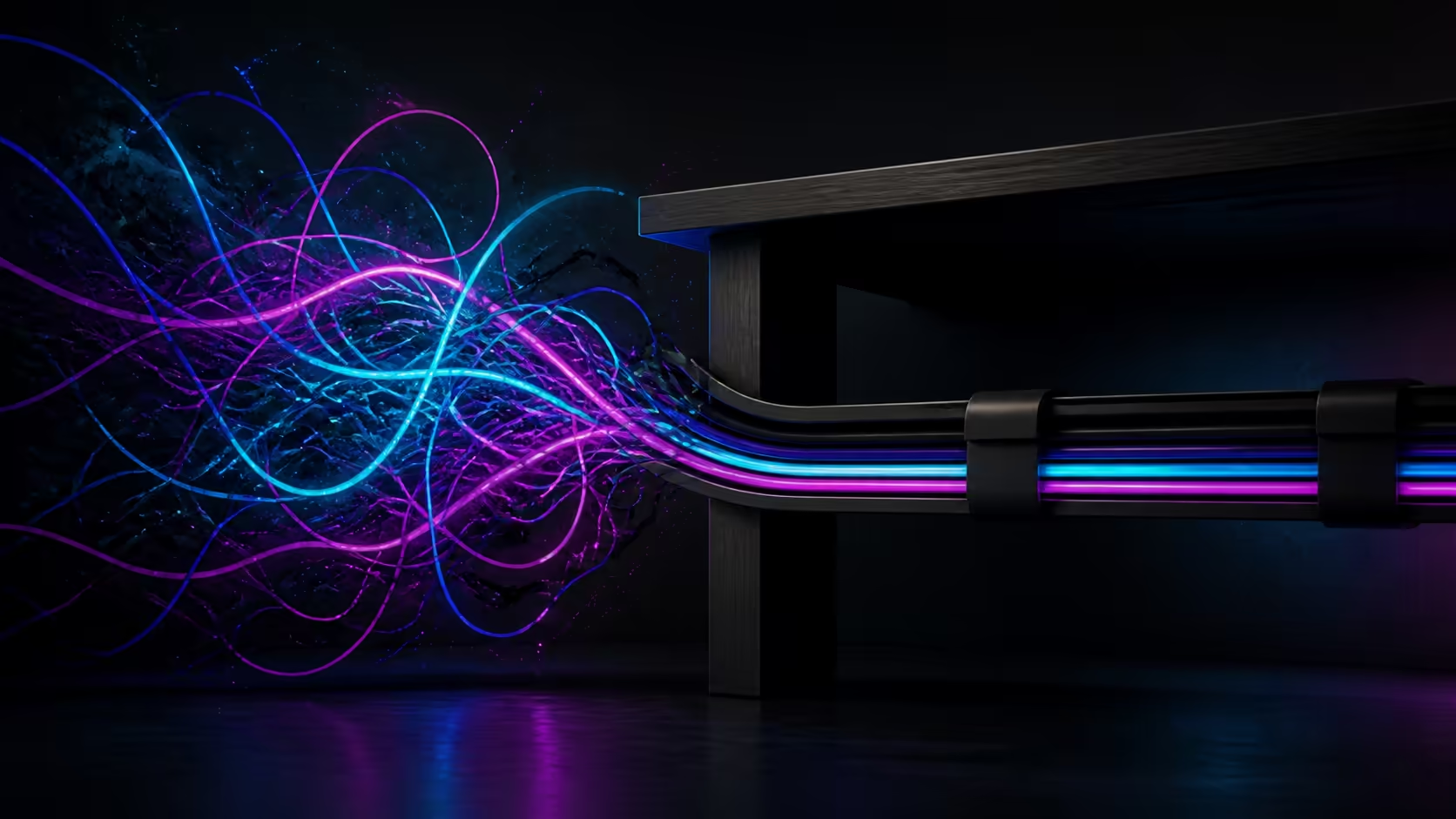
A compartment helps only when it fits the real plugs, adapters and spare cable length. A reliable smart gaming desk cable compartment plan begins by measuring the clutter and avoids assigning built-in storage to the AutoFull A4 Pro.
The A4 Pro solves cable clutter through concealed pathways and dedicated channels, not merely a loose compartment placed beneath the gaming surface.
Count all leads, group them by purpose and feed the primary bundle through the A4 Pro's dedicated routes and concealed pathways. Precision adjustment and the 15W charging zone shape the remaining plan; measure an external enclosure only for bulky adapters or surplus length.
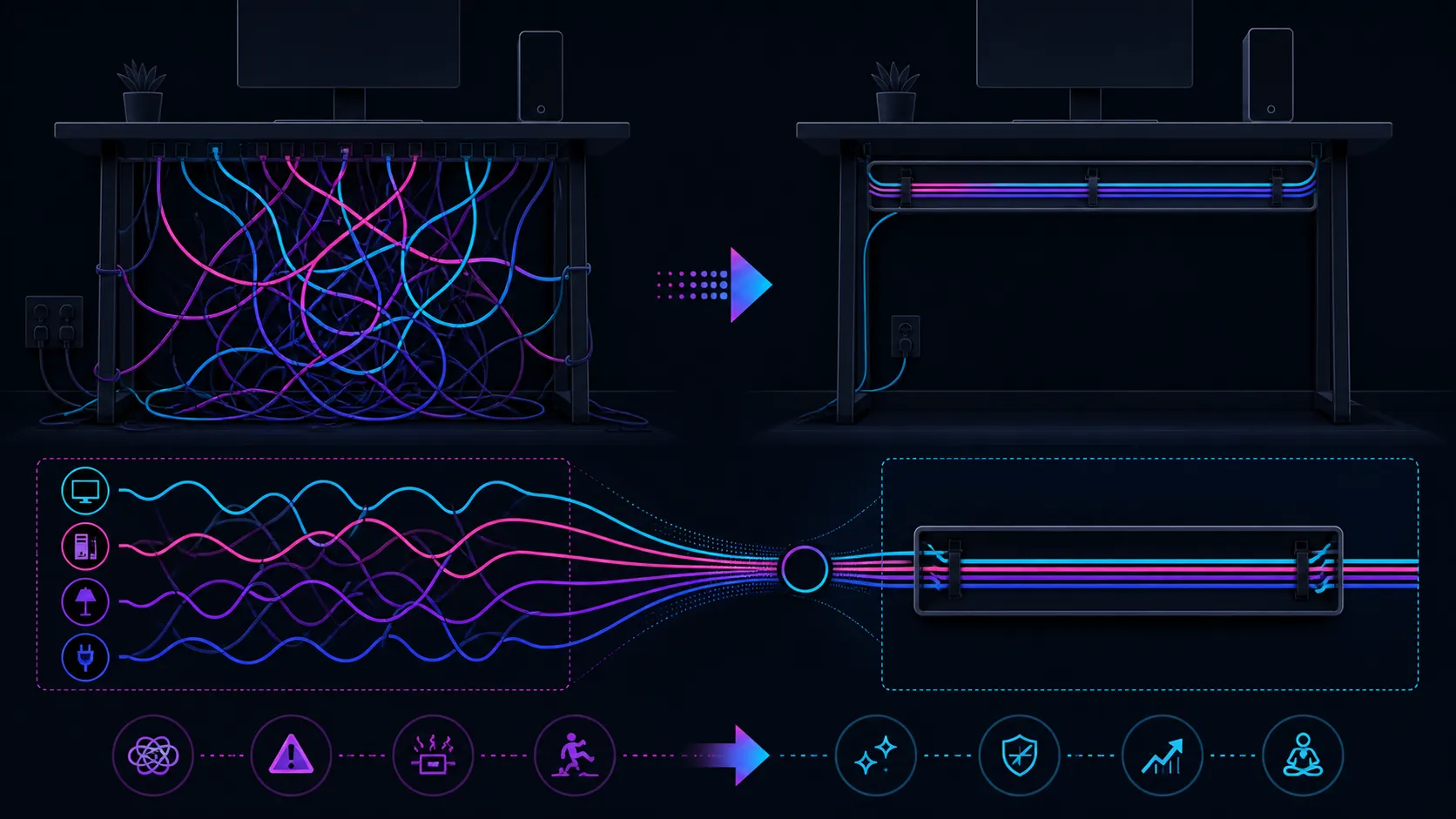
List power supplies, display connections, audio, network and input-device cables. Include bulky adapters, extension points and loops of spare length. These often determine compartment capacity more than the number of thin leads.
Evetech's gaming desk collection can be browsed after the inventory gives "smart" a measurable job.
Measure the entire bundle and preserve access to connections that may need removal. Confirm ventilation or other usage requirements from the equipment guidance; do not pack adapters into an unspecified space simply to hide them.
Inside the A4 Pro worktop, Malaysian Albizia forms the solid-wood centre while carbon fibre covers the outside. This construction cannot identify how an external compartment should attach.
Watch each connection while moving through the positions actually used. Worktop-travelling leads need freedom from tension and drag. A matching phone can lose one cable through 15W wireless power; the rest of the bundle remains.
Separate fixtures clear a drink and headset from the work area. Explore Evetech's gaming accessories range for peripherals still requiring power or signal paths.
Label endpoints and arrange the system so one cable can be replaced without dismantling everything. Recheck the route after adding or moving equipment. Smart organisation is a maintainable result rather than a hidden box.
At R10,399, value the A4 Pro's 125kg capacity, adjustment, desktop and included accessories. Do not add a cable compartment to that package unless the exact model explicitly includes one.
Separate cables that need frequent removal from routes that can remain fixed. A controller or laptop lead may change often, while display power stays in place. This distinction shapes access requirements without prescribing one universal organiser.
Leave enough visibility to identify a connection. A completely hidden bundle can slow diagnosis when one peripheral fails, especially if several adapters look alike. Labels and a route sketch make the compartment or external tray easier to service.
Test the plan after all intended equipment is present. An empty desktop gives no evidence that plugs will remain reachable beneath monitors, speakers or work hardware.
Revisit the enclosure size whenever a device changes. Adding one bulky adapter may be more important than adding several thin leads, so a simple cable count cannot replace measurement.
Keep any external compartment clear of the desk's moving path and follow its own installation guidance. Do not create an attachment method from the A4 Pro's worktop material alone.
Label the enclosure separately from the desk package so future users know it was a measured addition rather than an integrated AutoFull feature.
Route fixed mains leads separately from moving monitor, keyboard and headset lines, then leave enough vertical loop for 1170mm. The charging pad removes one cable, and included accessory holders prevent the cup or headset from occupying the routing zone. Because a specific compartment size is not defined, organise around the known channels rather than promising that every power brick will fit inside an unseen box.
Keep heat-producing adapters ventilated rather than burying them for appearance. The concealed paths are best used for leads, while a measured holder can support a bulky power unit without turning the route into a crowded storage cavity.
Inventory each lead, plug, adapter, extension point and stored loop from its source to its destination.
Plan external cable storage as a separate addition instead of assuming that a smart compartment accompanies the desk.
The measured volume of cables, large plugs, adapters and required service space should determine the enclosure size.
Connections move relative to fixed outlets, making a real tension and obstruction test necessary at each used position.
It can remove a compatible phone's charging lead, while displays, computers and wired peripherals still need organisation.
The desk's cup holder and headset stand keep a drink and audio gear away from the central mousepad area.
Ready to size cable storage from the bundle outward? Compare Evetech's desks after measuring adapters, plugs and moving routes instead of assuming an integrated smart compartment.
Inventory each lead, plug, adapter, extension point and stored loop from its source to its destination.
Plan external cable storage as a separate addition instead of assuming that a smart compartment accompanies the desk.
The measured volume of cables, large plugs, adapters and required service space should determine the enclosure size.
Connections move relative to fixed outlets, making a real tension and obstruction test necessary at each used position.
It can remove a compatible phone's charging lead, while displays, computers and wired peripherals still need organisation.
The desk's cup holder and headset stand keep a drink and audio gear away from the central mousepad area.
550W for RTX 5080 Super needs a full-build check, not a simple yes. Review GPU guidance, CPU draw, transient load, connectors, PSU quality, and upgrade plans before deciding.
Read more
8000Hz polling is overrated for most SA gamers because gains can be tiny next to battery drain and monitor limits. Mbombela players should weigh mouse feel, game support, and system stability before chasing the number.
Read more
Magnetic switches are taking over SA gaming keyboards because actuation can be tuned. For Sandton gamers, rapid trigger, reset control, and profile depth can help, but layout, key feel, and software quality still matter.
Read more
Polokwane oled monitor value questions need cautious SA context because pricing can move with availability, exchange rates, specs, and warranty support. Treat the trend as a planning signal, not a fixed price promise.
Read more
Arc B580 budget builds for Midrand gamers can shift with exchange rates, supply, specs, and model tier. Treat the title as a buying prompt, then compare SA warranty, timing, and build priorities.
Read more
ROG Ally X may beat the LCD Steam Deck for SA gamers who value stronger handheld performance, more memory, and Windows flexibility. Compare battery life, controls, game libraries, and Polokwane support needs before deciding.
Read more
Minisforum's M2 Pro pairs Core Ultra X7, Arc B390 graphics and 32GB onboard memory in 1.8 litres. SA buyers should weigh its fixed memory and $1,439 launch offer against local mini PCs.

Lenovo says Legion Go failures linked to BIOS N3CN42WW are not user error. Affected SA owners should stop retrying the update, preserve proof and open a support case.

Smart monitors can add apps and convenience, but they also add privacy settings and unwanted-software risk. SA buyers should audit the operating system before paying for extras.

A fake 113GB GTA VI ISO reportedly used empty padding around a small malware payload. SA gamers should delete unofficial builds, keep Windows security active and wait for official channels.

ASUS calls the ROG GT-BN98 the first Wi-Fi 8 gaming router. SA buyers should fix coverage and client limits before paying for a future wireless standard.

Apple's M6 Mac mini adds faster AI, graphics and networking in the same compact format. SA buyers should wait for a rand listing before comparing value.

The Vulcan II XP adds hot-swappable switches, sound damping and gaming controls to a full-size wired board. SA buyers should compare feel before features.

Microsoft says Windows on Arm now has over 7,000 verified apps and games. SA buyers should still check each driver, game and work tool before switching.

Xbox Insiders can test disc-to-digital from 31 August 2026. Supported Xbox One and Series X discs gain a digital entitlement, but older discs, regions and title coverage still need exact checks.

ViewSonic's XG2738 pairs QHD QD-OLED with 240Hz and automatic panel care. SA buyers should compare warranty, brightness, ports and burn-in protection against today's R9,999-plus OLED shelf.

NVIDIA's final Windows 10 Game Ready driver is due in October 2026. SA gamers can keep using their GPU, but new game optimisations move on while critical security fixes continue quarterly.

JBL's new Quantum 520, 520X and 120 headsets cover wireless, Xbox-certified and wired use. SA buyers should compare connection, comfort and microphone needs before paying for a new badge.