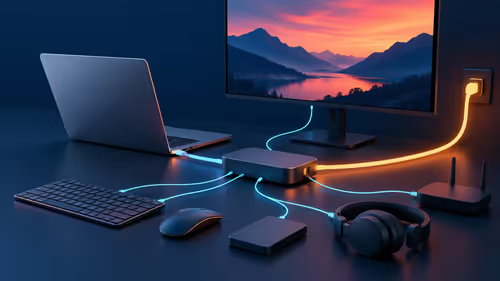
A streaming PC is worth buying for Twitch when the planned games, encoder, camera, microphone and local recording exceed what the current system can handle together. A dedicated second computer is not automatically better. It adds capture, audio routing, power and cable complexity that must earn its place through testing. The choice should follow measured channel requirements.
Run a private end-to-end stream
Use the intended game settings, broadcast output, alerts and overlays. Record average game performance, low-frame behaviour, encoder load, dropped frames, temperature and upload stability. Review the archive on another device and listen for voice balance. Check whether one PC already meets the target before designing a two-system path.
The Palit GeForce RTX 5060 8GB graphics card is factpack-verified at R4,800. The AMD Ryzen 5 9600X processor appears at R3,500. TEAMGROUP VULCAN 32GB DDR5-6000 memory is listed at R1,460. The Logitech Brio 100 webcam appears at R458. Verify encoder support, motherboard compatibility, cooling, power, connections and warranty.
Secure the Twitch account with multifactor authentication and hide personal notifications. Keep scenes and local captures in recoverable storage. Buy the configuration that passes the private test. Add a dedicated streaming PC only when a repeatable single-system bottleneck remains and the creator can manage the extra signal path reliably.
Building a Twitch stream? > Ask Evetech to balance verified graphics, processor, memory and camera hardware around the test.