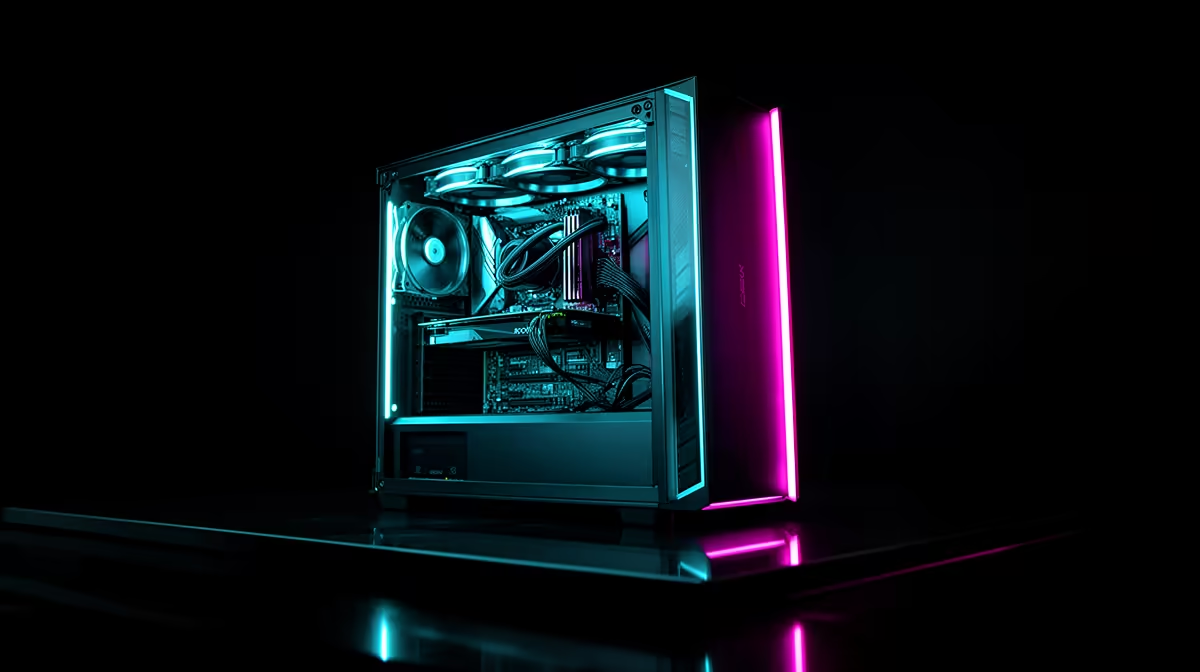
A streaming PC does not solve power dips. Its components may draw more power than a basic computer, which increases the backup requirement. Choose streaming performance from the broadcast workload and choose power protection from measured system draw plus the shutdown or runtime goal.
Measure the complete broadcast load
The verified facts do not contain a confirmed line-interactive UPS model or price for a full streaming computer. Check current Evetech availability for output rating, battery runtime, waveform, sockets, transfer behaviour, warranty and compatibility with the tower, monitor, router and capture equipment. A mini UPS made for network gear cannot power a desktop PC.
Run a private broadcast with the normal game or application, camera, microphone and local capture. Measure total draw at the wall during the busiest section. Decide whether the operator needs enough time for safe shutdown or continued streaming. Size the backup unit from that result and test the shutdown procedure before a live event.
Keep scenes, media and settings backed up, because battery runtime cannot recover a damaged project or failed drive. Use autosave and document the order for ending the stream safely. Buy a stronger computer only when dropped-frame or encoding tests justify it. Treat power continuity as a separate engineering task with its own measured load and recovery plan.
Protecting a streaming setup? > Ask Evetech to compare compatible PCs and current power-protection options.