


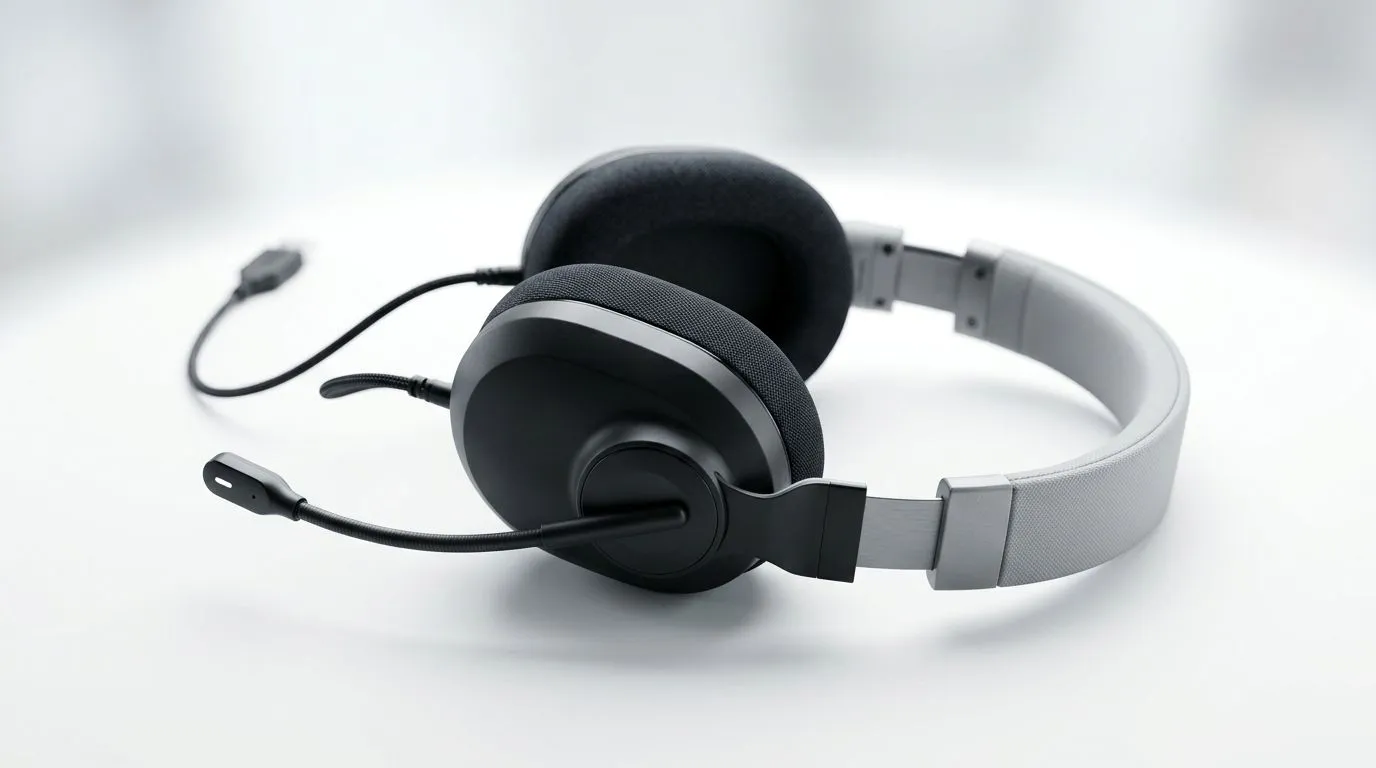
South African gamers know the pain... you join a Discord call, your mic sounds fuzzy, and nobody can tell if you’re calling out enemies or fighting with your headset. The fix is usually simpler than people think. If you want clearer voice chat, better work calls, and fewer “say again?” moments, learning how to set up a USB headset noise-cancelling mic properly is worth a few minutes 🔧
Set Up a USB Headset Noise-Cancelling Mic for Clear Calls
A USB headset is popular for a reason. It keeps setup simple, and many models include a built-in mic tuned to reduce background noise. That helps when your room has a fan going, a keyboard clicking, or a neighbour drilling at the worst possible time.
The trick is not just plugging it in. You need to choose the right input, set levels correctly, and test the mic before an important call. A few small adjustments can make a massive difference.
Start with the right USB connection
Plug the headset directly into your PC or laptop. If possible, avoid a cheap USB hub at first. Direct connections are usually more stable for audio devices.
Windows should detect the headset automatically. If it does not, open Sound settings and check both Output and Input devices. Select the headset for voice input. This matters because some systems default to a laptop mic instead.
If you are shopping around for a better model, have a look at Razer headset options at Evetech. You can compare features and see what suits your setup before spending your rand.
Tune the mic for cleaner voice pickup
Once connected, open your sound control panel or app. Lower the mic sensitivity if it picks up too much room noise. Raise it only if your voice sounds too quiet.
A simple test helps:
- Record a short voice note.
- Listen for hiss, clipping, or muffling.
- Move the mic slightly away from your mouth.
- Test again.
Small changes matter more than most people expect. A mic too close can distort. Too far, and it captures the whole room.
Quick Audio Tip ⚡
Place the mic slightly to the side of your mouth, not directly in front of it. That usually reduces popping sounds and helps the noise-cancelling feature focus on your voice instead of breathing.
Check your software settings too
Discord, Teams, Zoom, and in-game chat apps all have their own audio options. If your headset sounds fine in Windows but bad in Discord, the app may be overriding your system settings.
Look for:
- Automatic gain control
- Noise suppression
- Echo cancellation
- Input sensitivity
Turn one setting at a time on or off, then test again. Too much processing can make your voice sound thin or robotic. The goal is clarity, not over-filtering.
Match the headset to your use case
If you mostly game at night, comfort matters as much as mic quality. If you work from home, you may want a headset that handles both meetings and downtime. A wireless model can be a nice upgrade when you are tired of cable clutter.
For a premium example, check out the Razer Barracuda X Chroma wireless headset in Phantom White. It is a clean-looking option for users who want a polished desk setup and flexible everyday use.
If you prefer browsing by broader headset categories, Evetech also has a headphones and headsets range that makes comparison easier.
Final checks before your next call
Before joining a match or meeting, do one last test:
- Speak normally, not louder than usual
- Check for clipping when you laugh
- Make sure the headset is still selected after a reboot
- Confirm your game or app has not switched to another input
That last point catches people out all the time. Everything looks fine... then the call starts, and the wrong mic is active.
A well-set USB headset noise-cancelling mic can make you sound sharper, calmer, and more professional. In South Africa, where a single device often does double duty for gaming and work, that kind of setup is worth getting right. You do not need studio gear. You just need the right settings, a quick test, and a headset that fits your budget in ZAR.
Ready to Find Your Perfect Match? The Mac vs Windows debate is complex, but for maximum power, choice, and value in South Africa, Windows is hard to beat. Explore our massive range of laptop specials and find the perfect machine to conquer your world.











