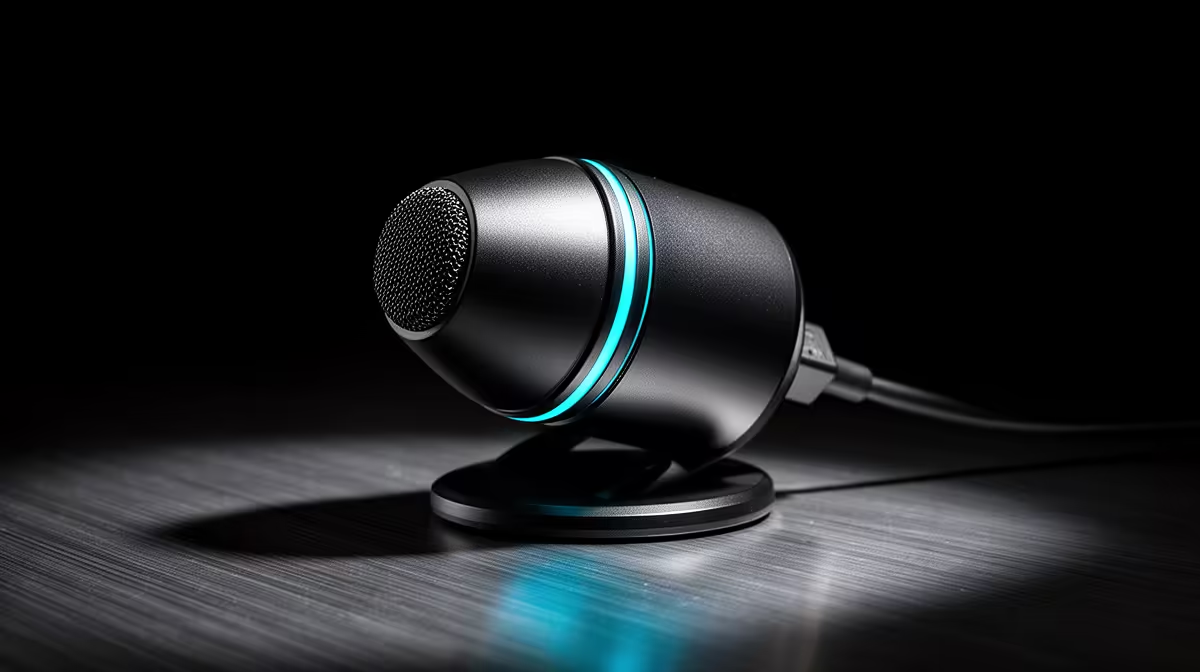
HyperX SoloCast 2 at R690 suits a South African player who wants cleaner voice chat and capture audio for emulation and retro gaming without building a studio setup. A dedicated microphone is worth it when the desk setup is used for Discord, streaming clips, co-op sessions, or recording commentary, because it separates voice quality from headset comfort.
Microphone picks for cleaner game audio
The HyperX SoloCast 2 at R690 is the sensible first pick when the goal is a simple microphone upgrade. Its listed price keeps it close to entry-level accessory territory, which makes sense for a gaming desk where the main spend may already be going into a controller, monitor, or PC parts.
The NearStream AM10X-P USB/XLR at R730 is the more flexible option because USB/XLR support gives it a clearer upgrade path. Use USB for a direct PC connection now, then keep the same mic if the setup later moves toward an audio interface or more permanent creator desk.
The MARVO MIC-07 at R351 is the lowest-cost listed option, so it suits a student desk or shared gaming room where the brief is basic voice clarity without overspending. At R351, it is easier to justify for occasional chat, short clips, or family lounge sessions.
South African Lounge TV Unit Setup
For a lounge TV unit with a small PC, controller charging cable, and speakers nearby, the NearStream AM10X-P USB/XLR at R730 is the neatest long-term pick because USB/XLR lets the mic start simple and later fit a tidier audio chain. Keep the cable route away from controller leads so the mic stays easy to place before a session.
Ready to choose the right microphone?
Use HyperX SoloCast 2 at R690 as the gaming room benchmark, then check whether its listed spec matches the space, workload, and upgrade path.