


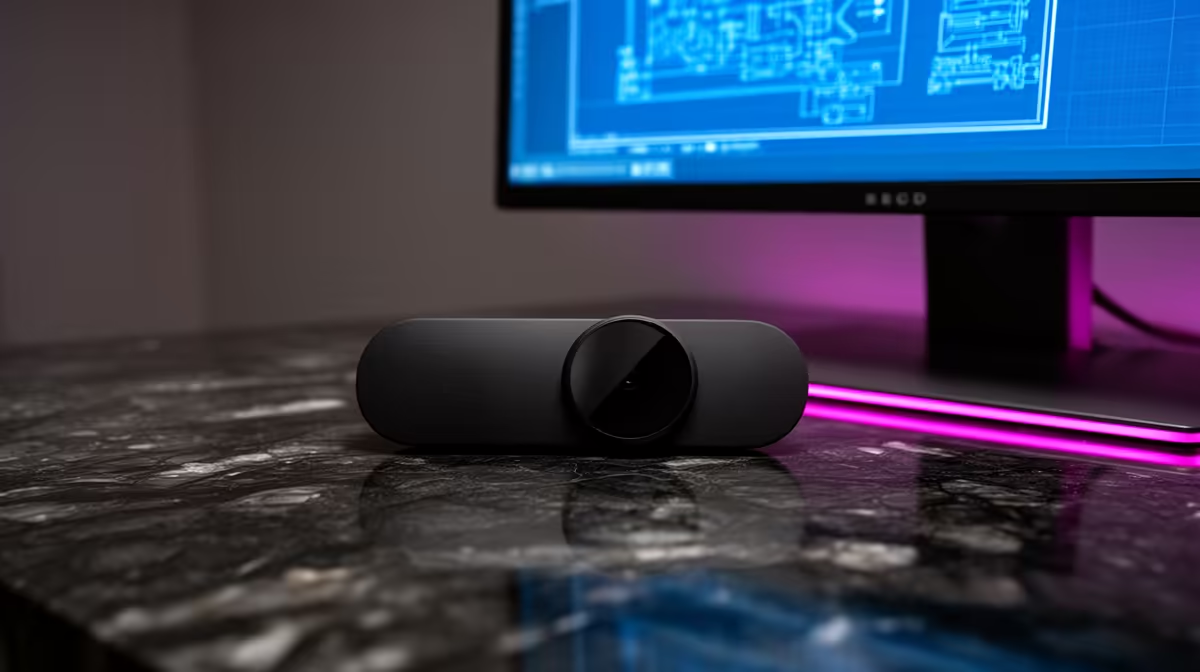
Quick Answer
For CAD and 3D modelling work, the practical pick is a 1080p/30fps webcam such as the Logitech C920 (around R1,400) for clean daytime calls, stepping up to the Razer Kiyo Pro (about R3,500) when you need low-light or 60fps streaming. A 4K cam like the Logitech Brio (~R4,500) only earns its price if you crop heavily or record presentations.
What resolution and frame rate actually buy you
A 1080p sensor at 30fps is enough for Discord, Teams and Google Meet. Jump to 60fps (Kiyo Pro) only if you stream live gameplay, where smoother facecam motion reads better on Twitch. 4K (Brio) is wasted on calls that downscale to 720p anyway, but it helps if you crop a tight head-and-shoulders frame from a wider shot.
Low light, privacy and mounting in real rooms
Most webcam complaints are lighting, not the sensor. A window behind you backlights any camera; sit facing the light instead. The Kiyo Pro's larger sensor and the Brio's HDR handle dim res rooms best. For privacy, choose a model with a physical shutter or add a clip-on cover, and angle it tightly so housemates are not pulled into frame.
The SA buyer reality check
Fibre from Vumatel and Openserve, plus Rain and MTN 5G, is now widely available in SA metros, so online setups are more about your local line than your suburb. Prices here track the rand, so wait for an Evetech special if the budget is tight rather than overspending now. At Wits, UCT, Stellenbosch and UP, residence desks are small, so size and clutter matter more than raw specs.
FAQ
Is the Logitech C920 still worth buying?
Yes. At roughly R1,400 it remains the best-value 1080p webcam for calls and light streaming. You only outgrow it if you need 60fps or strong low-light performance.
Do I need OBS for a webcam?
Not for calls. OBS Studio is free and only needed if you stream or record with overlays. For Teams, Zoom and Discord the webcam works straight out of the box on Windows 11.
Does a 4K webcam need a fast PC?
It can. 4K/30 encoding leans on the CPU; on older laptops set it to 1080p. A modern Ryzen or Core i5 handles 4K capture comfortably.
test call from your actual seat with your normal room lights on, then set the webcam to 1080p before reaching for 4K.











