Quick Answer
In cheap docking stations used for OBS recording, the first thing to fail is the USB controller overheating, which causes audio dropouts and a fallback to USB 2.0 mid-record. A reliable OBS-grade dock costs around R1,500-R3,000 at Evetech; R500 docks are the ones that fail.
What fails first and why
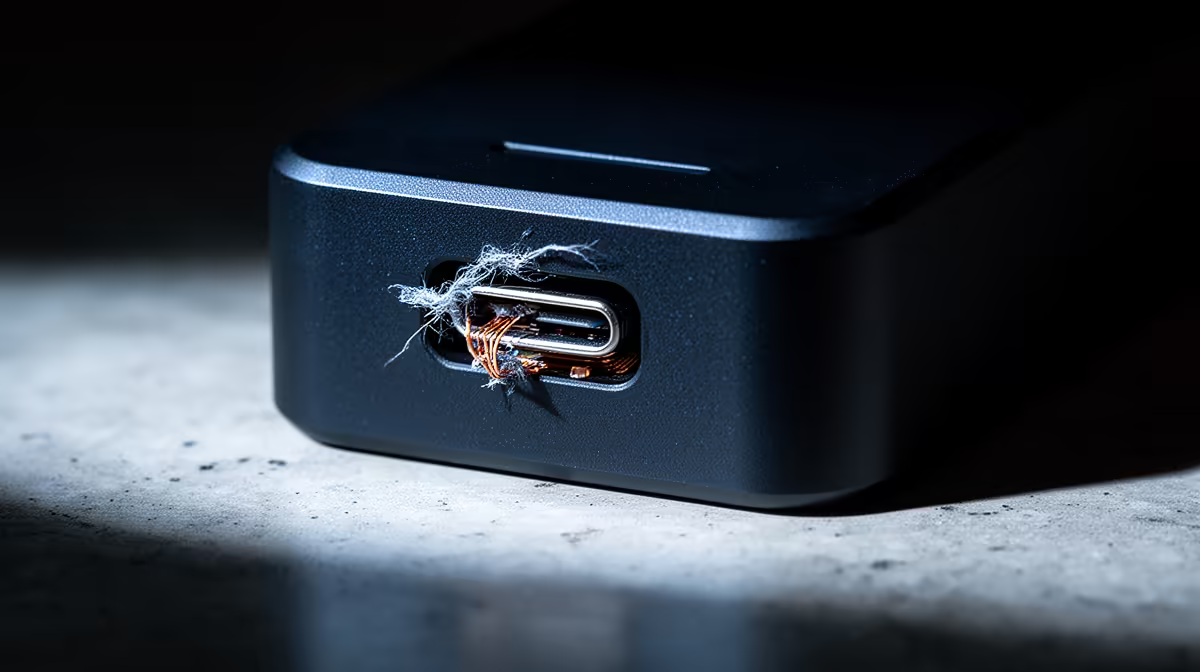
Budget docks share a single weak USB controller chip that overheats after 20-30 minutes of streaming a camera, capture card, and mic at once. When it throttles, the mic drops to low-quality 16-bit mono and frames stutter. The second failure point is a flimsy power-delivery circuit that cannot keep a laptop charged under load, causing the laptop to discharge mid-session. Loose USB-C connectors are the third, intermittently dropping devices.
How to avoid the failure
Choose a dock built on USB 3.2 or Thunderbolt with a proper heatsink, rated for 85W power delivery, around R1,500-R3,000. That tier sustains a long OBS session without the controller cooking or the mic dropping out.
SA buyer notes
Buy locally for warranty so a faulty dock is easy to replace. Test a new dock with a full-length recording before relying on it for important streams.
FAQ
Why do cheap docks fail during OBS?
Their single USB controller overheats under the load of a camera, capture card, and mic, throttling and dropping the mic to low quality while frames stutter.
What dock survives long OBS sessions?
A USB 3.2 or Thunderbolt dock with a heatsink and 85W power delivery, around R1,500-R3,000. It sustains the load without the controller overheating.
How do I test a dock for OBS reliability?
Run a full-length recording with your full device chain connected; if audio drops or devices disconnect after 20-30 minutes, the dock is overheating.
a dock for important streams, run a 45-minute test recording with your camera, capture card, and mic connected; dropouts after 20-30 minutes mean the controller is overheating.