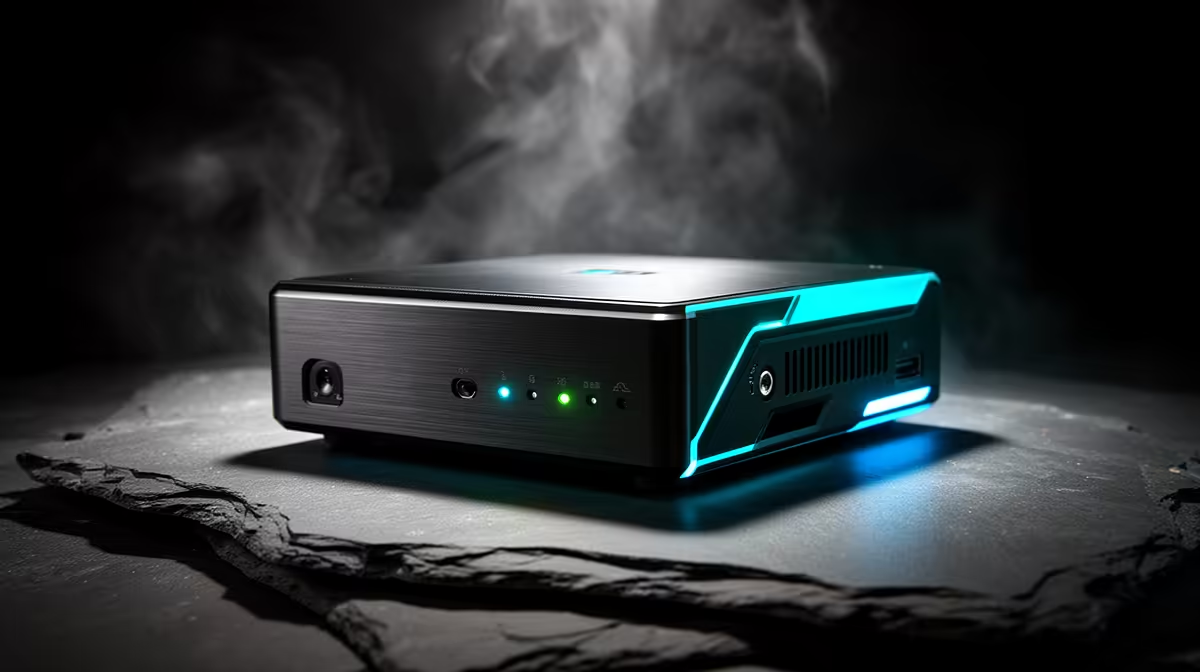
In cheap mini PCs used for robotics, the parts that break first are the USB controller and the storage, both stressed by constant plugging of boards and by Linux logging. Knowing this lets you protect the rig before it fails mid-project.
Quick Answer
The USB ports and the boot SSD fail first in cheap mini PCs used for robotics, usually from repeated board connections and constant ROS logging. A mini PC with a quality USB controller and a 1TB TLC NVMe (around R11,000 at Evetech) lasts far longer than a R6,000 unit.
Why Robotics Wears These Parts
Flashing microcontrollers and reconnecting serial adapters dozens of times a day stresses cheap USB ports, which can loosen or drop devices. ROS and Gazebo write logs and rosbag recordings constantly, wearing a DRAM-less QLC boot drive within a year. Marginal cooling under long colcon builds adds heat stress. Single-channel RAM then bottlenecks simulation once your project grows.
How To Make It Last
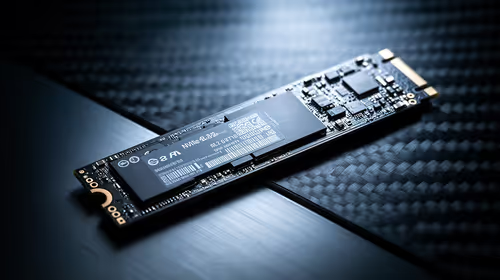
Choose a mini PC with a robust USB controller and four-plus ports so connections stay solid, a TLC NVMe of 1TB for log and rosbag endurance, and 32GB RAM via two slots for Gazebo headroom. Around R11,000 buys a unit that survives years of robotics work. Store rosbag recordings on an external SSD to spare the internal drive, and keep the vents clean for long builds.
FAQ
What fails first in a cheap robotics mini PC?
The USB ports and the boot SSD. Constant board reconnections wear cheap USB controllers, and nonstop ROS logging wears a QLC boot drive, often within a year of active use.
How do I protect the SSD in a robotics mini PC?
Store rosbag recordings and large logs on an external SSD, and choose a unit with a TLC internal drive. Splitting the write load spares the boot drive the constant logging that kills cheap QLC.
Does robotics work need a lot of RAM?
Enough for Gazebo: 32GB is comfortable, and two RAM slots let you upgrade later. Simulation and large workspace compiles are where a cheap single-channel 16GB unit starts to struggle.
to an external SSD, not the internal drive. ROS logging is relentless, and keeping it off the boot drive is the easiest way to stop a cheap mini PC's SSD wearing out early.