Quick Answer
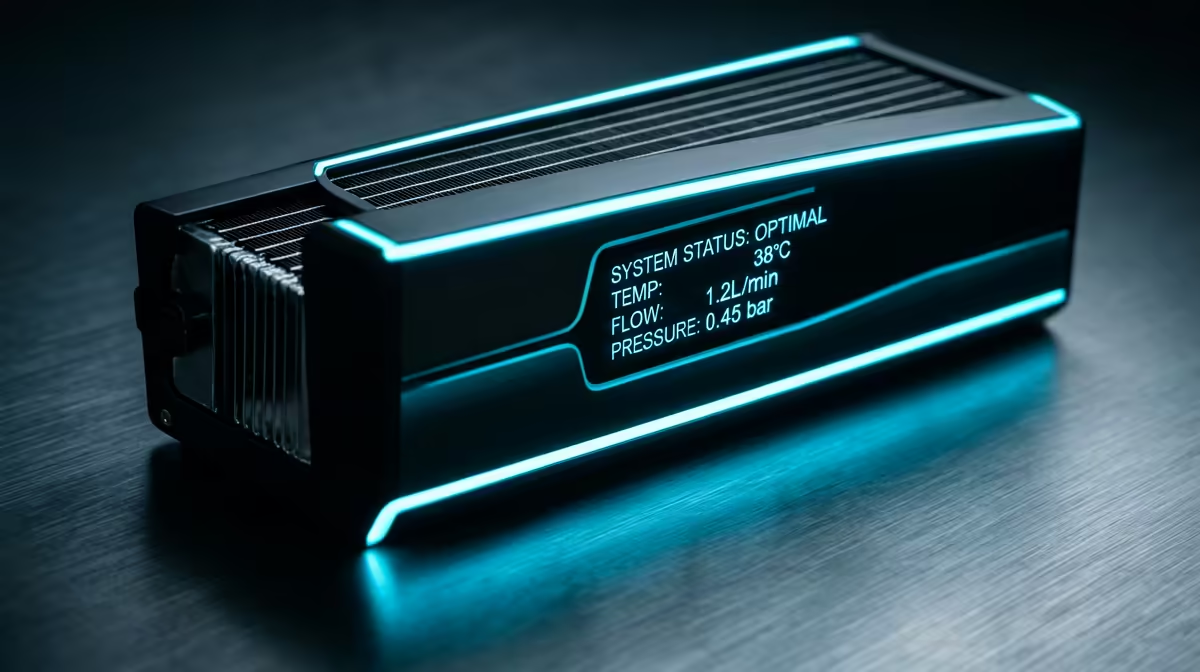
An illuminated system status meter on an AIO liquid cooler is a display unit built into the pump head that shows live system data including CPU temperature, coolant temperature, fan speed, CPU load, and in some models, custom images or alerts. It functions as a real-time monitoring panel without requiring open software on your desktop.
What Data the Meter Displays 📊
Depending on the AIO model and firmware, the illuminated system status meter can display a range of hardware readings simultaneously or cycle between them. CPU temperature is the most commonly shown metric, displayed in degrees Celsius directly on the pump head LCD screen. Coolant temperature, which is the temperature of the liquid circulating through the loop, is a secondary metric that reveals long-term thermal trends rather than instant spikes. Fan RPM values for the radiator fans tell you whether your cooling solution is working within its intended operating range.
How the Status Meter Connects to Your System 🔌
The illuminated display connects to the motherboard through an internal USB 2.0 header using a standard micro-USB or proprietary connector cable. This connection allows the pump head's onboard microcontroller to poll system sensor data from the motherboard and CPU at regular intervals, typically every one to two seconds. A secondary SATA or PCIe connector may be required on some models to power the display's backlighting independently of the USB header's power budget. Once connected, the display initialises automatically during POST and begins showing data within seconds of the system booting.
Practical Monitoring Benefits for SA Builders 🖥️
For South African PC builders running year-round in varying ambient temperatures, the system status meter provides a practical monitoring reference without needing to alt-tab out of a game or open HWiNFO64 on a second monitor. During a summer gaming session in a warm Gauteng gaming room, a quick glance at the pump head showing 82 degrees Celsius CPU temperature and 38 degrees Celsius coolant temperature tells you immediately whether the system is within comfortable operating parameters without interrupting gameplay.
Configure a Temperature Colour Alert Before Summer ⚡
In your cooler's software, set the pump head LED ring or display background to shift colour when CPU temperature exceeds 85 degrees Celsius. This gives an immediate visible alert during warm SA summer gaming sessions without requiring a monitoring application to be open. Configure this before temperatures become a concern, not after an unexpected thermal event.
FAQ
Does an illuminated system status meter require a specific operating system?
The display shows basic temperature and fan data from the pump's onboard sensor without any operating system driver or software, using data available directly from the hardware. Full software control, including custom displays and colour profiles, requires the manufacturer's Windows application. Linux users can display basic metrics but typically lack access to the full software feature set.
Can the display be used without connecting the USB cable to the motherboard?
No. Without the USB connection, the pump head cannot access CPU temperature or utilisation data from the motherboard. The display will either show nothing, display a startup logo, or show only pump-internal coolant temperature if the unit has an onboard coolant sensor independent of the USB data feed.
Does running the display affect system power consumption?
Yes, but minimally. An LCD pump head display draws approximately 1 to 3 watts via the USB header, which is negligible in the context of a gaming PC drawing 300 to 600W at full load. There is no perceptible impact on system power consumption or performance from running the display continuously.
Want an AIO cooler with a built-in system status display?
Explore the AIO liquid cooler range at Evetech to find pump head display models that give you real-time monitoring at a glance.