



How to Fix FPS Drops on an RTX 5090 Build
FPS drops on an RTX 5090 build often have a fixable cause. Check settings, drivers, thermals, background tasks, network conditions, and bottlenecks before assuming a part must be replaced.
Read moreWhat Happens When Power Goes Out While Gaming. Systematic diagnosis process, recovery options & when to seek professional data recovery in SA.
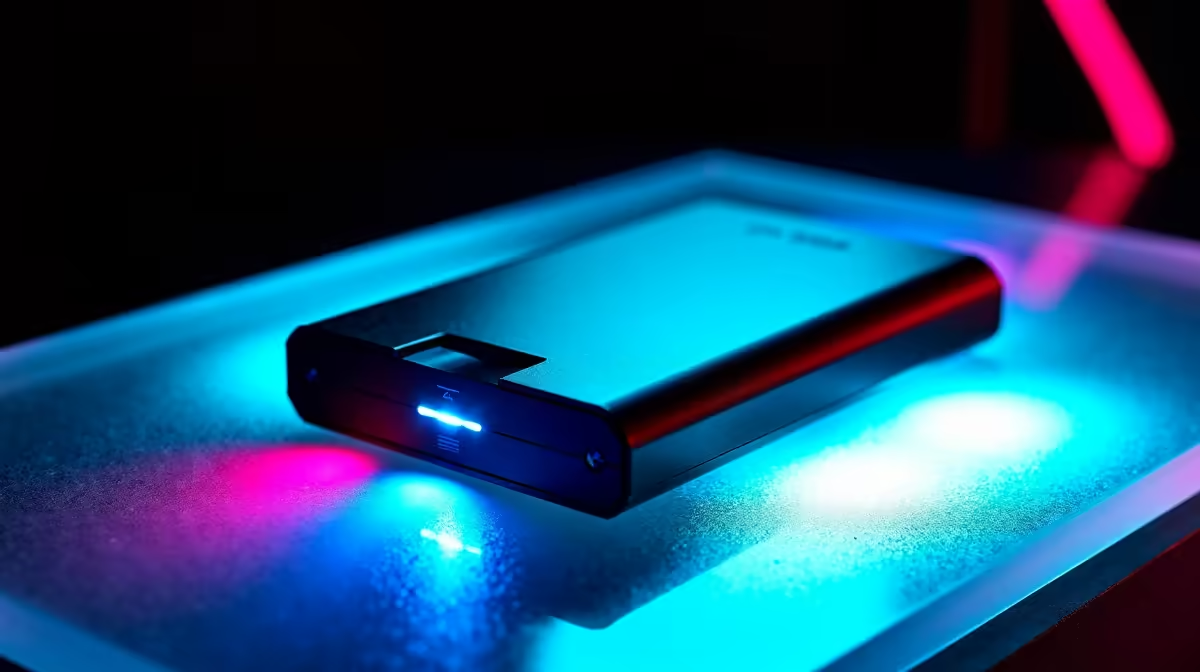
When power goes out during gaming, the most immediate risks are unsaved game progress loss and potential data corruption on storage drives that were actively writing. SSDs are generally more resilient than HDDs, but neither is fully immune to sudden power loss without protection.
For South African gamers, power interruptions remain a real concern - even as infrastructure has improved, unexpected outages from storms, load events, or faults still occur. Understanding what actually happens to your system and data when power cuts out mid-game is the first step to protecting yourself.
When power fails instantly - no graceful shutdown - your PC loses all data that was in RAM and in transit to storage. For gaming, this manifests in two ways: unsaved progress loss and potential save file corruption.
Unsaved progress is the obvious loss. Any game progress since your last save checkpoint is gone. This is painful in open-world titles with long intervals between autosaves, or in multiplayer sessions where mid-match data isn''t written until session end. Games with frequent autosave intervals - every few minutes - minimize this exposure, while older titles with manual save only are far more vulnerable.
Save file corruption is the more serious risk. If a power cut occurs precisely while a game is writing to your save file, the partial write can corrupt the file, potentially making it unreadable. Some games write to a temporary file first and then rename it atomically - a safer pattern. Others write directly, making mid-write interruption a real corruption risk. Understanding which games use which pattern requires either testing or community knowledge.
SSDs and HDDs respond differently to sudden power loss. Traditional HDDs with spinning platters were vulnerable to read/write head crashes if power cut during active operation - modern drives have improved parking mechanisms, but the risk isn''t zero. More practically, HDDs writing large game files at the moment of power loss have a higher chance of data corruption due to the mechanical nature of the write process.
NVMe SSDs include power loss protection (PLP) on enterprise models, but most consumer gaming SSDs do not. Despite this, consumer NVMe drives are generally more resilient to sudden power loss than HDDs in practice - flash memory retains written data without power, and modern SSDs use journaling and wear-leveling logic that limits corruption scope. SATA SSDs similarly benefit from flash''s inherent non-volatility.
Neither consumer storage type is designed to guarantee data integrity through sudden power loss. Enterprise-grade SSDs with hardware PLP capacitors are, but they''re not typically found in gaming systems.
The most effective protection for South African gamers is an Uninterruptible Power Supply (UPS). A UPS with appropriate capacity for your gaming PC gives you several minutes of runtime after grid power fails - enough to save your game and shut down cleanly. For desktop gaming systems, a UPS is the single most impactful investment for power-loss data protection.
Beyond UPS, game cloud saves provide a backstop against local save corruption. Most major gaming platforms offer automatic cloud sync - ensure it''s enabled. If a local save is corrupted after a power event, a recent cloud save is the recovery path.
For critical game data on games without cloud saves, manual backup to a secondary drive or cloud storage at session end is simple insurance. A brief routine of copying your save folder takes seconds and eliminates the risk entirely.
Q: Can a power cut damage my GPU or CPU? A: Modern GPUs and CPUs are designed to handle sudden power loss without damage in most cases. The components most at risk are storage drives with active write operations. That said, repeated sudden power cycles can stress PSU capacitors over time - a UPS protects the entire system.
Q: Does sleep mode protect my game data during a power cut? A: Sleep mode saves system state to RAM and keeps drives in low-power mode. If power fails during sleep, the RAM contents (including your game state) are lost - the same as a full power cut. Hibernate writes system state to the drive and is more resilient, but most games don''t support resuming from hibernate seamlessly.
Q: How big a UPS do I need for a gaming PC in South Africa? A: Calculate your system''s peak power draw (GPU + CPU + other components) and choose a UPS with at least 1.5x that capacity in VA rating. For a mid-to-high range gaming PC, a 1500VA-2000VA UPS provides several minutes of runtime for a clean shutdown.
Ready to Find Your Perfect Match? Shop gaming PC deals at Evetech - South Africa''s leading gaming and tech retailer.
What Happens When Power Goes Out While G available at Evetech.co.za with local warranty and fast delivery.
What Happens When Power Goes Out While G - check Evetech for latest stock and SA pricing.
Depends on your use case. What Happens When Power Goes O offers good value at current Rand pricing.
FPS drops on an RTX 5090 build often have a fixable cause. Check settings, drivers, thermals, background tasks, network conditions, and bottlenecks before assuming a part must be replaced.
Read more
How to fix low FPS on 240Hz monitor starts with refresh rate, GPU load, and game caps. In South Africa, also check power mode, thermals, and display cable quality before assuming your PC cannot keep up.
Read more
31.5-inch 4K OLED gives SA gamers sharp work space and rich contrast for play. It suits buyers who want one high-end display for study, streaming, or editing by day, then immersive gaming after hours. Check desk depth and panel care first.
Read more
All-in-One PCs are niche in SA because they package the display and desktop into one tidy unit. That helps with space and setup, but SA buyers should weigh repair access, upgrade limits, monitor choice, and gaming expectations.
Read more
All-in-One PCs are niche in SA because the neat design comes with upgrade, repair, and performance trade-offs. They appeal to tidy desks and shared spaces, but buyers often compare them against laptops, towers, and separate monitors.
Read more
ARGB Cases In Mid-Tier SA Builds can change budget, compatibility or upgrade plans. SA PC builders should compare fit, warranty, platform needs and real workload value before committing.
Read more
Pre-Black Friday AIO cooler needs practical checks before buyers act. Build the shortlist around specs, warranty, fit, and real discount checks before campaign prices or ranges change. Keep it guide-safe for South African readers.

Used parts can lower the build cost, while buying new gives the SA warranty angle named in the title.

Choosing the right USB-C hub is essential for a clean, efficient desk setup. 🖥️ Discover exactly how many ports you need to replace your bulky desktop docking station without sacrificing performance or connectivity. ⚡

Black Friday Gaming PC Wait can help if your PC need is flexible. On a R5,000 SA budget, compare deal risk, component balance, warranty, and timing before waiting.

A recovery drive and system restore points turn a failed driver or BIOS update on a gaming pc from a full reinstall into a five-minute fix. Setting both up takes about 15 minutes, and Evetech recommends doing it the week you unbox a new build, before tweaking drivers.

RTX 5090 with a 1000W PSU is a strong compatibility target for high-end builds. SA buyers should still match the exact PSU quality, connector support, CPU choice, case airflow, and upgrade needs to the final system.

RTX 5090 on a 1000W PSU offers the best headroom in this PSU tier set. SA builders can plan more confidently for top-tier CPUs, cooling, and cautious OC, while still checking cable support and total system load.

A 550W PSU is a risky fit for an RTX 5080 Super system in SA unless guidance and demand support it. Check CPU draw, cabling, PSU age, cooling, and upgrade margin before deciding whether the setup is safe enough.
FPS drops on an RTX 5090 build often have a fixable cause. Check settings, drivers, thermals, background tasks, network conditions, and bottlenecks before assuming a part must be replaced.

The real world difference between PCIe 5.0 and PCIe 4.0 in competitive esports is rarely raw FPS. SA esports players should compare GPU lane needs, CPU limits, latency goals, and NVMe loading before upgrading.
How to fix low FPS on 240Hz monitor starts with refresh rate, GPU load, and game caps. In South Africa, also check power mode, thermals, and display cable quality before assuming your PC cannot keep up.

PCIe 5.0 vs PCIe 4.0 for aAA single-player gaming buyers - what changes is mostly about compatibility, budget, upgrade path, and setup fit. SA buyers should check device support and real needs before expecting a clear win from either option.