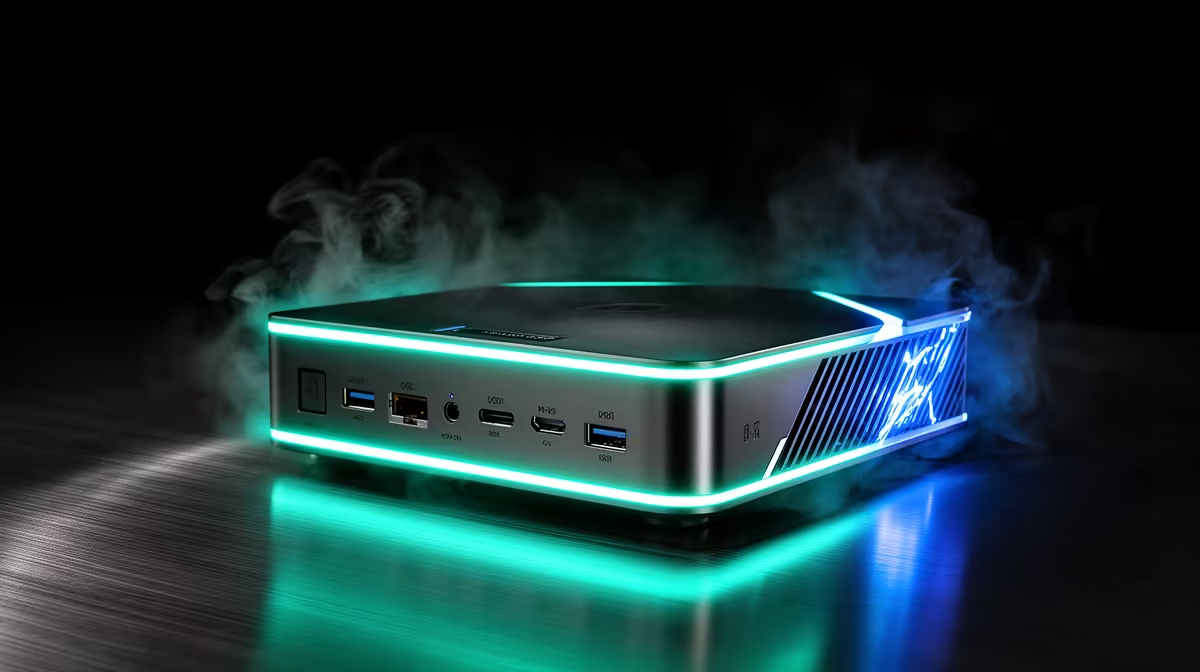
2.5GbE stands for 2.5 Gigabit Ethernet, and on the new wave of mini PCs it is quietly replacing the old Gigabit port. It delivers 2.5 times the throughput of standard Gigabit while running over the same Cat5e cabling already in most homes and offices. That backwards compatibility is the clever part: no rewiring, just faster networking on hardware that already fits in your palm.
Quick Answer
2.5GbE is 2.5 Gigabit Ethernet, offering 2.5x the speed of regular Gigabit over existing Cat5e cables. On mini PCs it often appears as dual or quad LAN ports, and multi-port units can even run as software routers without buying separate networking hardware.
What 2.5GbE Actually Gives You
Standard Gigabit caps out around 125 megabytes per second in practice. 2.5GbE lifts that ceiling to roughly 312 megabytes per second, so large file transfers across your network finish in well under half the time. For anyone moving big video files, backups, or game libraries between machines, that jump is immediately noticeable.
The key advantage is that it does not demand new cabling. Cat5e, the cable already run through most South African homes and offices, carries 2.5GbE over normal distances. You upgrade the speed without touching the walls.
Why Mini PCs Lead The Way
Mini PCs have embraced 2.5GbE faster than most desktops, often shipping with two or even four 2.5GbE ports. That is no accident. These compact machines are popular as home servers, network-attached storage hosts, and home-lab nodes, where networking speed matters as much as compute.
Multiple 2.5GbE ports turn a mini PC into something more than a tiny desktop. With the right software, a dual or quad LAN unit becomes a capable router or firewall, handling your whole network without a separate appliance. For a home lab or a small business setup, that consolidation saves both space and money.
Who Actually Benefits
If you only browse and stream, your fibre line is the bottleneck, not your LAN port, and 2.5GbE will not change your experience. The people who gain are those moving data between devices on the local network: editors shifting footage to a NAS, anyone running backups across machines, or hobbyists building a home server.
Worth checking before you buy: 2.5GbE only helps end to end. Your switch, the other device, and the cable all need to support the speed, or the connection drops back to Gigabit. A single 2.5GbE port talking to a Gigabit switch runs at Gigabit. For mini PCs built with this networking in mind, the mini PC range at Evetech lists the LAN configurations clearly. To see which compact machines local buyers favour, the pc best sellers give a quick shortlist.
Frequently Asked Questions
Do I need new cables for 2.5GbE?
No. 2.5GbE runs over existing Cat5e cabling at normal household and office distances. You only need a 2.5GbE port on both devices and a switch that supports the speed.
Will 2.5GbE make my internet faster?
Only if your internet plan exceeds Gigabit speeds, which is rare. 2.5GbE mainly speeds up transfers between devices on your own local network, not your connection to the outside world.
Why do mini PCs often have multiple 2.5GbE ports?
Because they are popular as home servers, NAS units, and routers. Multiple high-speed LAN ports let a single mini PC handle networking duties that would otherwise need separate hardware.
Can a mini PC really replace a router?
Yes. A multi-port 2.5GbE mini PC running router or firewall software can serve as your network's router, consolidating hardware. This is a common home-lab and small-business setup.
Want faster local networking from a machine that fits on a shelf? Browse the mini PC range at Evetech and pick a 2.5GbE model matched to your home server or home-lab plans.